

OneTrust Cookie Consent in 2026: 7 Live Checks Before You Trust the Banner
If you are reviewing onetrust cookie consent on October 3, 2026, the useful question is not whether the banner looks polished in a staging screenshot.
It is whether the live site actually blocks, updates, republishes, and records consent the way the interface suggests.
That is still the real job. OneTrust’s current documentation now bakes more operational detail into the setup itself, while the ICO’s final storage-and-access technologies guidance from April 29, 2026 makes clear that the rules reach beyond classic cookies to pixels, fingerprinting, and scripts. OneTrust’s own Google Tag Gateway guidance adds a line many teams should treat as a release gate for opt-in regions: the banner must present an “equally prominent way to decline data collection.” The ICO uses plainer language. William Malcolm says people should have “meaningful control” over how their data is used.
That combination is a better frame than most CMP demos. onetrust cookie consent is not mainly a banner design project. It is a live controls project.
If you want adjacent context first, start with our guides to OneTrust cookie consent with Google Tag Manager, consent mode in 2026, and website privacy checker. This article is narrower. It is the live review I would run before trusting a OneTrust setup this week.

1. Check the reject path on the first layer, not just inside preferences
This is the fastest credibility test for onetrust cookie consent in opt-in regions.
OneTrust’s current Google Tag Gateway guidance says that, effective March 2026, an opt-in banner should show an equally prominent way to decline data collection. That lines up with the broader enforcement trend regulators have been pushing for years, but the operational value here is simple: you can test it in seconds.
On desktop and mobile, ask:
- can a user reject on the first layer where prior consent is required;
- does the reject control look real rather than hidden as secondary text;
- does the site behave differently after rejection.
If the first-layer decline path is absent or cosmetic, the rest of the OneTrust configuration deserves suspicion too.
2. Verify your defaults before the banner updates anything
Many teams still treat onetrust cookie consent as if the visitor’s first click is the starting point.
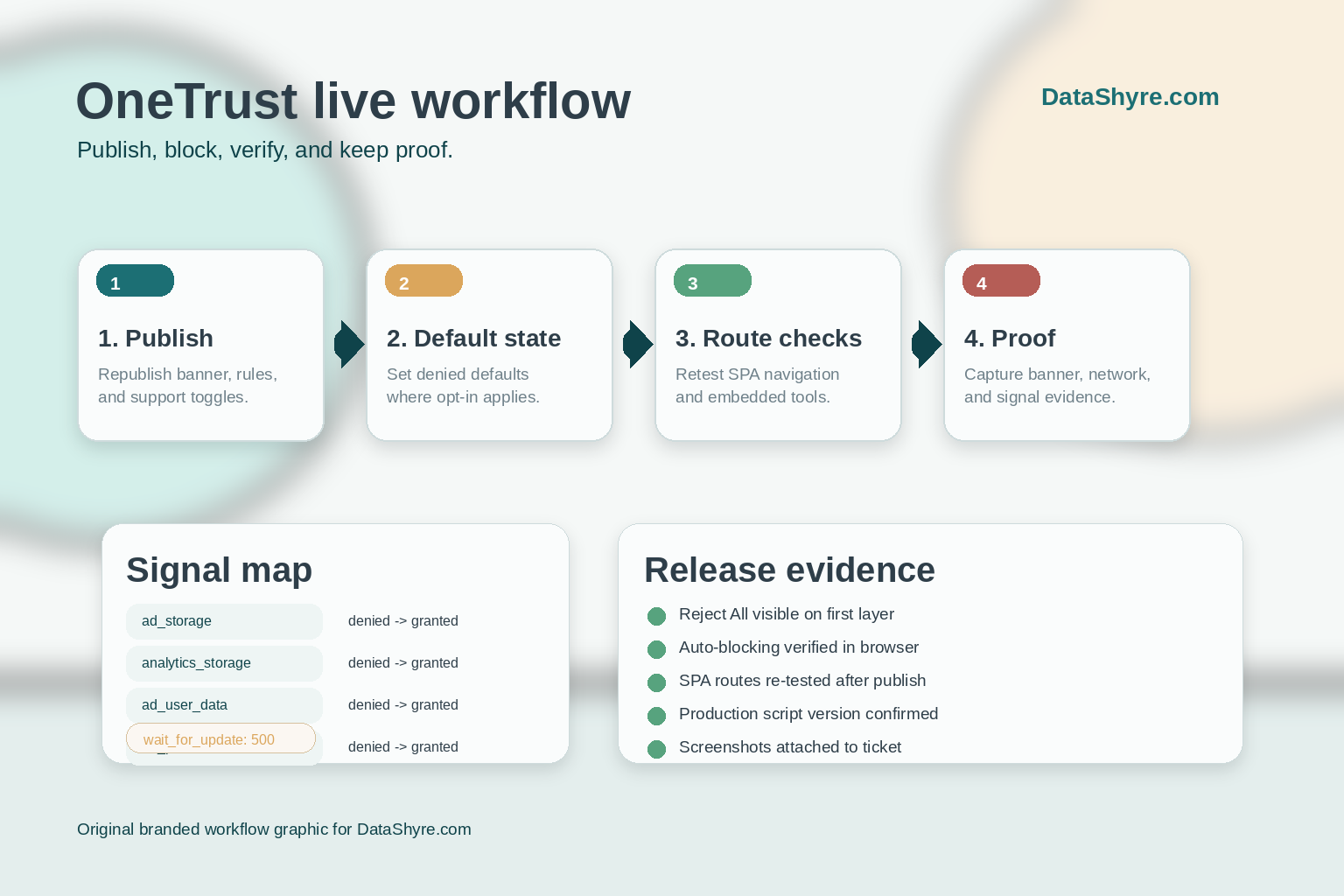
It is not. Google’s current consent documentation still expects consent defaults to be set before tags depend on them, and its website setup guide continues to document ad_storage, analytics_storage, ad_user_data, and ad_personalization as the key signals to manage. OneTrust’s current Tag Gateway guidance is even more explicit for Google-heavy stacks: set consent defaults to denied where the legal basis requires it and include wait_for_update: 500 so Google tags do not race ahead of the OneTrust state update.
That means your live review should check:
- what the default consent state is before interaction;
- whether region rules override those defaults correctly;
- whether Google tags receive the update after the user’s choice.
If your defaults are sloppy, the banner text cannot rescue the implementation.
3. Republish after real changes, and prove production received them
This remains one of the most boring ways to fail.
OneTrust’s current publish API still exposes deployment-level settings such as auto-blocking, auto-refresh, and SPA support. That matters because CMP behavior is not only an admin-screen configuration problem. It is also a publication problem. A template tweak, geolocation change, or support toggle does not help much if production is still serving the previous script state.
For a practical onetrust cookie consent check, confirm:
- the change was actually published to the right script type;
- the production site is loading the expected script behavior;
- the post-change banner behavior matches the release notes or ticket.
I would treat republishing as a deployment step, not a clerical step.
4. Test auto-blocking as evidence, not as a promise
Auto-blocking is useful, but it is still not magic.
OneTrust’s publish documentation continues to expose autoblockEnabled, and its platform materials still position automatic blocking as a way to stop tracking technologies based on consent state. That is helpful. It is not the same thing as proof that every tag, pixel, embed, and late-loading script on your property is actually under control.
This is where a live browser review matters more than a dashboard:
- test first load before any choice;
- test explicit reject;
- test explicit accept with selected categories;
- compare network requests, cookie writes, and tag behavior.
The practical goal is not to admire the feature. It is to catch the scripts that escape it.
5. Run a separate SPA check if your site does not fully reload pages
This is where modern front ends quietly break onetrust cookie consent.
OneTrust’s current SPA documentation says you need to enable Single Page Application Support in the publish pane, and its JavaScript API still documents OneTrust.LoadBanner() for loading the banner when the relevant state is cleared. If your site uses React, Next.js, client-side routing, embedded scheduling tools, or other persistent shells, you should not assume a homepage pass means much.
My minimum test:
- load the banner on a clean visit;
- navigate across client-side routes;
- confirm preferences and banner state still behave correctly;
- verify route changes and embeds do not bypass the intended consent logic.
SPA bugs create some of the most misleading “it worked on the homepage” outcomes in privacy reviews.
6. If you use Google, confirm the signal mapping and publisher edge cases
This is where onetrust cookie consent stops being only a CMP question and becomes an ad-tech question.
Google’s current consent-mode guidance still documents the additional consent fields ad_user_data and ad_personalization alongside ad_storage and analytics_storage. And Google’s current publisher guidance still says that serving ads in the EEA, the UK, and Switzerland can require a Google-certified TCF CMP path for relevant publisher products, with fallback behavior and revenue consequences if the expected setup is missing.
So if your stack uses Google tags or Google publisher products, test:
- whether your OneTrust categories map cleanly to Google’s consent fields;
- whether the defaults are denied where they should be;
- whether updates fire after user action;
- whether publisher-specific requirements are satisfied where they apply.
A banner can look perfect while the signal model is still wrong.
7. Keep proof that the live setup still works after the next release
The strongest onetrust cookie consent setup is not the one with the nicest template.
It is the one that can still prove, after the next content release or marketing tag change, that the reject path works, defaults are correct, scripts were republished, SPA behavior still holds, and downstream tags still honor the user’s choice.
For a practical audit trail, I would keep:
- screenshots of the first layer and preference center on desktop and mobile;
- a short record of default-state and reject-state tests;
- notes on which vendor requests or cookies were observed before and after the choice;
- confirmation of the publish event tied to the change;
- any Google signal checks relevant to the stack.
That record is usually more useful than another internal slide about CMP readiness.
Bottom line
The best onetrust cookie consent implementation in 2026 is not the one with the prettiest banner.
It is the one that gives users a real first-layer decline path where required, starts from the right defaults, republishes changes reliably, survives SPA routing, passes Google signal checks, and leaves behind proof that the live property behaved correctly.
If your team can still demonstrate those seven checks on the live site today, your OneTrust setup is much closer to the real standard than a banner that only looks convincing in a design review.
Sources
- OneTrust: Cookie Consent Integration with Google Tag Gateway for Advertisers
- OneTrust: Publish Script to Website
- OneTrust: Single Page Applications
- OneTrust: Web CMP JavaScript Methods
- Google for Developers: Consent mode overview
- Google for Developers: Set up consent mode on websites
- Google AdSense Help: Google consent management requirements for serving ads in the EEA, the UK and Switzerland
- ICO: Final storage and access technologies guidance published
- ICO: Guidance on the use of storage and access technologies
—
Published: October 3, 2026. Updated using current live OneTrust, Google, and ICO materials available at publication time.