

Website Privacy Checker: 7 Live Checks Before You Trust the Scan in 2026
If you are evaluating a website privacy checker on October 2, 2026, the useful question is not whether the tool gives you a clean dashboard.
It is whether the scan helps you catch the parts of privacy compliance that still break on real pages: early tracking, weak refusal paths, stale disclosures, and California opt-out signals that do not travel far enough.
That is the right frame in 2026. The European Commission still says valid consent must be freely given, informed, specific, and based on a clear affirmative act, with refusal or withdrawal possible without disadvantage. The ICO’s finalized April 29, 2026 storage-and-access-technologies guidance also makes clear the review is broader than old cookie-only checklists and reaches cookies, tracking pixels, device fingerprinting, and similar technologies. California keeps the pressure on from a different angle: the Attorney General’s current CCPA guidance still says consumers can opt out of sale or sharing, including through the Global Privacy Control, and California privacy disclosures still need to be easy to find.
If you want nearby context first, start with our guides to GDPR cookie consent requirements, California consumer privacy, and GDPR compliant privacy notice. A good scan should support all three conversations, not only banner design.
What a website privacy checker can prove, and what it cannot
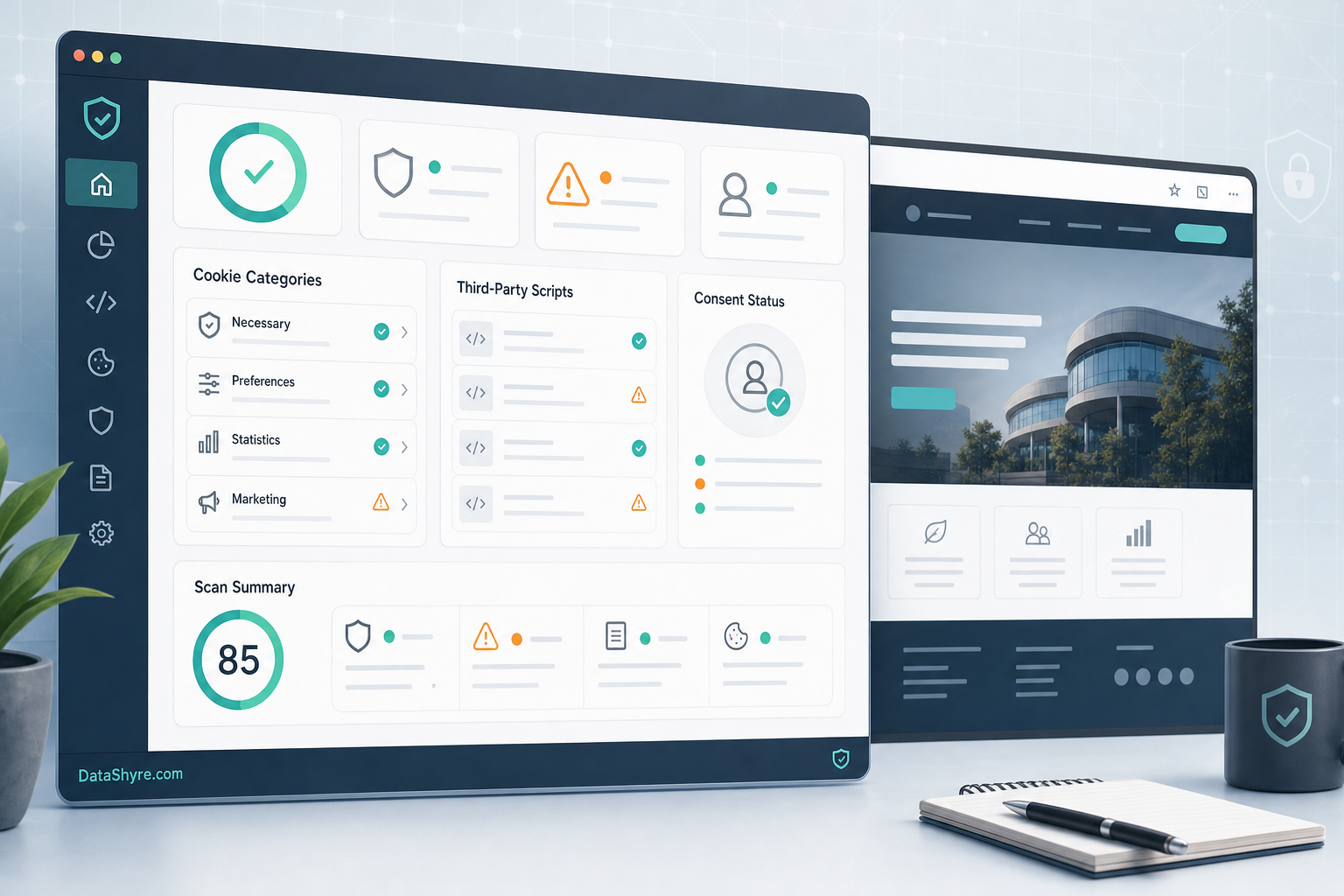
A strong checker can help you find technologies, compare page states, and document what changed between releases.
It usually cannot, by itself, prove that every disclosure is legally complete, that every downstream recipient is under the right contract, or that server-side data sharing stops exactly where your notice says it stops.
That is why the best use of a website privacy checker is not as a magic compliance score. It is as a disciplined audit layer inside a broader privacy review.
1. Audit technologies that go beyond classic cookies
The first weak scan is the one that only counts browser cookies.
The ICO’s current storage-and-access-technologies guidance is explicit that the rules can reach cookies, tracking pixels, device fingerprinting, scripts, and similar technologies. So a useful checker should help you inspect more than document.cookie.
At minimum, I want to know:
- what cookies appear before any choice;
- what requests and scripts load before any choice;
- what local storage or similar browser-side identifiers are written; and
- which third parties appear on the first load.
If a tool cannot help you see that wider picture, it is closer to a cookie inventory than a true privacy checker.
2. Test no-choice, reject, accept, and withdrawal as separate states
The European Commission’s current GDPR guidance still says consent must be freely given, informed, specific, and based on clear affirmative action. It also says people must be able to refuse or withdraw consent without disadvantage.
That means one green check on an “accepted” state proves very little.
A useful scan compares at least these states separately:
- first load with no choice yet;
- explicit reject;
- explicit accept all; and
- later withdrawal from settings.
If your checker only scans after acceptance, it is measuring the easiest state instead of the risky ones.
3. Review the banner for symmetry, not just existence
Many tools can detect that a banner exists. Fewer help you judge whether the choice architecture is fair.
CNIL’s December 12, 2024 notice is still one of the clearest public statements here: “rejecting cookies should be just as easy as accepting them.” That is not a design preference. It is a practical test for whether the consent flow is nudging people toward acceptance.
So when I review scanner output, I do not stop at “banner found.” I want to know whether:
- reject is visible on desktop;
- reject is visible on mobile;
- accept is repeated while reject is buried or weaker; and
- the page still sets non-essential technologies even after a reject action.
That last point matters most. A privacy checker should help you connect interface design to runtime behavior.
4. Match the privacy policy to what the scan actually finds
A privacy checker becomes much more valuable when it is used against the disclosure layer too.
California’s Department of Justice says businesses commonly disclose privacy practices by posting a privacy policy on their website homepage, and its consumer-facing guidance says that policy should be updated at least once a year. The same guidance also explains that consumers should be told what categories of personal information are collected, how the information is used, and who receives it.
That creates a simple but powerful review loop:
- scan the live site;
- list the technologies and third parties that appear;
- compare that list with the privacy policy and just-in-time disclosures; and
- fix any mismatch before you call the site compliant.
This is where many teams discover the real problem is not a broken banner. It is an outdated notice.
5. Check California opt-out signals and links on purpose
For many businesses, privacy review no longer ends with European consent mechanics.
The California Attorney General’s current CCPA page still says consumers have the right to opt out of the sale or sharing of personal information, including through a user-enabled Global Privacy Control. The CPPA’s current FAQ also says businesses that are subject to the law must honor opt-out preference signals that meet the legal requirements.
A strong website privacy checker should therefore help you test:
- whether a visible privacy-choice link exists where it should;
- whether a GPC-enabled visit changes tracking behavior where required;
- whether opt-out paths are simpler than account-level workarounds; and
- whether the same site behaves differently for California-specific flows.
A scanner may not simulate every jurisdictional nuance on its own, but if it never pushes you toward this branch, it is leaving out an important modern use case.
6. Treat scanner output as a vendor and release review, not a one-time report
The most useful privacy checker is the one you run again after the site changes.
Marketing tags move. A chat widget gets added. A video embed changes vendor behavior. A tag manager container is republished. A consent setup that looked clean two weeks ago can drift quietly.
That is why the ICO’s audit mindset is still valuable. The point is to identify what technologies are operating on or through your site, confirm their purpose, and keep reviewing as the service changes.
In practice, that means using scans to answer operational questions:
- which vendor introduced the new request;
- whether it appeared before consent;
- whether it is disclosed in the notice;
- whether it belongs in the current category mapping; and
- whether the release should be rolled back or fixed before promotion.
7. Keep evidence your team can still use later
A privacy checker is also an evidence tool.
When the team changes, a regulator asks questions, or a vendor claims its script only loads after consent, you need more than memory. You need dated proof.
My minimum evidence set is:
- scan output for first load and reject states;
- screenshots of the banner on desktop and mobile;
- notes on any California-specific opt-out or GPC behavior;
- the privacy-policy version reviewed at the same time; and
- the release or ticket number tied to remediation.
That will not replace legal analysis. But it gives engineering, marketing, and privacy teams something concrete to work from.
Bottom line
The best website privacy checker in 2026 is not the one with the prettiest badge wall.
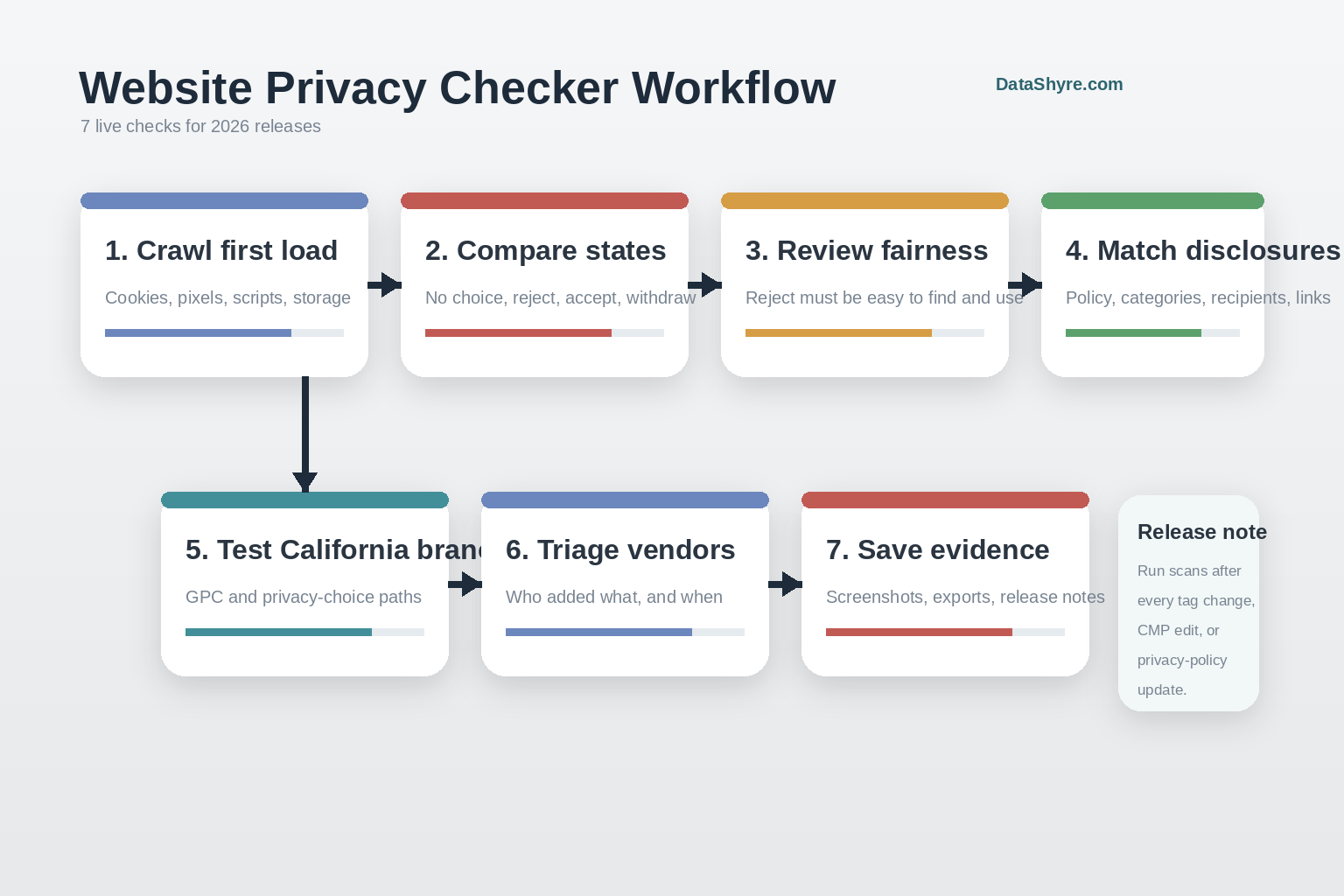
It is the one that helps you review storage and access technologies beyond cookies, compare no-choice and reject states, test banner symmetry, match live findings to disclosures, branch into California opt-out checks, and keep evidence after each release.
If your current tool only inventories accepted-state cookies, it may still be useful. It just is not enough.
Sources
- European Commission: Legal grounds for processing data
- ICO: Final storage and access technologies guidance published
- ICO: Guide to PECR – Cookies and similar technologies
- CNIL: Dark Patterns in Cookie Banners: CNIL issues formal notice to website publishers
- California Department of Justice: California Consumer Privacy Act (CCPA)
- California Privacy Protection Agency: Frequently Asked Questions (FAQs)
- California Department of Justice: How to Read a Privacy Policy
—
Published: October 2, 2026. Updated using current official regulator and government materials available at publication time.