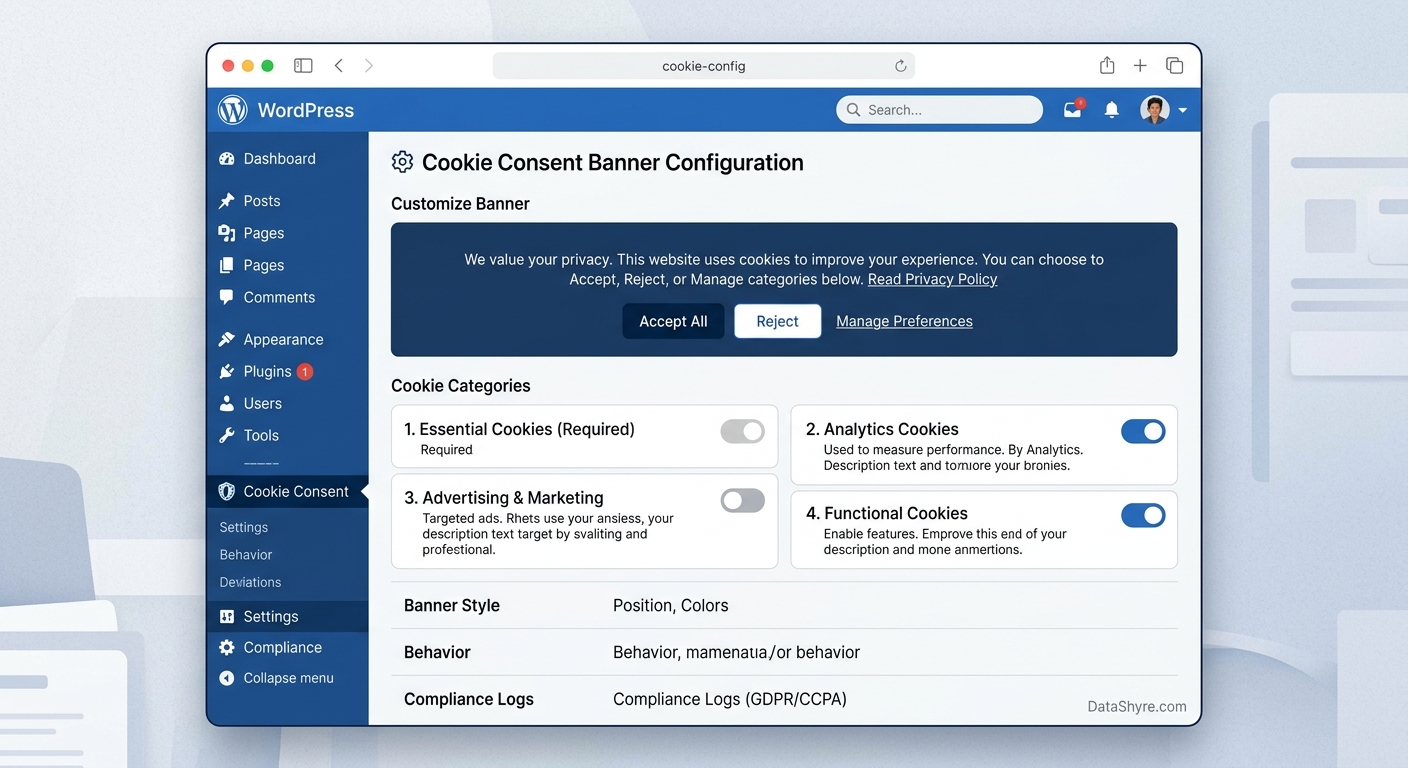
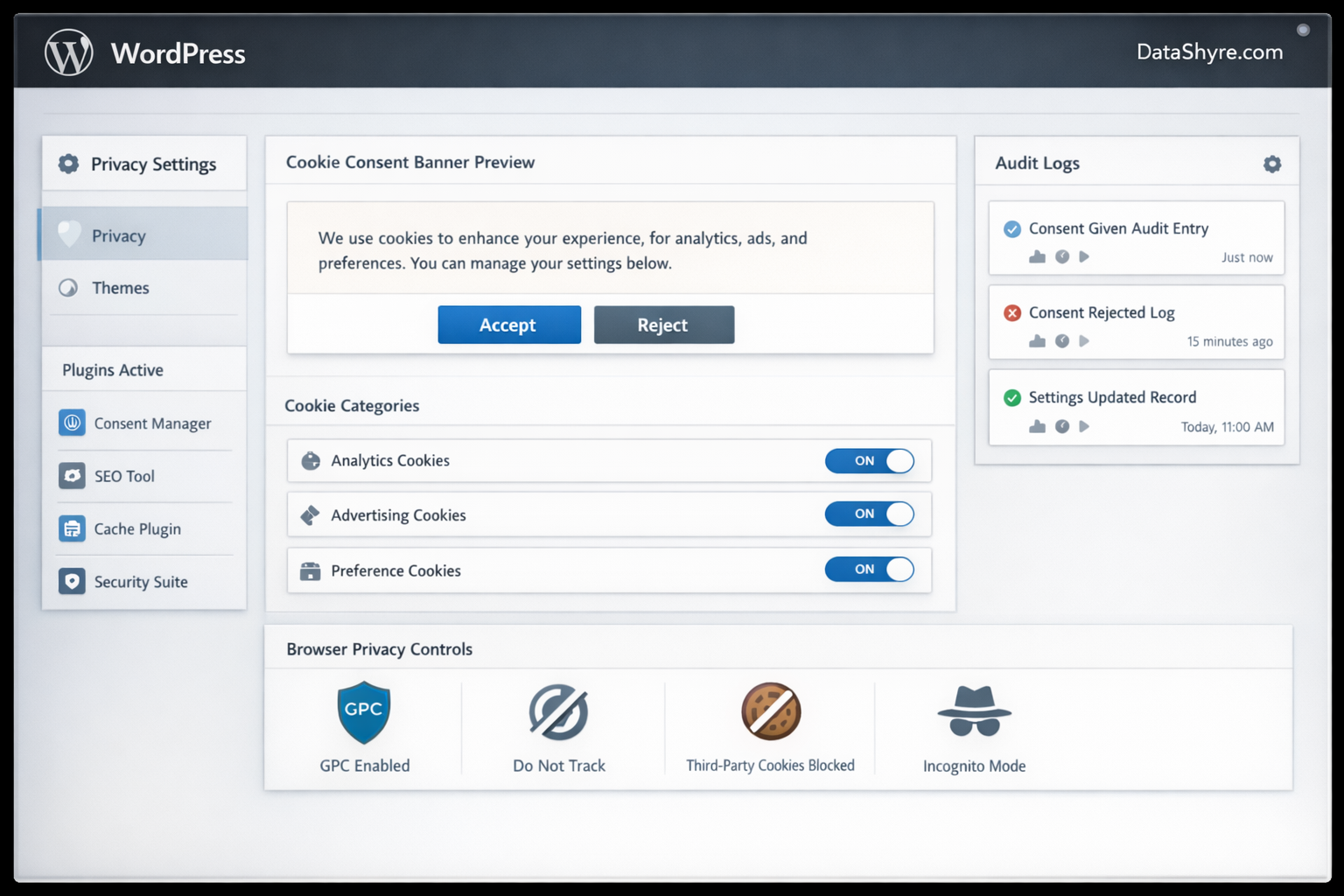
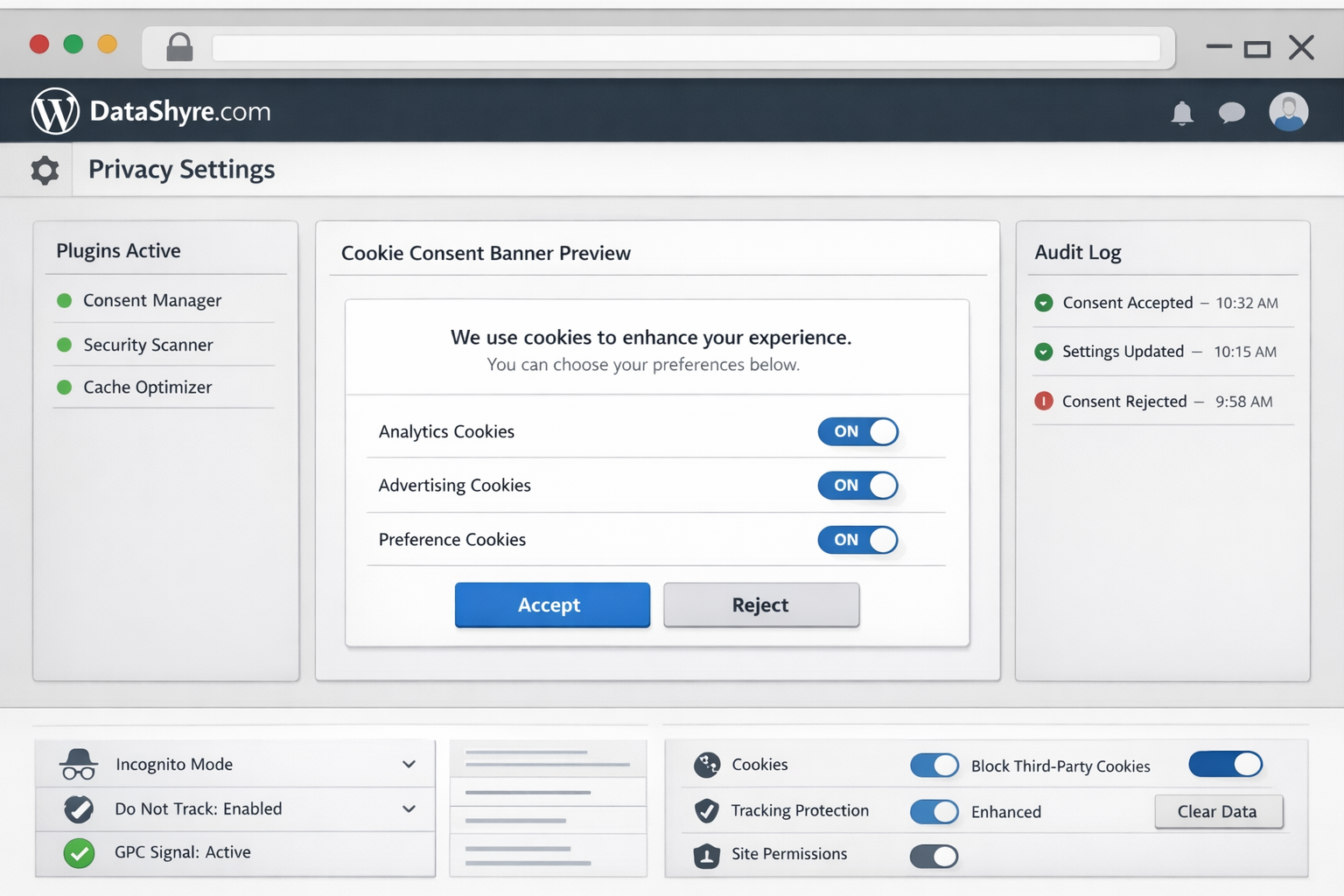
WordPress Cookie Consent in 2026: 7 Checks Before You Go Live
If you are working on wordpress cookie consent, the real question on August 2, 2026 is not whether the banner looks polished. It is whether a real WordPress stack will respect the visitor’s choice once plugins, embeds, tag managers, analytics scripts, cache layers, and advertising tools all start behaving at once.
That is the right frame because the official baseline is still practical and current. On April 29, 2026, the UK ICO finalized guidance on storage and access technologies that reaches beyond old cookie-only language into scripts, pixels, fingerprinting, and similar tools. The European Commission’s current consent guidance still says consent must be freely given, informed, specific, clear, and easy to withdraw. WordPress’s own developer guidance also keeps pushing in the same direction: privacy should be designed in, not bolted on after launch.
If you want adjacent context first, start with our guides to WordPress cookies consent plugin, Google Tag Manager cookie consent, and consent management platform. This article is narrower. It is the launch checklist I would use before trusting wordpress cookie consent on a live site.
What wordpress cookie consent has to control now
On WordPress, consent rarely lives in one place.
The banner might come from a plugin, but the actual data activity can come from:
theme code;
analytics or ad scripts;
GTM or direct Google tagging;
form, chat, video, and map plugins;
external APIs contacted by plugins;
caching and optimization layers that change script timing;
later preference changes that need to take effect immediately.
That is why wordpress cookie consent should be reviewed as live behavior, not as a settings page.
The WordPress Plugin Handbook says:
“Privacy should be the default setting.”
>
WordPress Plugin Handbook
That principle matters because WordPress sites tend to accumulate functionality faster than privacy controls. A banner can look complete while optional technologies still fire too early or while a plugin quietly contacts external servers before the visitor has chosen anything.
7 checks before you trust wordpress cookie consent on a live site
1. Test prior blocking on real templates, not only the homepage
This is the first check because it reveals the fastest gap between banner design and runtime behavior.
The ICO’s current guidance is useful here because it does not stop at cookies alone. It expressly addresses a broader set of storage and access technologies, including scripts and similar tracking mechanisms. On WordPress, that means your test should cover pages with videos, forms, embedded maps, chat widgets, ecommerce features, and campaign tags, not just a stripped-down home page.
If optional analytics, ad, or personalization technologies activate before consent in regions where prior consent is required, your wordpress cookie consent setup is weaker than it looks.
2. Make reject as usable as accept
France’s CNIL put the rule plainly in its current cookie-banner enforcement messaging:
“Rejecting cookies should be just as easy as accepting them.”
>
CNIL
That is still one of the fastest filters for a weak banner.
If Accept all is immediate but Reject all is buried in a second layer, softened into low-contrast text, or made harder to use on mobile, the interface is steering the choice instead of collecting it fairly. For wordpress cookie consent, that often happens when site owners accept plugin defaults without checking the first layer carefully.
3. Follow the consent state into Google tags before any measurement runs
Many WordPress teams stop once the banner stores a preference. That is too early.
Google’s current consent mode documentation says you need to set the default consent state before a user grants consent, update the state based on the user’s interaction, and make sure the update is tracked on the page where it occurs before any page transition. In other words, the visible consent tool and the downstream measurement stack have to agree in time, not just in theory.
For a practical wordpress cookie consent review, inspect whether:
the default consent state is set before measurement commands run;
GTM, GA4, Google Ads, or similar tools receive the right state changes;
partial consent choices behave differently from Accept all;
later withdrawal updates the same systems cleanly.
4. Check what plugins do before consent, including external calls
This is the WordPress-specific trap that generic privacy explainers often skip.
WordPress.org’s detailed plugin guidelines say plugins may not contact external servers without explicit and authorized consent. That is a powerful review lens for wordpress cookie consent because many sites now rely on plugins that phone home for telemetry, load remote assets, inject iframes, or initialize third-party SDKs very early.
A good review question is simple: what does each plugin do before the visitor interacts with the banner?
If the answer is unclear, inspect the network and script activity instead of trusting marketing copy in the plugin description.
5. Separate EU and UK opt-in behavior from California opt-out behavior
One banner does not always mean one legal workflow.
In the EU and UK, the key operational issue is often whether non-essential technologies remain blocked until valid consent exists. In California, the workflow often shifts toward sale-or-sharing opt-out handling. The California Department of Justice still says Global Privacy Control must be honored by covered businesses as a valid request to stop the sale or sharing of personal information.
That means wordpress cookie consent should be checked for regional logic, not just translated text. A setup can look “global” while still failing to:
block optional technologies where prior consent is required;
recognize browser-based opt-out preference signals where relevant;
keep site behavior aligned with region-specific disclosure and choice logic.
6. Verify that withdrawal works as a real behavior change
This is where polished installs often fail.
The European Commission’s current guidance keeps the usability standard short:
“It should be as easy to withdraw as to give consent.”
>
European Commission
So test it literally. Accept optional categories, reopen preferences, withdraw them, and inspect what the site does next. If analytics, ads, or embedded third-party tools keep operating as if nothing changed, the system may be recording a preference without enforcing it.
For wordpress cookie consent, withdrawal matters even more because changes often need to propagate across plugins and scripts that were not built by the same vendor.
7. Re-test after caching, optimization, and plugin updates
The launch-day test is not the last test.
Caching plugins, consent-mode templates, CDN optimizers, page builders, deferred script tools, new embeds, and routine plugin updates can all change load order. A site that behaves correctly today can drift next week without any visible change to the banner itself.
That is why the best wordpress cookie consent process is not only an install checklist. It is an ongoing test routine tied to releases, campaign launches, and plugin changes.
A short launch review I would use this week
If I were validating wordpress cookie consent right now, I would run this sequence:
Open the live site in a clean browser session.
Inspect what loads before any click on the homepage and key templates.
Use Reject all and confirm optional technologies stay off where they should.
Allow only one optional category and verify the downstream behavior changes correctly.
Reopen preferences and test withdrawal on the same visit.
Check California-facing flows for GPC handling where relevant.
Repeat the test with caching, optimization, and common plugin layers enabled.
Review the stored records and decide whether a non-technical stakeholder could understand them later.
That sequence is short, but it exposes more real risk than most comparison tables.
Common mistakes
The same mistakes still come up:
choosing a plugin mainly because the banner looks nice;
testing only one page template;
assuming a plugin blocks every script automatically after install;
treating California like a copy of the EU flow;
skipping withdrawal tests;
failing to re-test after cache, CDN, or plugin changes.
None of those mistakes are unusual. They are just easy to miss until an audit, complaint, or performance tweak makes them visible.
Bottom line
Good wordpress cookie consent in 2026 is not a design asset. It is an operating control.
It should make refusal usable, stop optional technologies at the right time, pass consent states into the tools that matter, handle regional differences without confusion, and leave behind records your team can still interpret later. If your current setup cannot do that on the real site, you do not have a finished consent implementation yet. You have a banner.