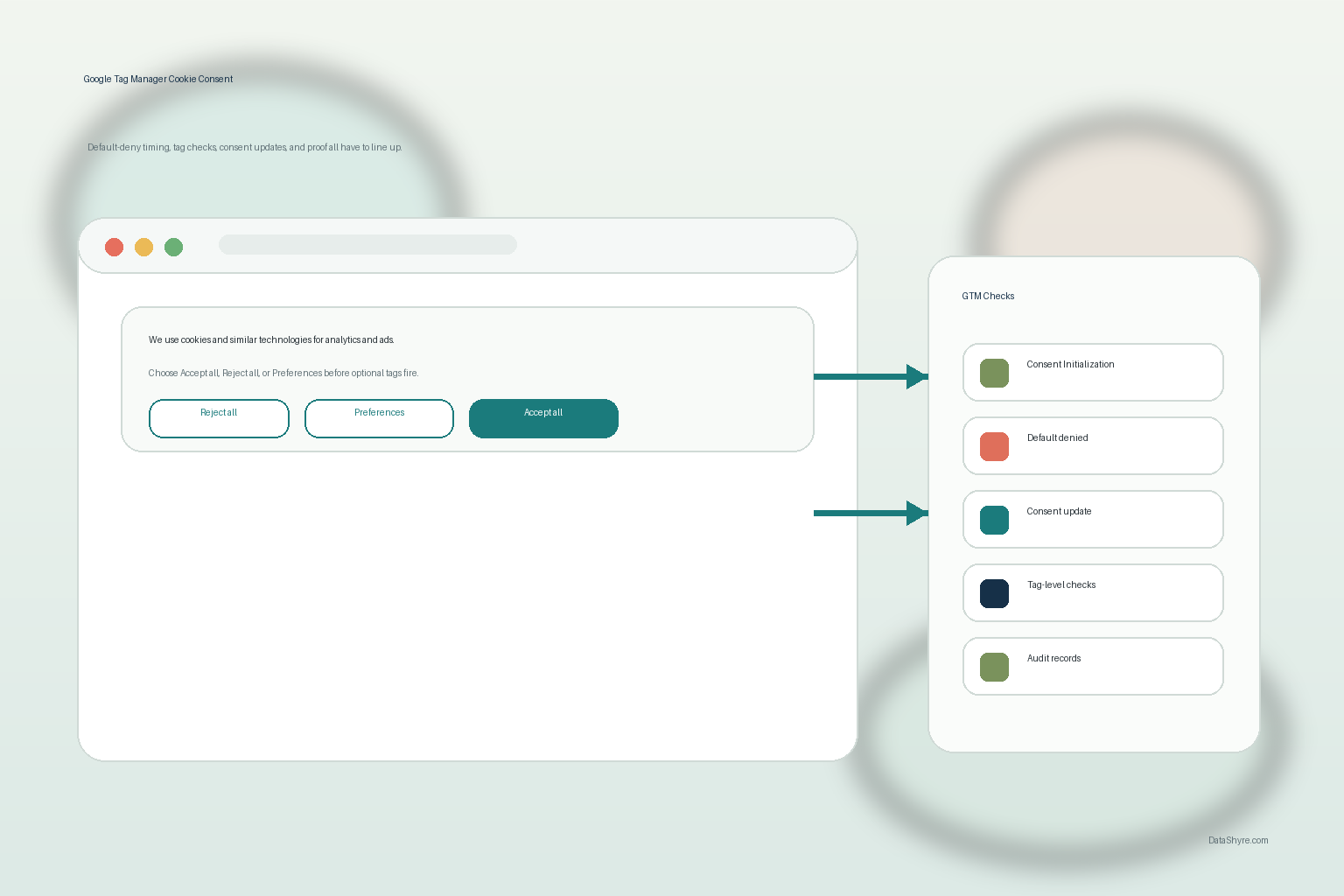
Google Tag Manager Cookie Consent: 2026 GTM Compliance Checklist
DataShyre StaffJul 28, 2026
5 min read
Google Tag Manager Cookie Consent: 7 Checks Before Tags Fire in 2026
If you are searching google tag manager cookie consent, the real question is not whether your banner looks compliant. It is whether Google Tag Manager keeps non-essential tags from running until the visitor’s choice is known, and whether your team can show that later without guesswork.
That is still the right frame on August 1, 2026. Google’s current consent-mode documentation says you need to set a default consent state before measurement commands run and then update that state when the user acts. The UK ICO’s final April 29, 2026 storage-and-access technologies guidance now expressly covers cookies, tracking pixels, device fingerprinting, and similar technologies. On July 14, 2026, the European Data Protection Board required the Belgian DPA to assess the merits of a cookie-banner complaint instead of dismissing it on procedural grounds. In California, the Department of Justice still says a valid Global Privacy Control signal must be honored by covered businesses, and its February 11, 2026 Disney settlement focused on whether an opt-out actually stopped sale or sharing across connected services and devices.
If you want the wider baseline first, start with our guides to cookie consent, cookie consent manager, and cookie consent message. This article is narrower. It is the GTM implementation review I would run before calling the setup ready.
Why Google Tag Manager cookie consent still goes wrong
The surface problem looks simple: show a banner, collect a choice, move on. The implementation problem is not simple at all. One late template, one legacy custom HTML tag, or one loose category mapping can make the live behavior contradict the policy language.
That is why google tag manager cookie consent is mostly a sequencing problem. Timing determines what fires. Defaults determine what is allowed before the visitor interacts. Tag-level checks determine whether one overlooked tool slips through anyway. Records determine whether the team can explain what happened later.
The legal backdrop is also broader than the word cookie suggests. The ICO’s 2026 guidance reaches pixels, fingerprinting, and similar storage-and-access technologies. The European Commission still says valid consent must be freely given, specific, informed, and based on a clear affirmative act, and it still says withdrawal should be as easy as giving consent. So the GTM review has to cover both the banner and the technical plumbing behind it.
1. Put consent logic on the Consent Initialization trigger
Google Tag Manager’s help documentation says the Consent Initialization – All Pages trigger fires before all other tags, including Initialization triggers. That is where the consent-writing logic belongs.
If your CMP tag, consent template, or default-state logic runs later, your setup is already giving other tags a chance to evaluate first. That is how teams end up with a compliant-looking banner and a non-compliant page load.
For a practical review, open the container and trace exactly which tag sets defaults, which tag updates consent after interaction, and which trigger both are using. If that answer is vague, the implementation is not finished.
2. Set default denied states before measurement starts
Google’s developer guidance says the default consent state should be set before any commands that send measurement data. In GTM terms, that means the site needs a real default before analytics, advertising, or personalization tags get a chance to run.
For most modern Google integrations, the important consent types are:
ad_storage
analytics_storage
ad_user_data
ad_personalization
If your setup still thinks mainly in terms of only two older storage flags, it may be only partially wired. Google’s current troubleshooting guidance also warns specifically about the failure pattern where default consent is set too late. That warning matters because a late default can look fine in a quick preview while still allowing an earlier tag to act.
3. Use GTM consent APIs instead of a late patch
Google’s Tag Manager guidance points developers to the consent APIs and warns that commands executed in callbacks, or commands that rely on gtag() from the wrong place, are not guaranteed to be available before the next trigger fires.
That is an easy mistake to miss. A late custom HTML workaround can appear to work in a superficial test and still lose the race on a cold load.
For a stronger google tag manager cookie consent setup, use the GTM consent controls intended for this job:
a default consent state set early;
an update sent immediately after the user acts;
tag-level consent checks where needed;
a clean way to persist and replay the user’s choice on later pages.
4. Test the reject path, not just the accept path
This is where many teams overestimate their setup.
It is common to test the happy path where the user accepts everything and analytics starts working. That is not the path that reveals the weakness. The revealing path is the first visit where the user rejects optional categories, and the later visit where the user changes their mind.
France’s CNIL put the UX standard plainly in its December 12, 2024 notice on dark patterns in cookie banners:
“Rejecting cookies should be just as easy as accepting them.”
>
CNIL
That is not just a design point. It is a GTM test case. If rejection is easy in the interface but optional tags still fire, the visible layer and the tag layer are saying different things.
5. Check regional logic and California opt-out handling
One consent flow does not fit every region.
In the EU and UK, the operational question is often whether non-essential technologies remain off until valid consent exists. In California, the logic often shifts toward sale-or-sharing opt-out handling and preference signals. The California DOJ’s Global Privacy Control page still says a valid GPC signal must be honored by covered businesses as a request to stop the sale or sharing of personal information.
The Disney settlement announced on February 11, 2026 is the useful operational reminder here. California said Disney failed to fully effectuate opt-out requests across all devices and streaming services linked to the consumer’s account. That means a google tag manager cookie consent review should not stop at the website banner if downstream account, audience, or ad-tech behavior still defeats the choice.
6. Review tag-level consent checks inside GTM
GTM’s consent support pages describe controls that teams often forget after the CMP is connected:
built-in consent checks on supported Google tags;
additional consent checks for tags that should fire only after specific consent states;
the Consent Overview view for reviewing configuration across the container.
This is where old container clutter becomes risky. One aging marketing tag, one inherited vendor template, or one custom script with no meaningful consent review can undo the discipline of the rest of the container.
If your site is ad-supported, there is another layer as well. Google’s current publisher guidance says partners using AdSense, Ad Manager, or AdMob must use a Google-certified CMP integrated with the IAB Transparency and Consent Framework when serving personalized ads to users in the EEA, the UK, or Switzerland. Google also says that certification does not check CMPs for full compliance with privacy law. So publisher eligibility and legal sufficiency are separate checks, not the same check.
7. Keep evidence and re-test after changes
The last check is operational, not visual. A strong google tag manager cookie consent setup should let your team answer basic questions quickly:
What was the default consent state on first load?
What changed after rejection or acceptance?
Which tags were blocked or allowed?
Did the same behavior hold on later page loads?
What changed after a new vendor, container edit, or CMP update?
The ICO’s April 2026 launch note captured the larger aim well when William Malcolm said people need:
“meaningful control over how their data is used.”
>
William Malcolm, ICO
That phrase is useful because it points to the real standard. A banner is not enough. A screenshot is not enough. A policy sentence is not enough. The user choice has to reach the live runtime behavior and remain defensible after the stack changes.
A short go-live review sequence
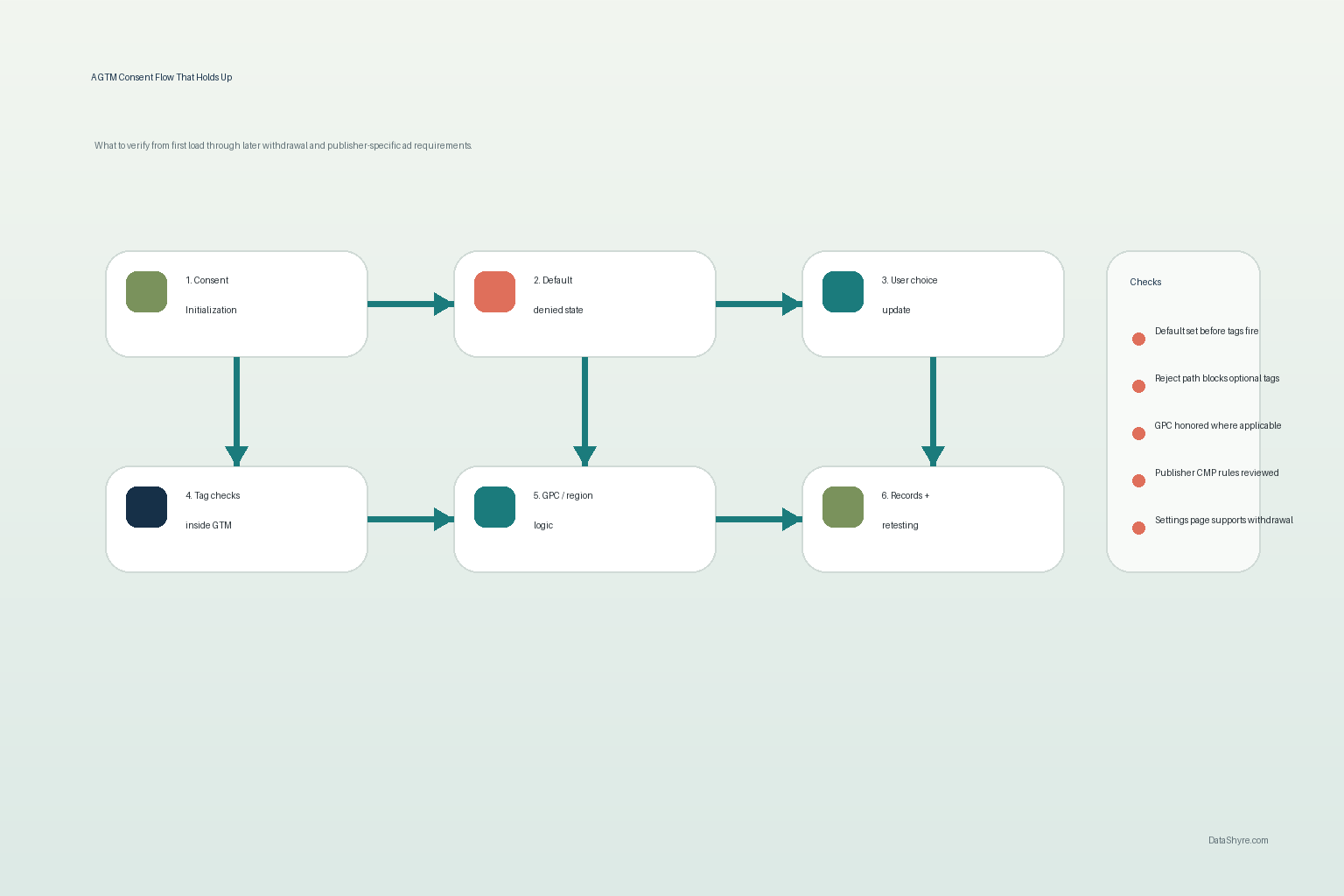
Before you publish a GTM change, run this sequence:
Load the site in a clean browser session.
Confirm the default consent state is set before measurement tags evaluate.
Click Reject all and confirm optional tags stay blocked where prior consent is required.
Reopen preferences and grant only one category, then confirm only the expected tags change behavior.
Return later through the normal settings path and test withdrawal or revision.
For California-facing flows, verify how the site handles GPC and any connected-service opt-out logic.
Export or inspect the available records so support, legal, or engineering can reconstruct what happened later.
That short review usually reveals more than a long debate about banner copy.
Bottom line
Google tag manager cookie consent in 2026 is mostly about execution discipline. If defaults load first, updates are immediate, tag-level checks are real, region logic is deliberate, and the evidence is usable later, the setup is in much better shape. If any of those pieces are vague, the banner may look compliant while the live tag behavior tells a different story.