

WordPress Cookies Consent: What Your Plugin Must Actually Do in 2026
If you are evaluating wordpress cookies consent, the hard part is not picking banner colors or button copy. It is making sure the plugin changes what the site actually does. On a real WordPress stack, that means controlling scripts, embeds, tag managers, cached pages, consent logs, and preference changes without breaking the site.
That bar is clearer now than it was a year ago. On April 29, 2026, the ICO published its final guidance on storage and access technologies, covering cookies, tracking pixels, device fingerprinting, and similar tools. William Malcolm said organizations want “clear, practical guidance,” and the ICO said 99% of the UK’s top 1,000 websites now meet its cookie-banner compliance standards after focused work with industry. Regulators are not treating cookie compliance like a vague design problem anymore.
If you want adjacent reading first, our earlier guides on WordPress cookie consent, cookie consent WordPress, and GDPR cookies consent cover setup and broader compliance context. This piece is narrower: what a WordPress plugin has to do in production if you want the setup to hold up.
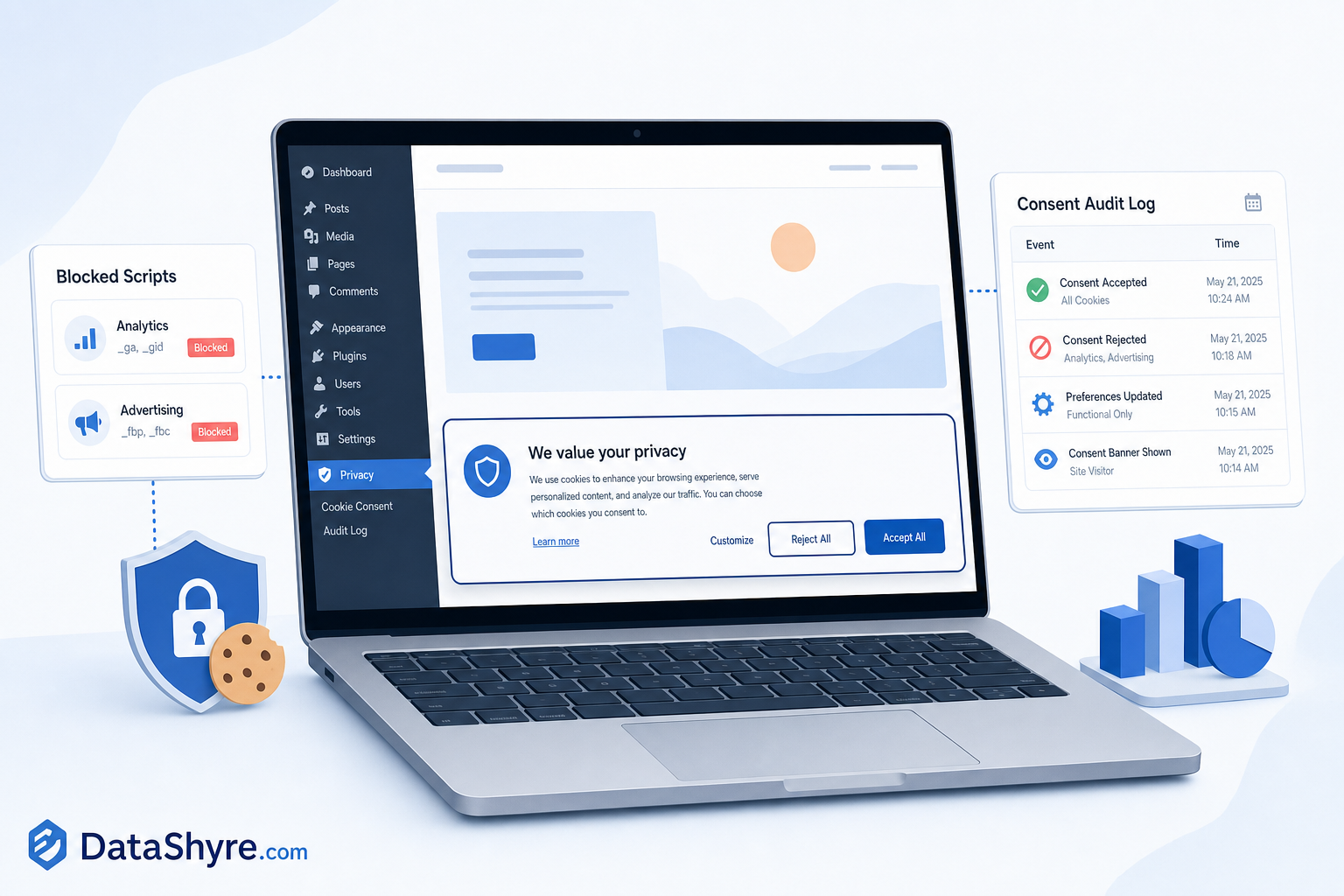
What wordpress cookies consent has to control now
The easiest mistake is to treat WordPress consent as a pop-up problem. It is really a behavior problem. The plugin has to stop non-essential technologies from firing before consent where consent-first rules apply, and it has to keep that behavior consistent after theme changes, plugin installs, caching tweaks, and marketing requests.
That is why EDPB Chair Anu Talus has stressed “real choice.” It is also why recent UK and French enforcement has kept focusing on rejection and actual downstream behavior, not just banner wording. Those signals are useful buying criteria for WordPress teams because they push attention away from cosmetics and toward control.
Here are the checks that matter most.
1. It blocks non-essential scripts before consent
This is the first test because the rest barely matters if analytics, ad tags, heatmaps, or social pixels are already firing on page load. The ICO’s 2026 guidance says PECR and, where relevant, the UK GDPR apply to cookies, tracking pixels, device fingerprinting, and similar technologies. A WordPress plugin that only hides the banner while scripts still load has failed the important part.
On WordPress, this usually means checking more than cookies with obvious names. Test theme scripts, GTM containers, video embeds, chat widgets, page builders, and anything injected through custom code snippets. Optional technologies often arrive from several places at once.
2. Reject is visible on the first layer
WordPress admins sometimes assume a settings link is enough because it is quick to add. That is risky. The ICO has pushed the market toward equal reject and accept effort, and CNIL’s 2025 sanctions kept targeting storage without consent, weak information, and failures to respect refusal or withdrawal. In 2025 alone, CNIL penalized SHEIN, Vanity Fair France, and American Express France over cookie practices that included placing cookies without consent, ignoring refusals, or continuing to read cookies after withdrawal.
For a WordPress plugin, the practical question is simple: can a first-time visitor say no without being pushed into a second maze of clicks?
3. Withdrawal has to change downstream behavior
Many teams test acceptance and forget revocation. That is a mistake. CNIL’s 2025 decisions against SHEIN, Vanity Fair, and American Express all point to the same operational failure: users refused or withdrew consent, but cookies were still placed or read anyway. That matters on WordPress because tags often persist through optimization plugins, stored preferences, or scripts loaded by third-party tools.
Do not just test the banner. Accept, revoke, refresh, and inspect the network requests. If the same optional requests keep firing, the plugin is not really handling consent state.
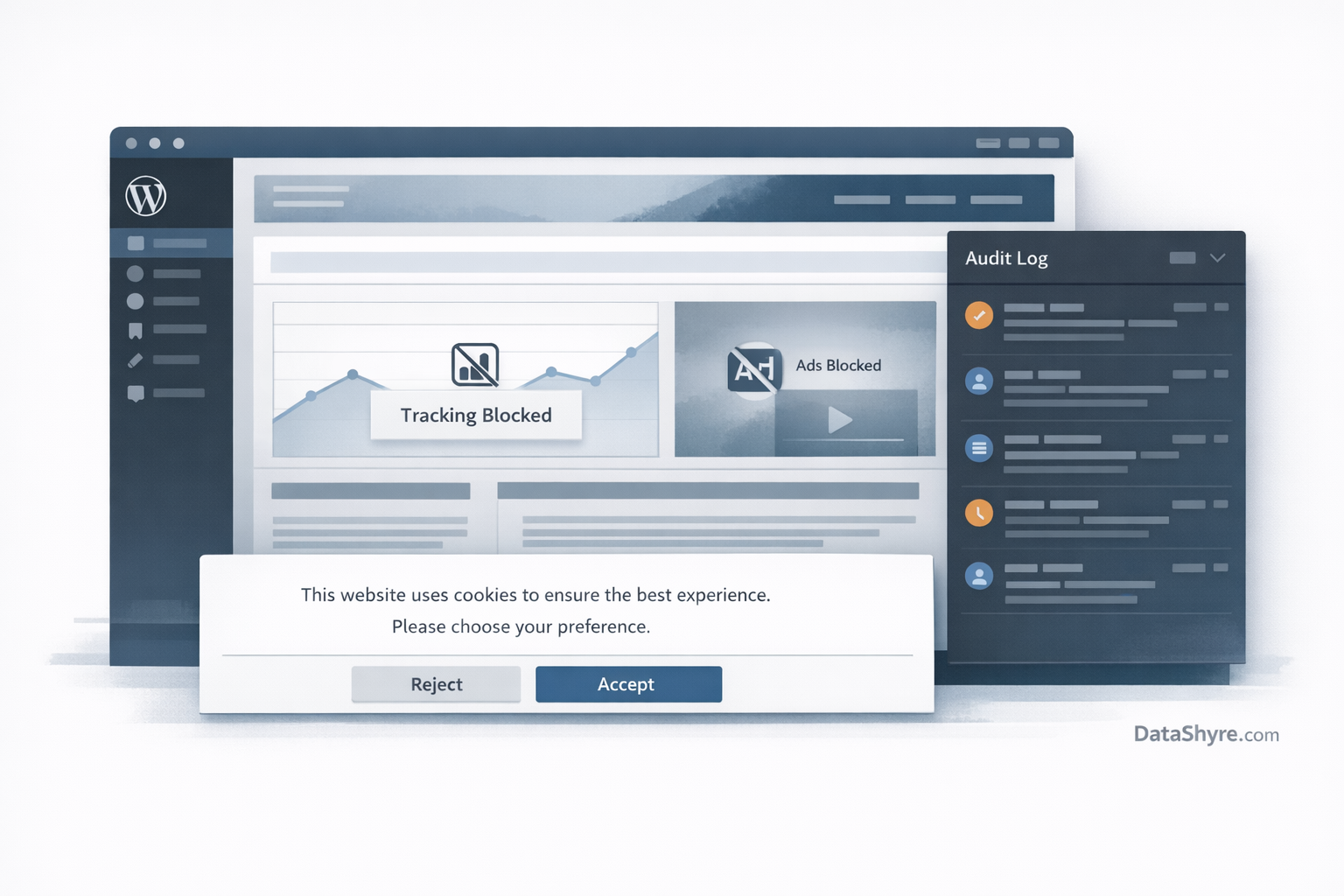
4. It keeps usable proof, not vanity metrics
If a plugin only gives you acceptance percentages, that is reporting, not evidence. You want records that show the banner version, categories offered, timestamp, the user’s selection, and the ruleset in effect. The accountability point matters more as consent operations spread across plugins, forms, tags, and content embeds.
This is where a lot of cheap setups fall apart. They look tidy in the admin panel, but when privacy, marketing, or legal asks for proof, nobody can show what users were told at the time the choice was logged.
5. It can separate location, language, and legal logic
Real WordPress sites are messy. A multilingual site may serve EU traffic, UK traffic, and California traffic from the same install. That means banner text, applicable rules, and opt-out handling should not be locked together in one brittle rule.
If your business may be selling or sharing personal information under California law, browser-level signals also matter. The CPPA says businesses must honor opt-out preference signals such as Global Privacy Control as a valid request to opt out of sale or sharing. Maureen Mahoney of the CPPA said Californians need “meaningful access” to those signals. A plugin that cannot support that workflow, or at least fit cleanly into it, leaves a gap.
6. It survives WordPress performance tooling
This is the WordPress-specific issue that generic compliance articles often miss. Caching plugins, script minifiers, defer and delay settings, CDN optimizers, and page builders can change the order in which scripts load. That can quietly break prior blocking or cause scripts to fire before the consent layer initializes.
So the right question is not just whether the plugin supports prior blocking. Ask whether it still supports prior blocking after your performance stack does its normal work. If you cannot test that in staging, you are buying hope.
7. It is maintainable by the team you actually have
wordpress cookies consent is often sold like a one-time plugin decision. It rarely works that way. Somebody has to own cookie scans, new embeds, category mapping, copy updates, multilingual variants, and periodic retesting after marketing or product changes.
The better plugin is usually the one your team can operate consistently, not the one with the longest feature grid. Complicated configuration is not a win if nobody will maintain it after launch.
A short review workflow before you choose
Ask the vendor or plugin owner to run one live test on a staging copy of your actual site, not a clean demo. Open the site as a first-time visitor in an EU context. Reject all. Confirm optional requests stay blocked. Accept analytics only. Confirm the signal changes. Reopen preferences. Withdraw. Confirm the same requests stop again.
Then check the export. If the logs are thin, the geo logic is confusing, or performance tools break the flow, move on.
Bottom line
The useful standard for wordpress cookies consent in 2026 is not hard to describe: prior blocking where required, equal refusal, working withdrawal, usable records, and stable behavior across the weirdness of a real WordPress stack.
This is operational guidance, not legal advice. Still, if a plugin cannot prove those basics on your own site, it is not ready for production no matter how polished the banner looks.
Sources
- UK Information Commissioner’s Office
- European Data Protection Board
- CNIL
- California privacy regulators