

Cookie Consent Tag Manager: 6 GTM Checks Before You Publish in 2026
A cookie consent tag manager setup can look fine in a design review and still fail the moment the page loads. The banner appears. The buttons work. Then analytics fires before a visitor chooses anything, or the reject path updates only half the signals your stack depends on.
That gap still matters in 2026. On April 29, 2026, the UK ICO published final guidance on storage and access technologies, covering cookies, tracking pixels, device fingerprinting, and similar tools under PECR and, where relevant, the UK GDPR. In that announcement, William Malcolm said organizations want “clear, practical guidance they can rely on.” That is a good description of what teams need from GTM too: not a prettier banner, but a consent flow that behaves predictably on the live site.
If you need broader setup context first, start with our Google Tag Manager cookie consent guide, our cookie consent Google Tag Manager checklist, and our OneTrust Cookie Consent Google Tag Manager implementation guide. This article is narrower. It is the pre-publish review I would run before calling the deployment safe.
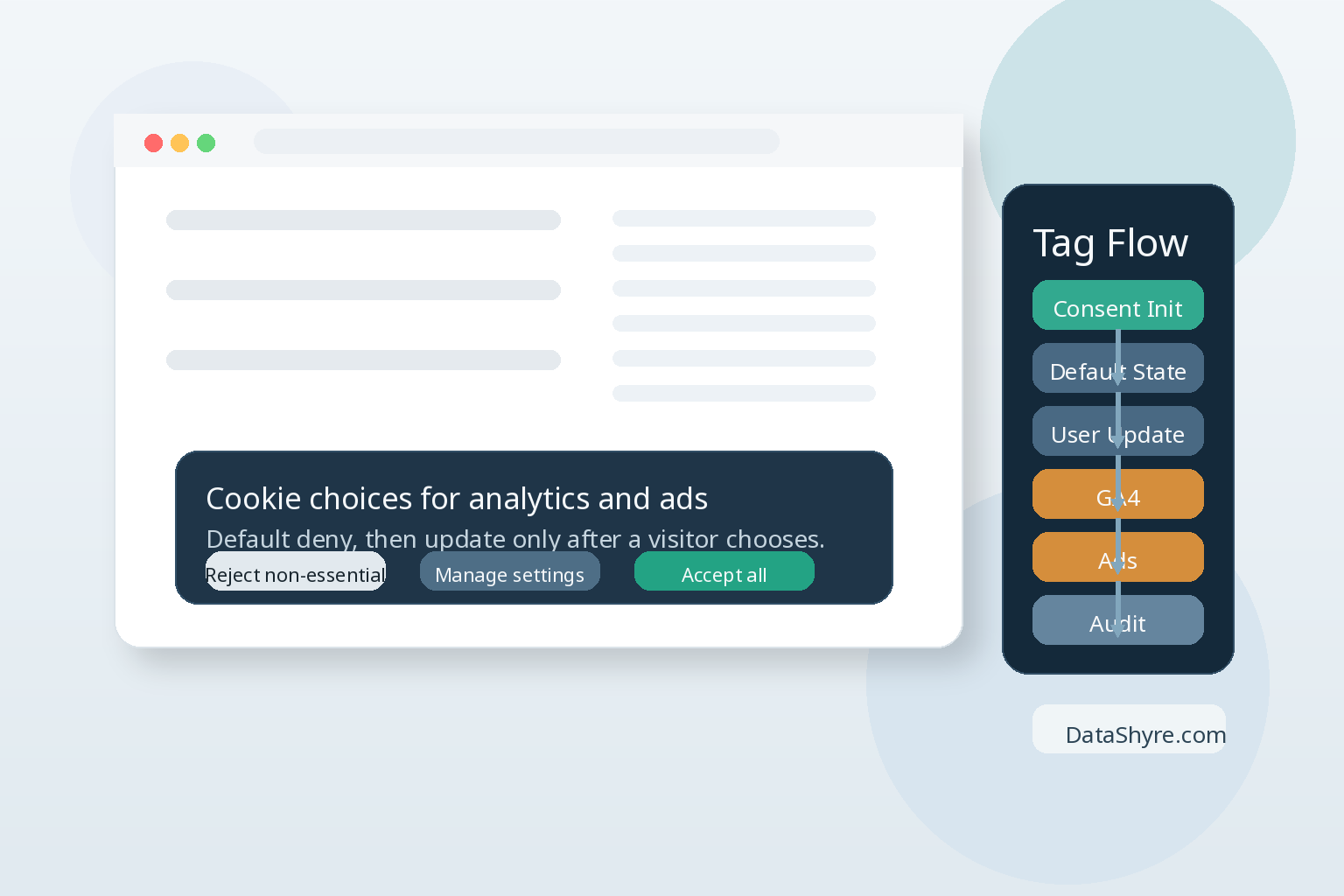
1. Put consent logic on the right GTM trigger
Google’s Tag Manager help is direct here: the Consent Initialization trigger fires before all other tags, including Initialization triggers. If your CMP tag or custom consent template loads later, you are already behind.
For a cookie consent tag manager implementation, this is the first thing to check in preview mode. The consent-writing tag should not be competing with pageview tags, ad tags, or custom HTML workarounds. It should run first.
2. Set defaults before any tag can read or write
Google’s consent documentation says you need to set a default consent state before any command that sends measurement data. Its troubleshooting guidance is even blunter: if the default is set too late, it may not have the effect you expect.
In practice, the safest baseline for GTM reviews is simple: load default denied states for the consent types you use, then update them only after a visitor acts. That does not answer every legal configuration question by itself, but it does remove one of the most common technical failure points.
3. Use the GTM consent APIs instead of a late gtag() patch
This is where many messy builds hide. Someone adds a custom HTML tag, pushes a gtag('consent', ...) command, sees no obvious error, and moves on. Google tells CMP and template authors not to do that inside GTM. Its developer docs say to use setDefaultConsentState and updateConsentState because queued gtag commands may not be processed before the next event begins.
That timing detail is easy to miss and expensive to debug later. If the site depends on a custom HTML patch for consent state, I would treat that as a yellow flag before launch.
4. Test the reject path as hard as the accept path
John Edwards put the usability point clearly in 2024: it must be “just as easy to reject all non-essential cookies” as it is to accept them. The GTM version of that rule is operational. When a visitor rejects, the consent state needs to update quickly, completely, and in a way the rest of your tag stack actually respects.
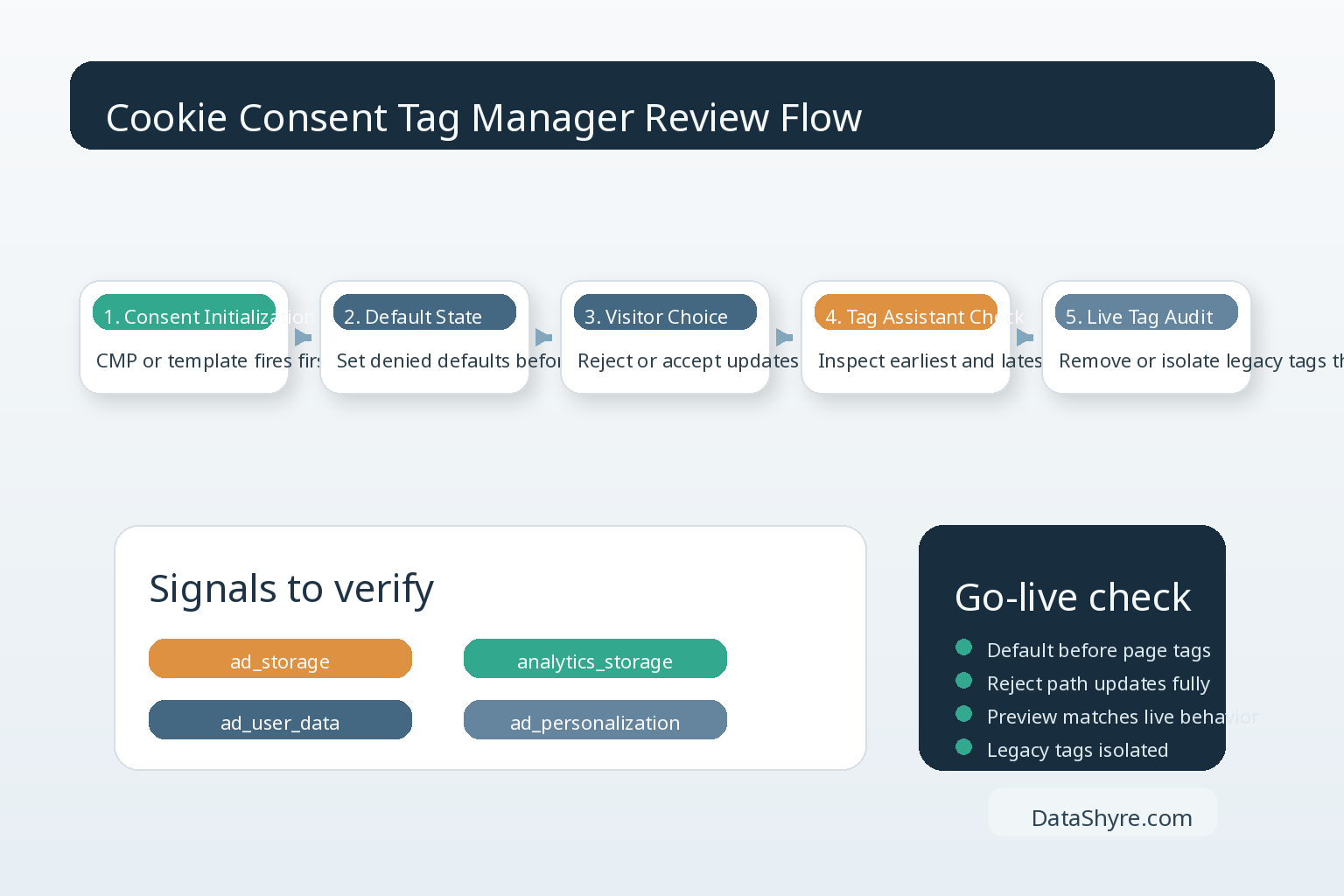
Google’s Tag Assistant docs give a practical review flow: inspect the earliest Consent event to confirm the on-page default, then inspect the most recent Consent event to confirm the update. For most teams, three test cases are enough to catch the obvious failures:
- first visit before any choice
- explicit reject
- explicit accept
If the reject path leaves a marketing or analytics tag alive, the banner copy is not the problem. The tag flow is.
5. Confirm all four Google consent signals are present
A lot of older implementations still think in pairs: ad_storage and analytics_storage. Google’s current consent mode guidance expects teams to account for ad_user_data and ad_personalization as well. If one of those is missing from the default or the update, your preview may look cleaner than your implementation really is.
This is also where a cookie consent tag manager review becomes more than a banner review. You are checking whether the site’s stated choice reaches the actual measurement and advertising logic, not whether the interface seems polite.
6. Remove or isolate legacy tags that ignore consent mode
Not every tag in a container behaves the same way. Google warns teams to unblock only tags that support consent mode. If an old analytics, adtech, or custom vendor tag bypasses the consent-aware path, it can undo the discipline of the rest of the setup.
That matters beyond theory. The French CNIL announced in September 2025 that it had fined Google 325 million euros and SHEIN 150 million euros for cookie-related failures. Regulators are still looking at what tracking systems actually do, not just what the banner promises.
A short go-live sequence
If I had ten minutes before publish, I would do this in order:
- verify the CMP or consent template fires on Consent Initialization
- check that defaults are present before any relevant tag runs
- confirm reject and accept both produce full consent updates
- review the four Google consent signals in Tag Assistant
- identify any legacy tags that do not honor the consent-aware path
That is not glamorous work. It is the work that keeps a deployment from turning into a cleanup project.
Bottom line
A strong cookie consent tag manager build is not the one with the nicest banner. It is the one that sets defaults early, updates consent reliably, and keeps every relevant tag lined up with the visitor’s choice. If you can prove those three things in GTM preview and Tag Assistant, you are in much better shape to publish with confidence.
Sources
- Google for Developers
- Google Tag Manager Help
- UK Information Commissioner’s Office
- CNIL