

Cookie Consent Google Tag Manager: 7 Go-Live Checks
If you are searching cookie consent google tag manager, you probably do not need another generic banner explainer. You need a short go-live check that answers the real question: will Google Tag Manager keep non-essential tags off the page until the visitor has actually made a choice? In 2026, that is the standard privacy teams, analytics leads, and regulators increasingly expect.
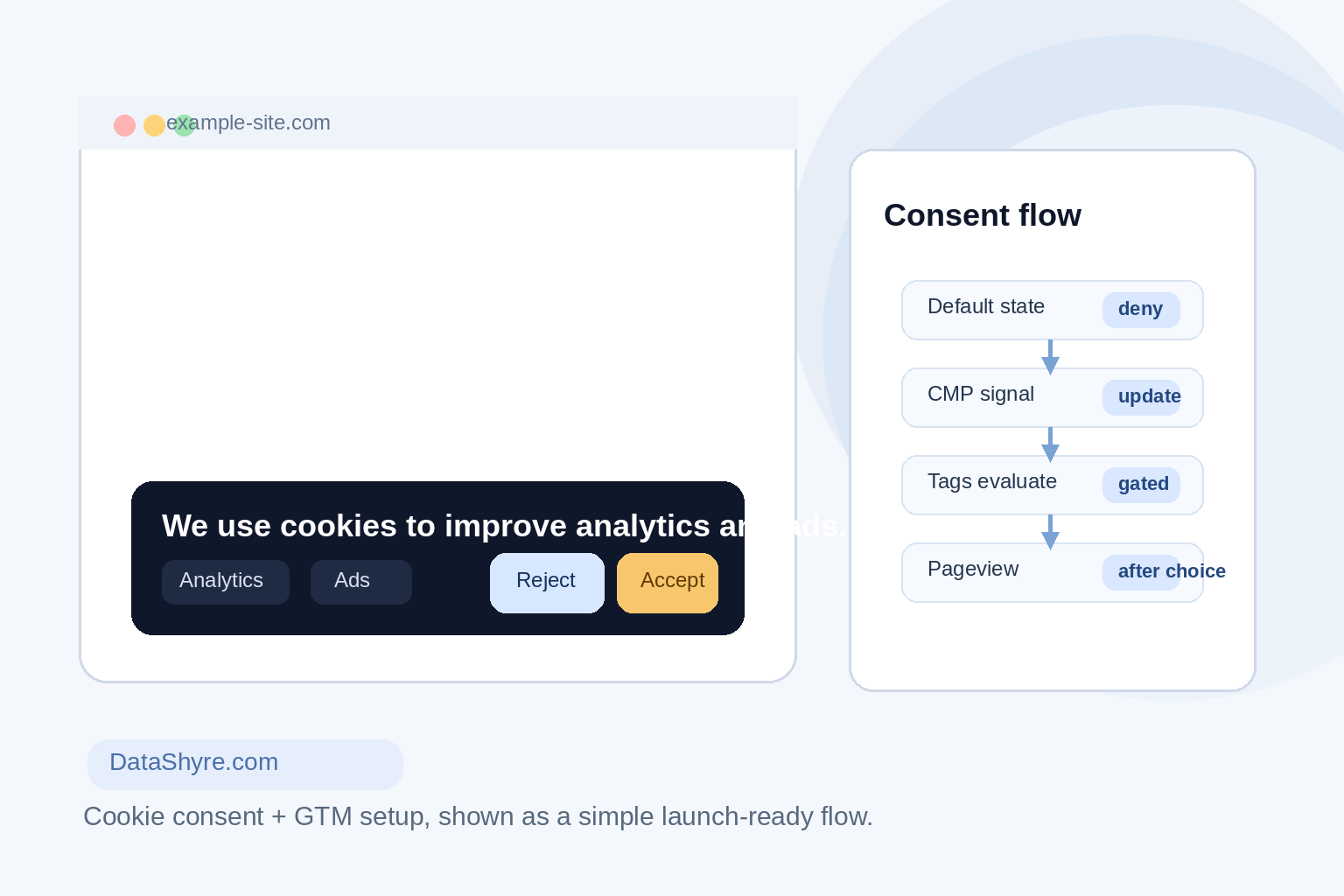
Caption: A polished banner is not enough if the tag layer still fires too early.
If you need the broader implementation walkthrough first, start with our GTM cookie consent guide. If your stack depends on a vendor template, our OneTrust GTM consent guide is the next useful companion.
TL;DR
- Google’s current developer guidance says GTM consent setups should use
setDefaultConsentStateandupdateConsentState, with defaults established on Consent Initialization before other tags run. - Google’s current consent-mode examples use four key signals:
ad_storage,analytics_storage,ad_user_data, andad_personalization. - The UK ICO’s storage and access technologies guidance was finalised on April 29, 2026 and covers cookies, pixels, scripts, fingerprinting, and similar tracking tools.
- The European Commission’s consent guidance and the EDPB’s position both point to the same practical standard: users need a real yes-or-no choice, not a nudged click path.
- A reliable launch review checks the reject path, not only the accept path.
Why this is now an audit issue
The technical setup and the legal standard have merged. Google says GTM implementations should set default consent before tags use consent, then update consent as soon as the user’s choice is known. In Google’s own explanation of consent mode, Scott Herman wrote that the framework is meant to “respect users’ consent choices.”
Regulators are making the same point from the other side. The UK ICO’s final storage and access technologies guidance is not only about cookie banners. It covers the broader tracking layer too. In the ICO announcement published on April 29, 2026, William Malcolm said the goal is “meaningful control over how their data is used.” That is a good test for your GTM build: can a user reject non-essential tracking and have that choice actually hold?
At the EU level, the European Commission’s guidance on valid consent still anchors the basics: consent must be freely given, specific, informed, and as easy to withdraw as it was to give. In an EDPB letter on cookie consent, Chair Anu Talus said valid consent requires “real choice.” That is why cookie consent google tag manager is no longer just a front-end design task. It is proof that your consent state, tag triggers, and vendor logic line up.
Cookie consent Google Tag Manager: the 7 go-live checks
1. Classify every tag before you touch GTM
Do not start with the banner text. Start with the tag inventory. Put each tag into a defensible bucket: strictly necessary, analytics, advertising, personalization, or another clearly documented category. If the classification is fuzzy, the enforcement will be fuzzy too.
This is also the point where a cookie consent manager either helps or gets in the way. Your CMP should map cleanly to the consent signals GTM needs.
2. Set default deny on Consent Initialization
Google’s developer documentation is direct here: default consent needs to be set before other tags evaluate consent. In GTM, that usually means running your consent template on Consent Initialization, not after a pageview tag has already had a chance to fire.
A lot of broken deployments still fail this boring step. The banner shows up. The analytics event still sneaks out first. That is exactly the kind of mismatch teams need to catch before launch.
3. Use GTM consent APIs, not a late custom HTML patch
Google points implementers to setDefaultConsentState and updateConsentState. That matters because a late custom HTML workaround often behaves like an apology after the event. It may change the state eventually, but it does not reliably stop earlier tag evaluation.
If your current setup still depends on a loosely managed custom script, this is usually the first thing worth refactoring.
4. Check all four consent-mode v2 signals
For most marketing and analytics stacks, the current baseline check includes four signals:
ad_storageanalytics_storagead_user_dataad_personalization
Missing one can create a false sense of completion. A team may believe consent mode is working because analytics storage is blocked, while ad-related settings are still incomplete.
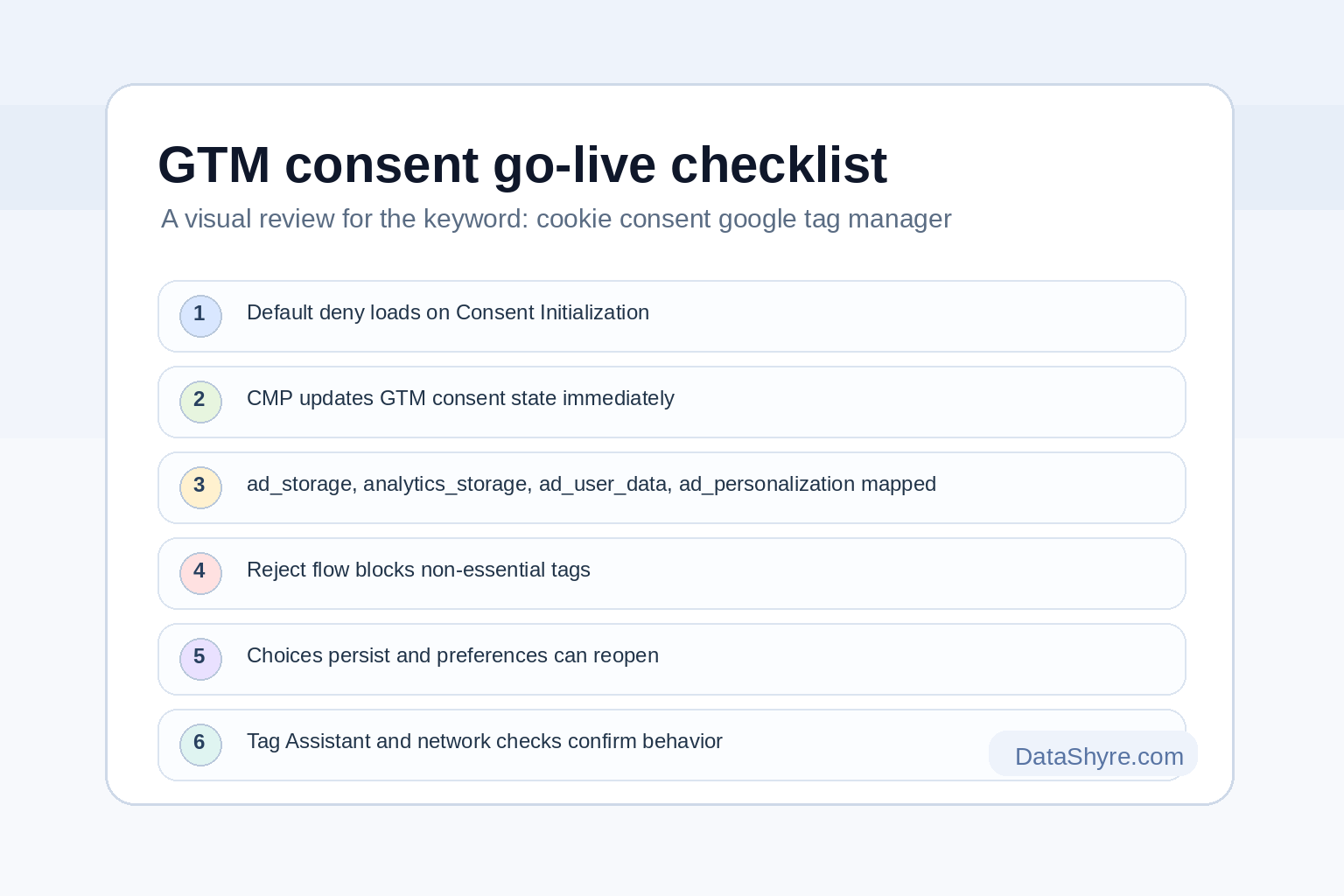
Caption: A useful launch review checks defaults, updates, rejection behavior, and evidence from live testing.
5. Make sure rejection works as cleanly as acceptance
The accept button usually gets all the attention. The reject path is where weak implementations show themselves. Test whether the refusal path updates consent state immediately, suppresses non-essential tags, and persists the choice on later page loads.
This is where privacy reviews often get uncomfortable. A team will say the banner offers a reject option, then discover the GTM container was only tested on the happy path.
6. Persist choices and make withdrawal easy
Google notes that consent mode does not store the user’s choice for you. Your CMP or preference layer has to persist it, replay it on later pages, and make reopening preferences straightforward.
That is not just user-experience polish. It is part of whether the overall control can credibly be described as informed and withdrawable.
7. Test with Tag Assistant and browser-level evidence
Before launch, test three scenarios at minimum:
- a first visit with no choice made yet
- an explicit reject flow
- an explicit accept flow
In each case, check Tag Assistant and browser network activity. The question is simple: what fired, when, and under which consent state? If nobody on the team can answer that in five minutes, the deployment is not ready.
Mistakes that still break deployments
The biggest mistake is treating the banner as the system. It is only one part of the system.
Other common failures include:
- loading consent defaults after a pageview event or conversion trigger
- mapping CMP categories loosely so one user action updates only part of the consent state
- relying on custom HTML tags that bypass built-in GTM consent controls
- testing only from the accept path and never from the reject path
- forgetting that the same site may need different legal logic by region even if the technical plumbing is shared
A good operational question is this: if someone asked for evidence from a real page load, could your team show that non-essential tags stayed off until a valid signal arrived?
FAQ
Does GTM handle cookie consent by itself?
No. GTM can enforce consent-aware behavior and pass consent states, but it does not create the banner, collect the decision, or store the preference by itself. You still need a CMP or a well-built custom consent layer.
Is Consent Initialization really necessary?
For most GTM consent setups, yes. Google’s guidance says default consent should be established before tags use consent. In practice, Consent Initialization is the cleanest way to do that.
Should one setup work for every region?
Usually not. The GTM mechanics can be shared, but the legal logic may differ by region. European and UK journeys often need prior consent for non-essential tracking, while other regions may require a different control pattern.
Bottom line
Cookie consent google tag manager is really an execution problem. If defaults load early, updates are mapped correctly, rejection is tested, and evidence is easy to produce, your setup is in much better shape. If any of those pieces are vague, the banner may look compliant while the tags tell a different story.
Sources
- Google for Developers
- Google Ads & Commerce Blog
- UK Information Commissioner’s Office
- European Commission
- European Data Protection Board