

Cookie Consent Manager OneTrust in 2026: 7 Checks Before You Rely on It
If you are evaluating cookie consent manager one trust on October 13, 2026, the real question is not whether the banner looks enterprise-ready in a screenshot.
It is whether the live implementation actually gives people a real reject path, sets safe defaults before tags fire, survives deployment changes, and leaves behind proof that the site behaved the way the interface claimed.
That standard is tighter in 2026 than many teams assume. OneTrust’s current guidance for Google Tag Gateway says opt-in or global-default setups must present an equally prominent way to reject or decline before data is transmitted. Google’s current consent-mode setup guide still requires default consent signals to be set before measurement commands run, and the ICO finalized updated storage-and-access guidance on April 29, 2026, including a new section on what counts as a simple means of objecting. Add the CNIL’s enforcement on misleading cookie-banner designs, and the message is straightforward: a polished banner is not enough anymore.
If you want adjacent context first, start with our guides to OneTrust cookie consent, cookie consent manager, and cookie consent Google Tag Manager. This article stays focused on what I would verify before trusting cookie consent manager one trust in production.
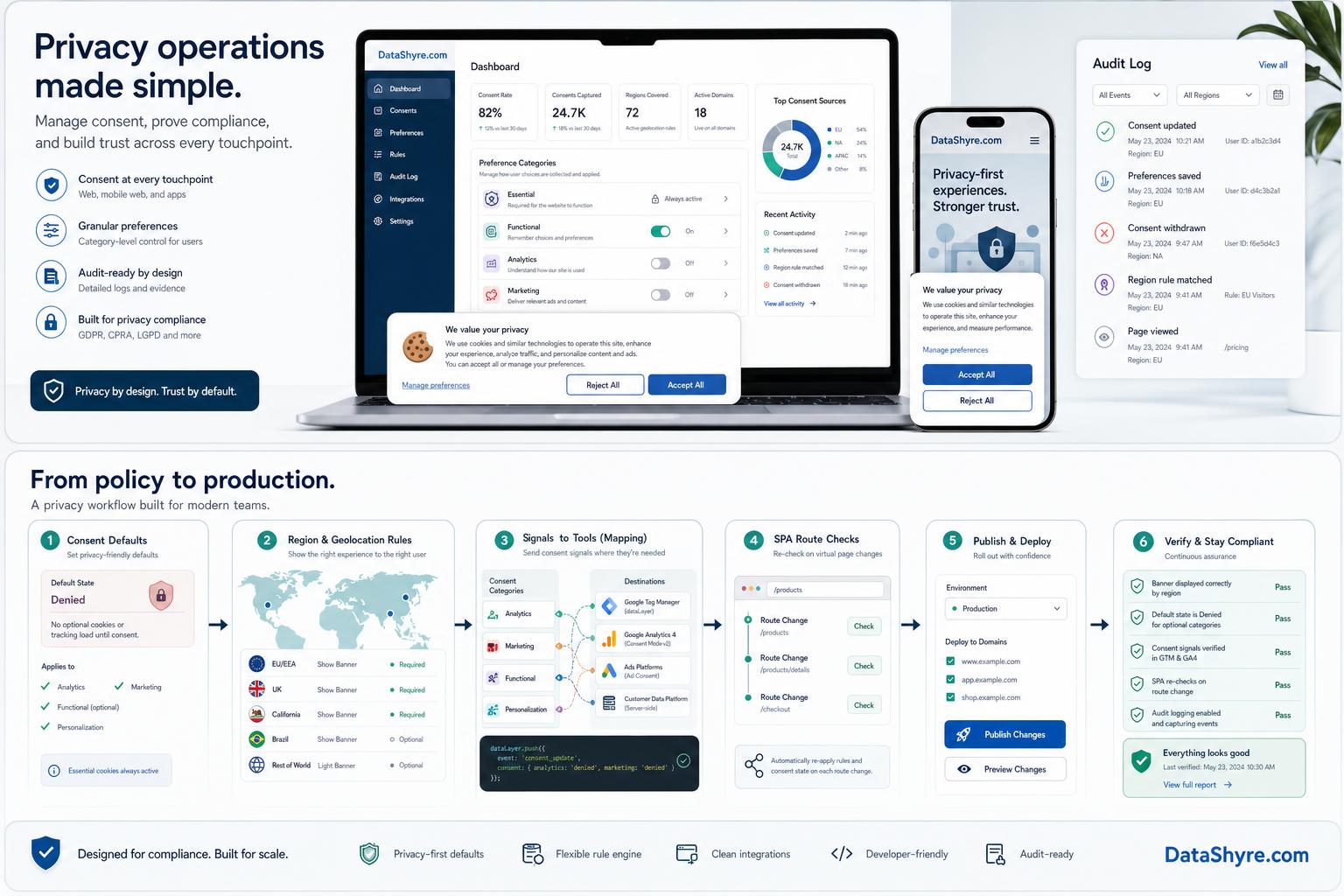
1. Check the first-layer reject path before you review anything else
This is still the fastest credibility test for cookie consent manager one trust.
OneTrust’s current Google Tag Gateway documentation says that, for opt-in or Global Consent Defaults setups, the banner should show an equally prominent reject or decline option. The CNIL’s cookie-banner enforcement makes the same practical point from the regulator side: rejecting cookies must be as easy as accepting them, and the reject path cannot be buried through styling or placement.
So on desktop and mobile, check:
- whether the first layer includes a real decline or reject control where prior consent is required;
- whether the control is visually comparable to the accept path;
- whether the page behavior actually changes after rejection.
If the reject route is weak, cosmetic, or delayed into a second layer, I would treat the rest of the implementation with suspicion too.
2. Verify the defaults before the banner updates anything
Many teams still review cookie consent manager one trust as if consent starts when the visitor clicks.
It does not. Google’s current setup guide still says default consent states should be defined on every page before measurement data is sent, and the guide’s example still uses a deny-by-default pattern for ad_storage, ad_user_data, ad_personalization, and analytics_storage. That matters because OneTrust only helps if its state reaches Google tags early enough.
For a useful live review, confirm:
- the default consent state is present before analytics or ad tags fire;
- the state is scoped by region where appropriate;
- consent updates happen on the same page where the user acts, before a page transition.
When defaults are late, teams often think the banner is compliant because the interface looks right. The network behavior tells a different story.
3. Treat publishing as a deployment step, not an admin click
One of the most expensive OneTrust mistakes is boring: a change exists in the tenant, but production still runs the older script state.
OneTrust’s publish API still exposes deployment settings for the website script, including SPA support. That is a reminder that cookie consent manager one trust is not only a configuration problem. It is also a release-management problem.
Every time rules, templates, categories, or geolocation behavior change, confirm:
- the change was actually published to the correct domain and script type;
- the production site loaded the expected script behavior;
- the observed banner matched the intended release.
If your privacy team says the change was made but engineering cannot prove production received it, the change is not done yet.
4. Test the consent actions, not just the preference center
OneTrust’s public JavaScript methods make this operationally testable. Its current Web CMP API documents methods such as OneTrust.AllowAll(), OneTrust.RejectAll(), OneTrust.ToggleInfoDisplay(), and OneTrust.LoadBanner().
That does not mean you should call methods manually on a live production site as your primary validation path. It means the platform exposes a concrete consent model that can be tested against the visible interface and the resulting network behavior.
What I want to see:
- accept-all grants the categories it claims to grant;
- reject-all leaves only strictly necessary items enabled;
- the preference center reflects the same state the user just set;
- a later revisit allows the user to change the choice without friction.
The platform can be technically feature-rich and still fail the user’s actual experience.
5. Run a separate SPA check if the site does not fully reload pages
This is where cookie consent manager one trust often breaks quietly.
OneTrust’s current SPA documentation says you need to enable Single Page Application support in the publish pane, and its JavaScript API notes that OneTrust.LoadBanner() depends on that setting being turned on. The same SPA guide also notes that a page refresh is typically needed when a user opts out so browsers can correctly swap blocked script handling.
If your site uses React, Next.js, Vue, embedded booking flows, or other client-side routing, do not assume a homepage pass is meaningful. Test:
- an initial clean visit;
- navigation across client-side routes;
- preference changes without a full reload;
- whether embeds, late scripts, or route changes escape the intended consent logic.
A consent banner that behaves on the first page but drifts on later routes is one of the most common enterprise privacy failures.
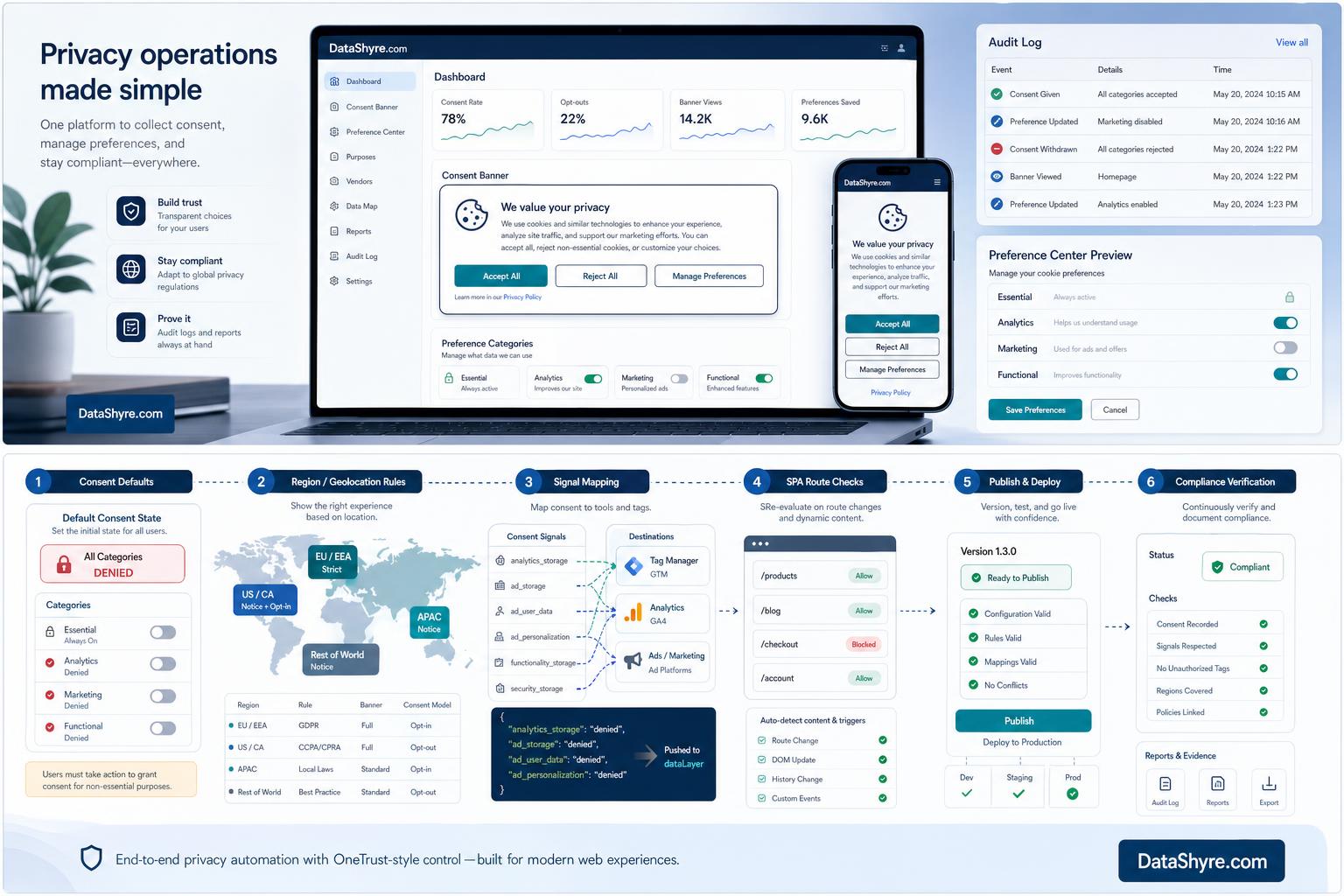
6. Separate website consent from publisher-ad requirements
This is where teams overgeneralize.
For ordinary websites, Google’s consent-mode guidance is mainly about setting and updating the right signals. But if the property serves ads through publisher products such as AdSense, Ad Manager, or AdMob in the EEA, the UK, or Switzerland, Google still requires a certified CMP integrated with the TCF for the relevant scenarios.
So if cookie consent manager one trust is being evaluated on a publisher stack, test two different branches:
- whether the website implementation sends the expected consent signals;
- whether the publisher-side CMP and TCF requirements are satisfied where they apply.
Those are related, but they are not identical compliance checks.
7. Keep evidence that the live setup still works after the next release
The strongest cookie consent manager one trust setup is not the one with the cleanest admin screenshots.
It is the one that can still prove, after the next theme deployment, tag addition, or regional rule change, that the reject path works, defaults are correct, scripts were published, route changes were handled, and downstream tags respected the user’s choice.
For a lightweight audit record, keep:
- screenshots of the first layer and preference center on desktop and mobile;
- notes on default-state, reject-state, and accept-state behavior;
- proof of the publish event tied to the change;
- a short tag or network review for key vendors;
- a dated re-test log after later releases.
That evidence usually matters more than an internal claim that the CMP was already reviewed once.
Bottom line
If you are choosing or auditing cookie consent manager one trust in 2026, judge it as a runtime controls system, not a banner design asset.
The practical standard is simple: a real first-layer reject path where required, safe defaults before measurement starts, reliable publishing, route-aware behavior on SPAs, correct Google signal handling, and proof that the live site still behaves after changes.
If your team can demonstrate those seven checks on the production property today, your OneTrust setup is much closer to the real standard than a banner that only looks convincing in a slide deck.
Sources
- https://developer.onetrust.com/onetrust/docs/cookie-consent-integration-with-google-tag-gateway-for-advertisers
- https://developer.onetrust.com/onetrust/reference/publishscripttosite
- https://developer.onetrust.com/onetrust/docs/javascript-api
- https://developer.onetrust.com/onetrust/docs/single-page-applications
- https://developers.google.com/tag-platform/security/guides/consent
- https://ico.org.uk/for-organisations/direct-marketing-and-privacy-and-electronic-communications/guidance-on-the-use-of-storage-and-access-technologies/
- https://www.cnil.fr/en/dark-patterns-cookie-banners-cnil-issues-formal-notice-website-publishers
- https://support.google.com/adsense/answer/13554116?hl=en-GB
—
Published: October 13, 2026. Updated using current live OneTrust, Google, ICO, CNIL, and publisher-policy materials available at publication time.