

WordPress Cookie Consent Plugin: 6 Checks Before You Install in 2026
If you are searching for wordpress cookie consent plugin, you probably do not need another generic explainer on cookies. You need to know whether a plugin can control what really happens on a WordPress site once marketing tags, analytics scripts, embeds, page builders, caching layers, and ad tools all start interacting.
That is the practical buying problem in 2026. A plugin can look compliant because the banner appears on the page, while non-essential scripts still fire too early or consent changes never reach the tools that matter. WordPress’s own developer privacy guidance takes a useful stance here: privacy should be the default, and consent for data sharing should not be assumed.
William Malcolm of the ICO recently said users should have “meaningful control over how their data is used.” That is a better test than asking whether the banner looks polished. If the plugin does not create real control over tracking behavior, it is mostly decoration.
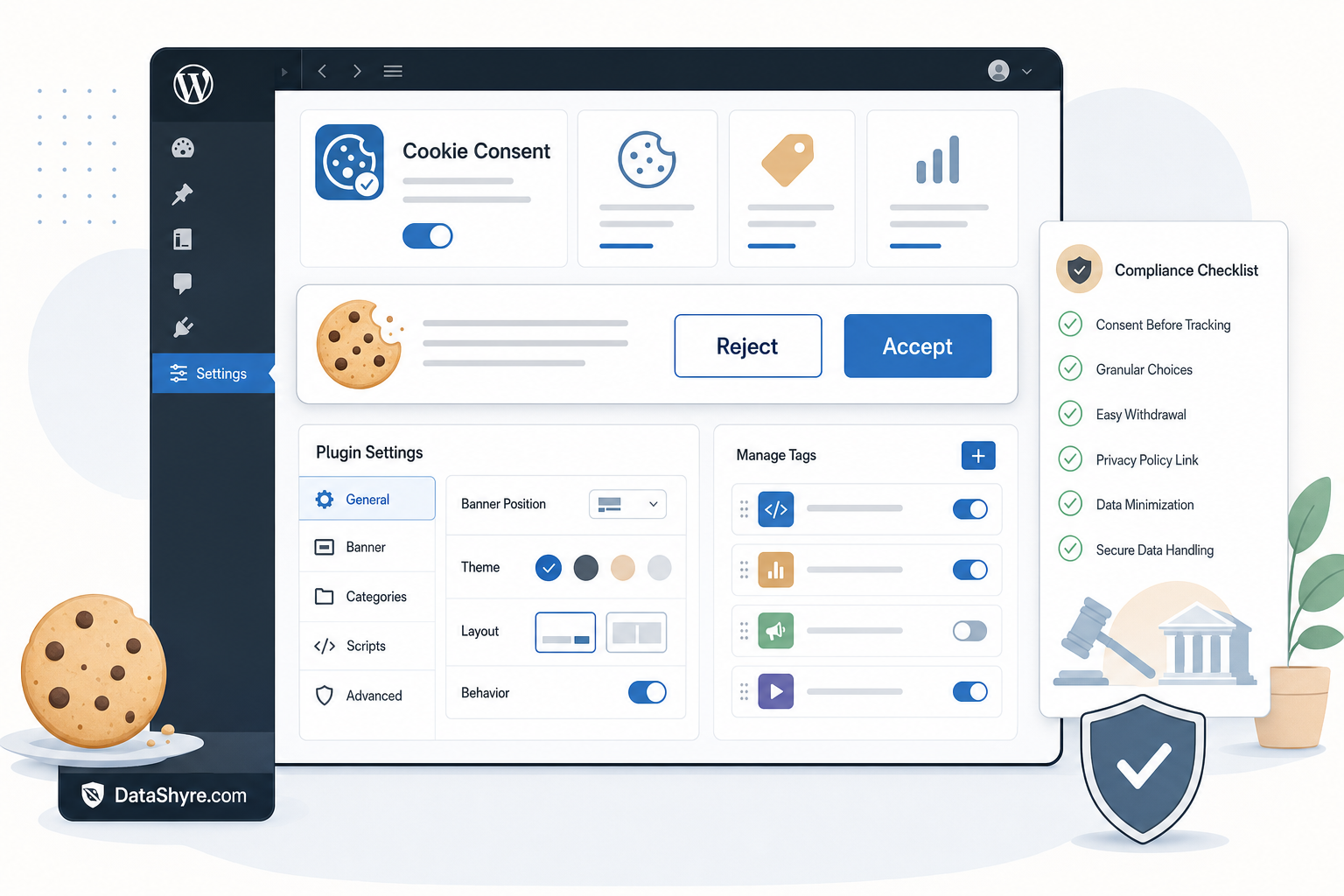
What a wordpress cookie consent plugin has to handle now
For UK and EU visitors, the basic rule is still prior consent for non-essential cookies and similar technologies unless a narrow exception applies. The ICO’s 2026 Storage and Access Technologies guidance also makes clear that the rules now cover more than classic cookies, including tracking pixels, device fingerprinting, and similar tools. On a WordPress site, that matters because scripts arrive from themes, plugins, tag managers, ad snippets, chat widgets, video embeds, and marketing forms, not just one analytics tag in the header.
John Edwards put the user-experience standard plainly when he said it must be “just as easy to reject” non-essential cookies as it is to accept them. That means a plugin should not only show an equal reject path. It should also keep optional technologies off before consent and honor withdrawal later.
If you want the wider background first, our guides to WordPress cookie consent, cookie consent WordPress, and Google Tag Manager cookie consent cover the surrounding setup questions.
Six checks before you install
1. Test whether it blocks non-essential scripts before choice
This is the first check because it is where many WordPress setups fail. The banner appears, the site feels finished, and meanwhile optional tags have already loaded through the theme, a plugin, or GTM.
Open a clean browser session, reject optional categories, and inspect what still fires. Test analytics, ad pixels, video embeds, chat tools, heatmaps, and marketing forms. If you are still comparing broader platforms, our consent management platform WordPress guide is a useful companion because the technical test is the same whether the control comes from a plugin or a larger CMP.
2. Check how it handles Google consent signals
Many WordPress sites rely on Google Analytics, Google Ads, or GTM, so the plugin should not stop at showing categories. Google says the Consent Initialization trigger is designed so consent settings are honored before other triggers fire, and its current consent documentation still expects consent mode implementations to manage ad_storage, analytics_storage, ad_user_data, and ad_personalization.
Scott Herman described the goal as making tags “respect cookie consent choices.” That is still the right technical standard. A good plugin either has a solid native integration with Google tagging or gives you a reliable way to pass consent states before measurement tags fire.
3. Verify region logic instead of assuming one banner fits all
A WordPress site that serves multiple markets should not treat every visitor the same way. Some storage and access technologies may qualify for exceptions, but many marketing and measurement uses will not. Your plugin should let you apply different defaults, notices, and behaviors by region without turning the setup into a brittle mess.
This matters operationally too. Google’s publisher guidance says that when serving personalized ads to users in the EEA, the UK, or Switzerland, publishers need a certified CMP integrated with the TCF. Not every WordPress cookie plugin is built for that scenario. If ad monetization matters, confirm whether the plugin itself supports that requirement or whether you actually need a fuller CMP connection behind the WordPress layer.
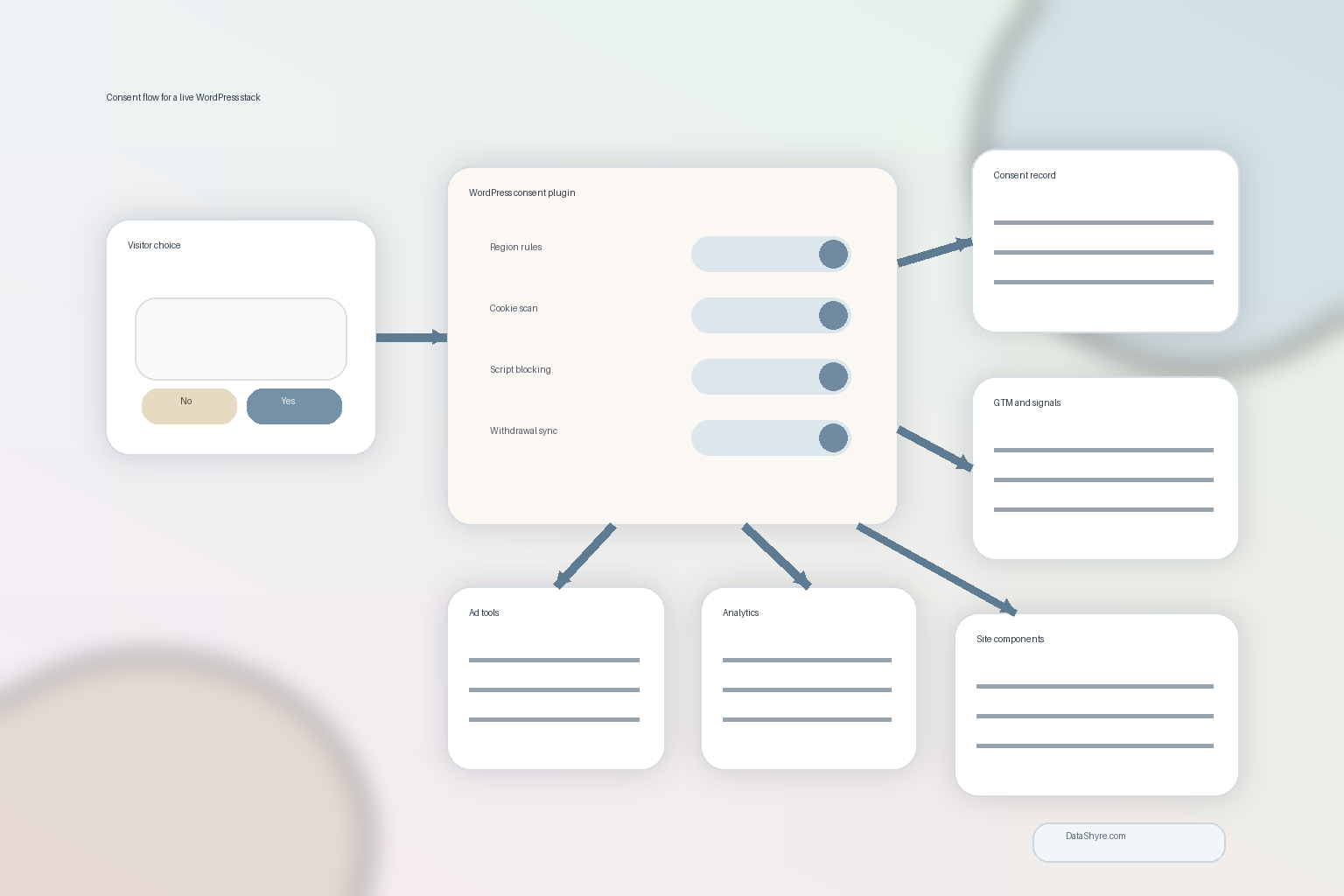
4. Make sure it keeps usable records
A banner is the visible part. The audit trail is the part you need later.
Look for timestamped consent records, policy or banner versioning, category-level choices, jurisdiction logic, and evidence of withdrawal. The ICO’s updated SAT guidance says consent mechanisms must have the technical capability to let users withdraw consent as easily as they gave it. If the plugin stores only a yes-or-no flag with no surrounding context, that record will age badly.
5. Test it against actual WordPress complexity
Do not judge the plugin from a homepage demo. Test it with the stack you really run: page builders, caching plugins, consent-dependent forms, embedded videos, WooCommerce components, multilingual pages, and custom scripts added through the theme or a snippets plugin.
WordPress drift is real. A plugin that behaves well on a clean install may miss scripts introduced later by marketers, developers, or third-party add-ons. Your review process should include rescans, recategorization, and post-change testing, not just the initial install.
6. Check whether your team can operate it after launch
A wordpress cookie consent plugin is only useful if somebody can maintain it. Ask who owns scans, cookie categories, localization, plugin conflicts, banner copy changes, and testing after new plugins are installed. If the honest answer is nobody, choose the simpler setup or tighten the operating model before you buy.
That point sounds less exciting than feature comparisons, but it usually decides whether the system still works three months later.
Bottom line
The right wordpress cookie consent plugin is not the one with the prettiest banner. It is the one that blocks optional technologies before choice, passes consent states to the tools that need them, supports your regions, leaves a usable record, and survives the messy reality of WordPress.
If a vendor can show those things on a real test site, you probably have a serious option. If not, you may just be adding another plugin to the stack and hoping it covers a privacy problem by looking busy.
Sources
- ICO
- Google Tag Manager Help
- Google for Developers
- Google Ad Manager Help
- WordPress Developer Resources