

TrustArc Cookie Consent Manager: 6 Checks Before You Roll It Out in 2026
Rolling out trustarc cookie consent manager is not the same thing as becoming compliant. The tool can help you move faster. It can also make weak assumptions travel across every market you serve.
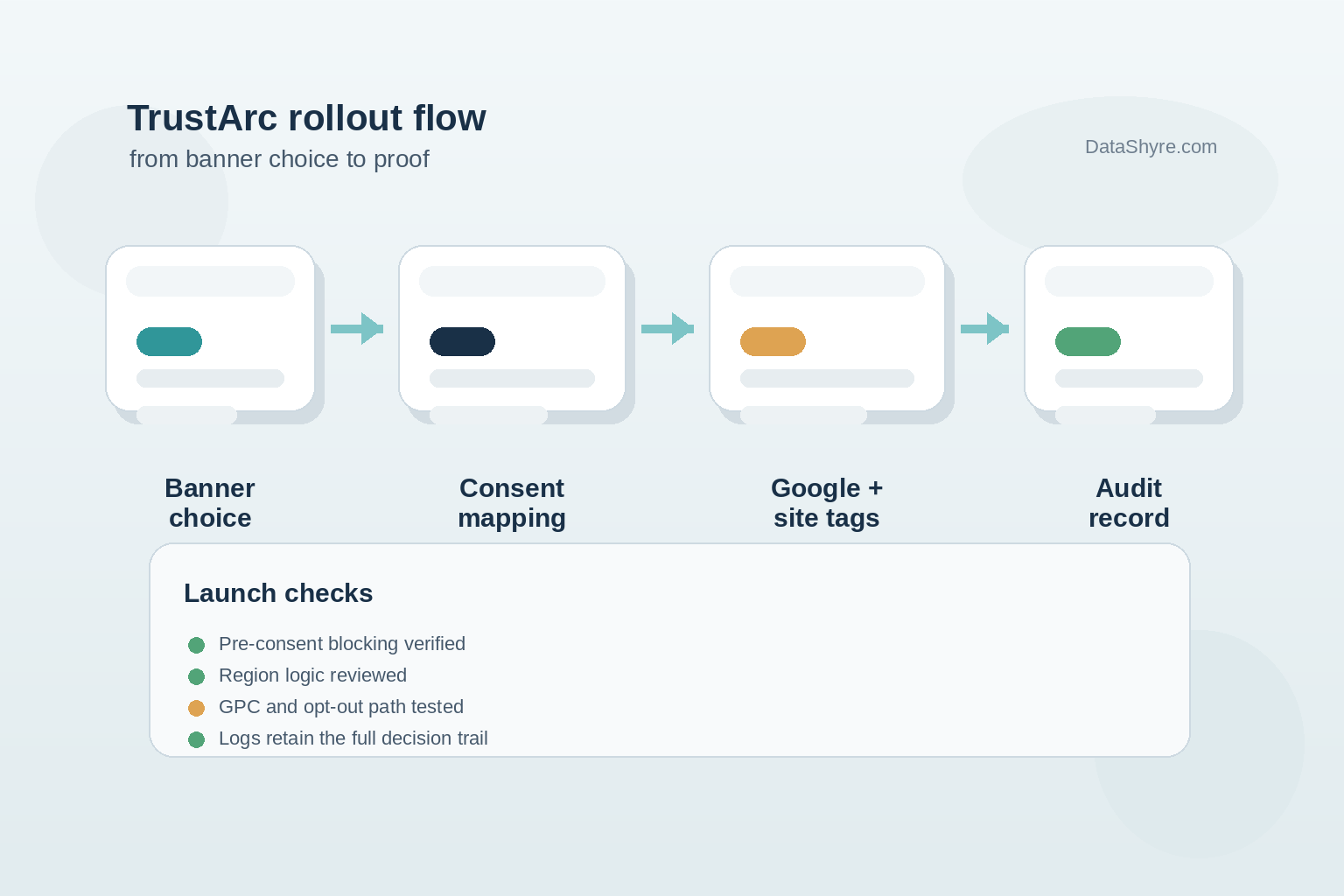
That is the real buying and implementation question in 2026. Not whether TrustArc can show a banner, but whether your setup blocks the right technologies at the right time, maps consent choices cleanly into Google and the rest of your stack, and leaves behind records another person can audit later.
TrustArc’s own product materials lean into speed: one script for websites and mobile apps, regional configuration options, and a setup flow designed to get banners live quickly. That is useful. It is not a substitute for testing. As William Malcolm of the ICO put it in April 2026, people need “meaningful control over how their data is used.”

If you are still comparing approaches, our guides to cookie consent manager and Google Tag Manager cookie consent are useful companion reads. This article is narrower. It is about what to verify before you trust a TrustArc rollout in production.
What TrustArc gives you out of the box
On the current product pages, TrustArc positions Cookie Consent Manager as a configurable CMP with geo-specific banner settings, consent records, consent withdrawal support, and Google Consent Mode support. Google also maintains a dedicated TrustArc setup guide in Tag Manager Help, and TrustArc appears on Google’s certified CMP list for web and app inventory. That combination makes TrustArc a credible option for teams that need a mainstream enterprise path instead of a DIY banner.
The catch is that enterprise CMP projects usually fail in the handoff between configuration and operations. Daniel Ang of TELUS International said TrustArc support “significantly expedited our cookie banner implementation.” That sounds right. A good implementation can move fast. It still needs a hard review before go-live.
Six checks before you publish the banner
1. Confirm the first pageview behaves the way you think it does
Do not start in the admin panel. Start in the browser.
Load the site as a first-time visitor in the UK, an EU country, and California. Watch what fires on page load before any interaction. Your real test is not whether the banner appears. It is whether optional tags stay quiet until they should not.
This matters more now because the ICO’s final storage and access technologies guidance covers a wider set of tracking tools than cookie lists alone. If trackers, pixels, or scripts fire before choice in opt-in markets, the banner is mostly decoration.
2. Review how TrustArc maps consent into Google
Google’s current TrustArc setup guide is unusually useful because it shows where teams tend to get sloppy. It points implementers to TrustArc’s CMP template, requires the trigger on Consent Initialization - All Pages, and shows how to map consent buckets to Google’s consent types.
That mapping deserves a real review. Functional, advertising, and required categories are not the same as analytics_storage, ad_storage, or ad_user_data unless you deliberately make them line up. A rushed setup can leave trustarc cookie consent manager technically installed but logically wrong.
3. Check whether regional logic matches your actual obligations
TrustArc offers geographic detection and region-specific configuration. Good. That flexibility is only helpful if the rules behind it are correct.
Europe and the UK usually require prior consent for non-essential technologies. California is a different operating model, especially where selling, sharing, and opt-out signals are involved. In September 2025, California, Colorado, and Connecticut announced a sweep focused on businesses that may not have been honoring Global Privacy Control. A month later, Tom Kemp said privacy choices should be “as simple as clicking a button in your browser.”
So test California like California, not as a watered-down EU banner. Make sure the browser signal path and the site-level preference path do not conflict.
4. Pair the banner with tracker discovery instead of trusting manual lists
This is one of the stronger arguments for the TrustArc stack. TrustArc’s Website Monitoring Manager is positioned as a native companion product that scans trackers, supports categorization, and feeds discovery back into consent configuration.
That matters because manual cookie inventories drift fast. Marketing tags change. Vendors daisy-chain more requests than expected. Somebody adds a new embed on Friday afternoon and forgets to tell privacy or engineering. If you deploy trustarc cookie consent manager without a reliable discovery process, your banner can go stale long before anyone notices.
5. Make withdrawal and later changes easy
This sounds obvious until you test it. GDPR says it must be as easy to withdraw consent as to give it. That principle should show up in the site experience, not just in policy wording.
Try the awkward paths:
- Reject on the first layer.
- Accept, then reopen settings and withdraw.
- Switch categories after login.
- Move between subdomains if your environment uses them.
TrustArc’s implementation materials and release notes show why these tests matter. Even seemingly small details like how preference cookies work across domains can change whether the experience feels coherent or brittle.
6. Treat proof as part of the product, not a reporting afterthought
When regulators, counsel, or internal stakeholders ask what happened, you need more than a screenshot of the banner.
You want evidence that shows what the visitor saw, what they chose, when the choice changed, and whether downstream systems received the update. The April 29, 2026 ICO announcement is a useful reminder here: the regulator said 99% of the UK’s top 1,000 websites now meet compliance standards for cookie banners after focused intervention. That is a sign of rising operational expectations, not a reason to relax.
If your records are muddy, the rollout is incomplete even if the banner looks polished.
A practical rule for shortlisting TrustArc
I would not judge this product by design flexibility first. I would judge it by whether your team can do four things with confidence:
- stop optional tracking before consent where required;
- map consent states correctly into Google and other tags;
- keep tracker discovery current; and
- show proof another person can understand without a long walkthrough.
If TrustArc can do those four jobs in your environment, the rest of the decision gets easier.
Bottom line
trustarc cookie consent manager is a serious enterprise option, especially for teams that want regional controls, a Google-ready path, and stronger tracker governance than a lightweight banner plugin usually provides. But the win is not the purchase. The win is a rollout that behaves correctly on a messy, changing site.
That is the standard to use before go-live. Not “the banner is up.” More like: the choices are real, the mappings hold, and the evidence is clean.
Sources
- TrustArc
- TrustArc Support Portal
- Google Tag Manager Help
- Google Ad Manager Help
- Information Commissioner’s Office
- EUR-Lex
- California Privacy Protection Agency