Webflow Cookie Consent in 2026: 7 Checks Before You Publish
DataShyre StaffAug 5, 2026
7 min read
Webflow Cookie Consent in 2026: 7 Checks Before You Publish
If you are searching webflow cookie consent on August 5, 2026, you probably are not asking whether a banner can be made to look decent. You are trying to work out whether a real Webflow site can hold back non-essential tracking until the visitor chooses, pass that choice into the tools that matter, and keep the setup defensible after the site is published.
That is still the right question. Webflow’s current documentation is helpful precisely because it draws a line many teams miss. Its Browser API consent endpoints apply to Webflow Analyze and Optimize, but if you are not using those features, Webflow says you “must set up your own consent management banner or platform.” Its current OneTrust app documentation is equally practical: the SDK must load first or very close to first in the , and third-party scripts should be managed through the app rather than dropped directly into custom code.
If you want the surrounding context first, start with our guides to Google Tag Manager cookie consent, website privacy checker, and consent management platform. This article stays narrower. It is the seven-check review I would run before trusting webflow cookie consent on a live site.
What webflow cookie consent has to control now
The hard part about webflow cookie consent is that the visible banner is only one layer of the job.
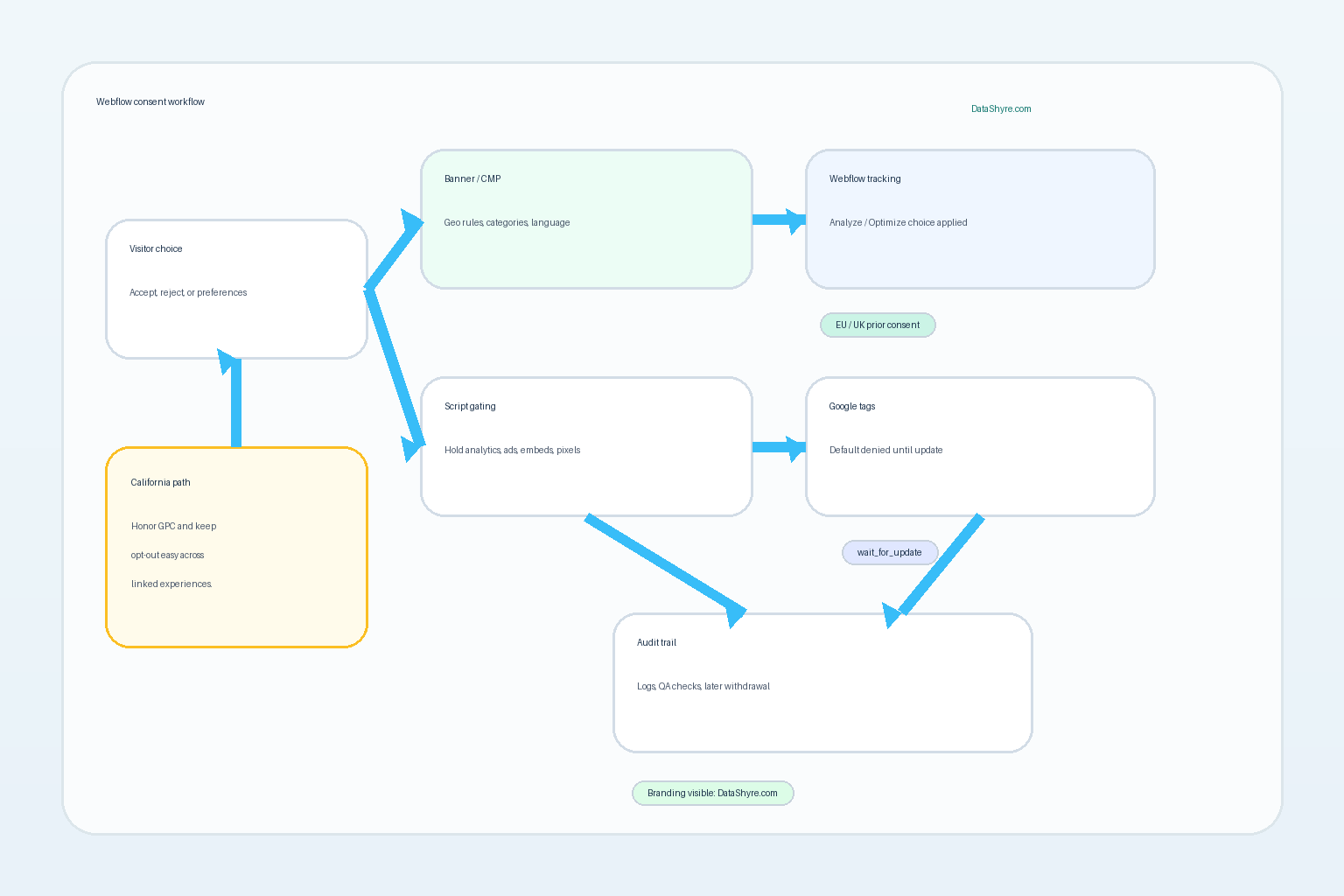
On a real site, the consent logic may need to govern:
Webflow Analyze or Optimize tracking if those products are enabled;
Google tags or GTM-managed scripts;
marketing pixels added through custom code;
embedded video, chat, scheduling, or map tools;
app-based or CMP-managed script categories;
California opt-out handling such as Global Privacy Control;
later withdrawal and retesting after site edits.
That makes Webflow consent work closer to release engineering than to simple front-end decoration.
1. Separate Webflow’s own tracking controls from everything else
This is the first distinction to get right because it changes the implementation plan.
Webflow’s current Browser API documentation says its consent management tools are for Analyze and Optimize. If you are not using those features, those endpoints do not solve your broader compliance problem. You still need a separate banner, CMP, or custom setup for third-party analytics, ad tech, embeds, and anything else you placed on the site.
For webflow cookie consent, that means the first scoping question is not “Do we have a banner?” It is “Which technologies does this banner actually control?”
2. Make sure the consent layer loads before the scripts it is supposed to govern
This is one of the easiest places for a Webflow setup to look correct while behaving incorrectly.
Webflow’s current OneTrust app documentation says the SDK must load first, or very close to first, in the before other scripts and before the page loads. The same documentation says third-party scripts should be managed through the app instead of being placed directly into the site’s custom code settings.
That is an operational warning, not just a setup tip. If analytics, advertising, or personalization code runs before the consent layer is ready, your webflow cookie consent implementation is late even if the banner appears instantly to the visitor.
3. Test for non-cookie tracking too, not just visible cookies
The UK ICO’s final storage-and-access technologies guidance, published on April 29, 2026, makes this broader than old cookie-banner terminology suggests. The guidance now expressly covers storage and access technologies beyond traditional cookies and adds new subchapters including what counts as “a simple means of objecting.”
For a Webflow site, that matters because optional tracking may arrive through:
JavaScript tags;
embedded forms;
pixels and network calls;
browser storage;
fingerprinting-style behavior in third-party tools.
So the right test for webflow cookie consent is not “Did the cookie list shrink?” It is “Did the optional measurement or marketing behavior stay off until consent was granted?”
4. Keep first-layer choice fair when prior consent applies
The European Commission still says valid consent must be freely given, specific, informed, and unambiguous, and it must be as easy to withdraw as to give. France’s CNIL has stayed equally direct in current enforcement language, saying rejecting cookies should be just as easy as accepting them.
That means a stronger webflow cookie consent banner should usually avoid:
burying Reject all in a second layer;
collapsing several purposes into one vague switch;
using low-contrast refusal links or asymmetrical button design;
making the preference center easier to open than to actually use.
Design polish is fine. Directional friction is not.
5. If Google tags are involved, deny by default and update quickly
Google’s current consent mode documentation still gives the cleanest technical rule: set the default consent state before a user grants consent, then update the state when the user interacts with consent settings. Google also says those consent updates should be tracked on the same page before any page transition.
For webflow cookie consent, that usually means you should check:
whether GTM or direct Google tags are initialized with default denied settings where required;
whether the CMP updates consent states immediately after the visitor chooses;
whether tags are scoped by region instead of being globally over-restricted or under-restricted;
whether late-loading scripts still fire in the wrong order on landing pages.
This is where many otherwise decent Webflow implementations break.
6. Treat California opt-out logic as a separate operational path
California is not the same as an EU-style opt-in model, and that distinction matters on mixed-audience sites.
The California DOJ’s current GPC page still says the signal is a “stop selling or sharing my data switch” and that covered businesses must honor it as a valid opt-out request. California’s February 11, 2026 Disney settlement pushed the same point further: Attorney General Bonta said businesses cannot force people to go “device-by-device or service-by-service.”
That is a useful reality check for webflow cookie consent work. If a Webflow site serves California traffic, the review should ask:
does the site detect and honor GPC where the law requires it;
does the opt-out logic affect the real sharing path, not just the banner state;
does the request propagate across linked experiences rather than staying trapped on one device or one surface.
California logic should be designed on purpose, not bolted on with assumptions.
7. Test the published site, not the Designer preview
This is the check that turns theory into evidence.
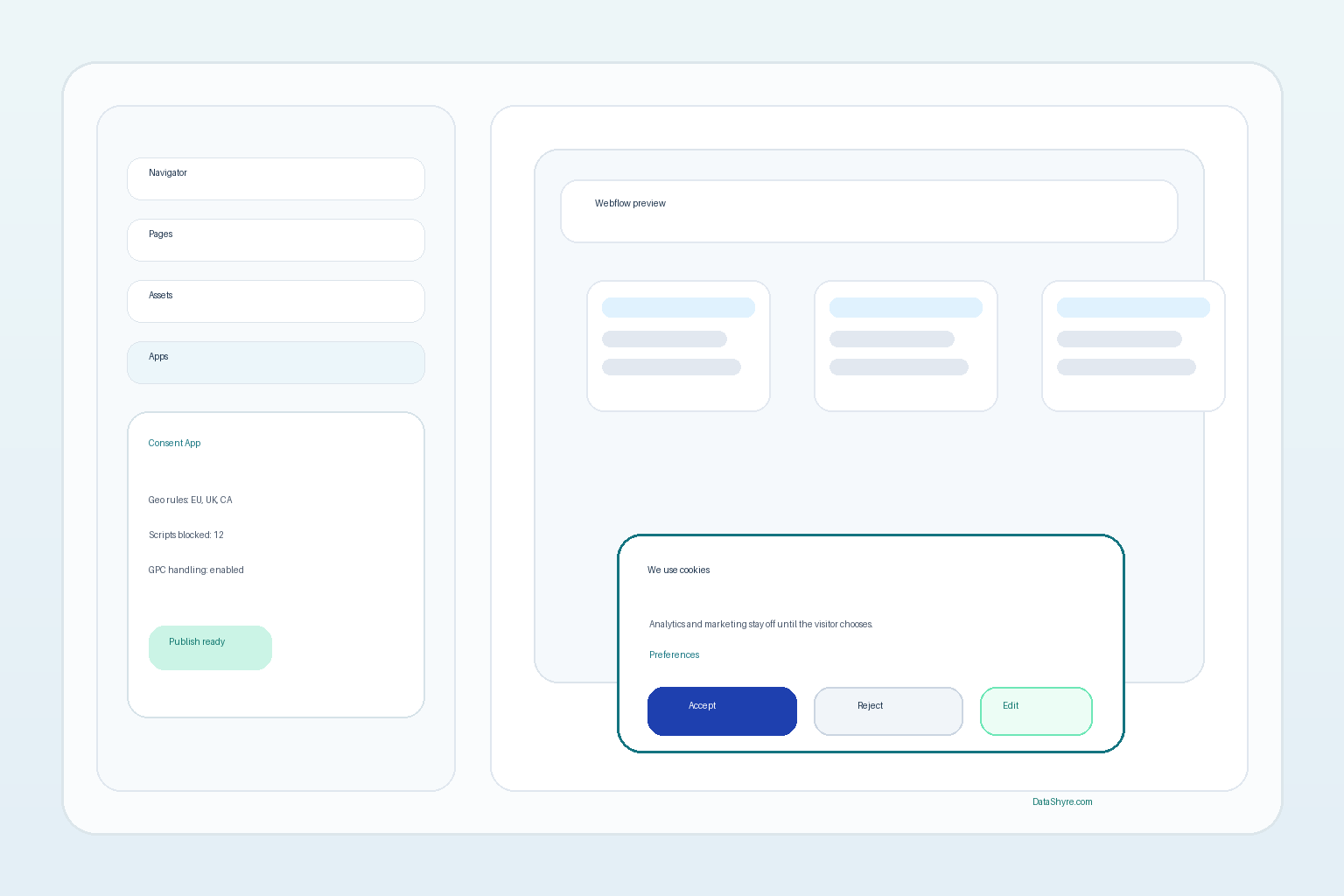
Webflow’s current help documentation is clear that app changes and consent-banner changes take effect when the site is published. So the serious review should happen on the live domain or on a staging domain that truly mirrors it.
For a practical webflow cookie consent test pass, I would check:
one fresh session with all optional categories rejected;
one session with analytics only;
one withdrawal flow after prior acceptance;
one mobile run;
one page with custom embeds or scripts;
one California run with GPC enabled if relevant.
That sequence usually reveals more truth than another round of design tweaks.
A short review sequence before you publish
If I were reviewing webflow cookie consent this week, I would do this in order:
List every tracking or embedding technology on the site.
Mark which ones Webflow controls natively and which ones need a CMP or custom gating.
Confirm the consent layer loads before optional scripts.
Verify fair first-layer choice where prior consent applies.
Check Google consent defaults and update timing if Google tags are present.
Verify California opt-out and GPC logic separately where relevant.
Test the published site end to end on desktop and mobile.
That is a much better launch filter than judging the banner by appearance alone.
Bottom line
The right way to think about webflow cookie consent in 2026 is not as a banner choice. It is as a control problem.
If your setup can distinguish Webflow’s own tracking from third-party scripts, load the consent layer early enough, keep refusal usable, wire Google tags correctly, honor California opt-out expectations where relevant, and prove the result on the published site, you are in much stronger shape. If it cannot do those things, the design may be finished while the consent system is not.