

OneTrust Software Demo in 2026: 7 Questions to Force Before You Buy
If you are searching for onetrust software demo on August 11, 2026, the real job is not to admire a polished walkthrough. It is to force the demo into the places where consent platforms usually get messy: reject flows, tag timing, regional branching, identity sync, and proof after a user changes their mind.
That is the right frame in 2026 because OneTrust’s current public materials are broad by design. Its current Consent Management Platform page says the platform orchestrates consent across web, mobile, and CTV. Its current Consent & Preferences materials say the company is trying to capture, honor, and activate consent across the customer lifecycle, not just throw a website banner on top of a page. Its public demo-request pages also position the product around consent and preference management, not only cookies.
At the same time, the compliance baseline is still unforgiving. The European Commission still says valid consent must be freely given, specific, informed, and unambiguous, and it still says withdrawal should be “as easy to withdraw as to give consent.” The UK’s ICO now says a consent mechanism should “function as intended.” California’s Department of Justice still says a valid Global Privacy Control signal must be honored as a request to stop the sale or sharing of personal information. So the useful onetrust software demo is the one that connects vendor claims to live behavior.
If you want nearby context first, read our guides to OneTrust consent tool, OneTrust comparison, and OneTrust product reviews. This article is narrower. It is the seven-question scorecard I would use in a live onetrust software demo before signing anything.
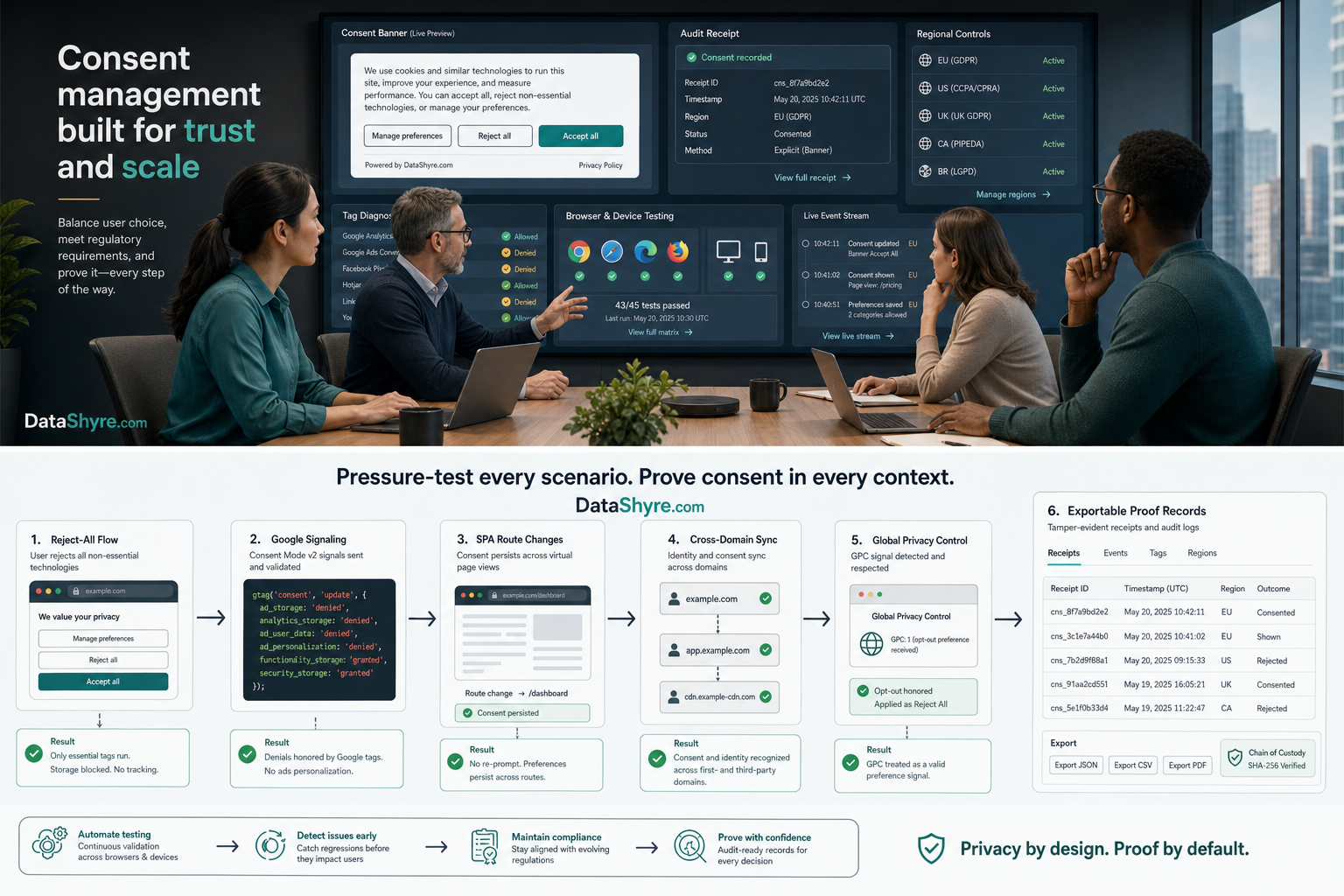
Why a OneTrust software demo can be misleading if you let the vendor drive
Most privacy-platform demos look good when they stay inside configuration screens.
You see a polished dashboard. You see categories, vendors, geolocation rules, and receipts. You hear words like orchestration, governance, first-party data, and automation. None of that is fake, but none of it proves the hard part either.
The hard part is whether your implementation behaves correctly when:
- a visitor rejects everything optional;
- an app user changes preferences after login;
- a single-page application updates state without a page refresh;
- a California browser sends a GPC signal;
- a publisher workflow needs a Google-certified CMP path;
- or a support team later has to explain what the user saw and chose.
That is why a good onetrust software demo is not really a product-tour exercise. It is a controlled interrogation.
1. Ask which OneTrust product path the demo is actually showing
This sounds basic, but it prevents a lot of confusion.
OneTrust’s current public pages split the story across at least a few distinct surfaces:
- the Consent Management Platform for web, mobile, and CTV;
- the broader Consent & Preferences offering for customers, subscribers, and users across channels;
- developer and integration materials that show how events, APIs, and identity-linked syncing actually work.
If the rep says this is all OneTrust, force the stack apart.
Ask:
- Is this demo showing website CMP behavior, broader preference management, or both?
- Which parts are included in the quoted package?
- Which parts require extra implementation work, licensing, or identity plumbing?
- Which parts only work once a user is authenticated?
That matters because the phrase onetrust software demo can hide a scope problem. A buyer who only needs a strong website consent layer may be shown more platform than they will use. A buyer who needs cross-domain or cross-device preference continuity may assume the same thing works out of the box when it actually depends on profile and integration setup.
2. Make them show Reject all, not only Accept all
This is the fastest credibility test in the room.
The European Commission’s consent guidance still says consent has to be freely given. The ICO’s current storage-and-access guidance says the consent mechanism should “function as intended” and, in practice, makes clear that refusal needs to work as cleanly as acceptance.
So in the live onetrust software demo, do not let the team stop after the happy path.
Ask them to show:
- a first visit with no prior consent state;
- a visible
Reject allpath; - granular category choices;
- a later withdrawal flow from the persistent settings path.
Then ask the implementation question that matters: what changes in the runtime after each action?
If the demo only proves that acceptance enables tags, messages, or downstream marketing behavior, it is incomplete. The harder proof is whether rejection and withdrawal are just as real.
3. Make them show Google signaling and publisher fit separately
Many teams blur website consent compliance and Google ad-product requirements into one sales answer. That is risky.
Google’s current publisher requirements still say that partners using AdSense, Ad Manager, or AdMob to serve personalized ads in the EEA, the UK, or Switzerland need a certified CMP integrated with the IAB Transparency and Consent Framework. Google also says that certification does not amount to a full check for legal compliance.
That means a strong onetrust software demo should answer two different questions:
- Does this deployment satisfy your Google publisher pathway if ads are in scope?
- Does it also satisfy your broader runtime and regulatory requirements outside that narrow pathway?
Make the rep show which OneTrust product and configuration path handles:
- Google Consent Mode updates;
- TCF-related publisher scenarios if relevant;
- Additional Consent support if your ad-tech stack needs it;
- and what happens when the site is not a publisher workflow at all.
This is where polished demos often over-compress reality. A setup can be a good Google fit and still be sloppy on broader consent operations, or the reverse.
4. Make them show SPA behavior and event timing in a real browser flow
This is one of the most important technical checks because OneTrust’s own developer materials are explicit that implementation details matter.
The current OneTrust Web CMP events guide says the solution raises JavaScript events on the window object so websites can respond to consent changes. Its Single Page Applications guidance also points teams to specific SPA implementation choices and authenticated-consent patterns. That is helpful, but it also tells you something important: this is not magic. Your stack still has to listen, update, and branch correctly.
For a serious onetrust software demo, ask for a browser-based walkthrough where the rep or solutions engineer shows:
- the initial consent state on page load;
- the event or state change after a user accepts or rejects;
- what happens on a route change inside the SPA;
- whether analytics, ads, embeds, or personalization scripts react before or after the consent update.
If they stay inside an admin console, you still have not seen the risky part.
5. Make them show cross-domain and known-user consent with your identity model
Cross-domain consent is one of the strongest public reasons to evaluate OneTrust seriously, and also one of the easiest areas to oversimplify.
OneTrust’s current developer documentation says the CMP can share and link consent across managed websites and mobile apps through a user profile stored in the OneTrust cloud. That sounds clean. But the same public documentation makes the operational dependency visible too: identity, timing, and shared consent-group design all matter.
So if cross-property continuity is one reason you are exploring an onetrust software demo, ask the team to show:
- what happens when a visitor is anonymous on one property and known on another;
- when the user identifier is passed relative to script or SDK load;
- whether consent sync applies across your exact properties or only a simplified sample;
- what happens when purpose taxonomies do not line up perfectly.
This is where a demo can become genuinely useful. If they can show your real identity sequence, not just a slide, you learn something. If they cannot, you have probably found the real implementation risk.
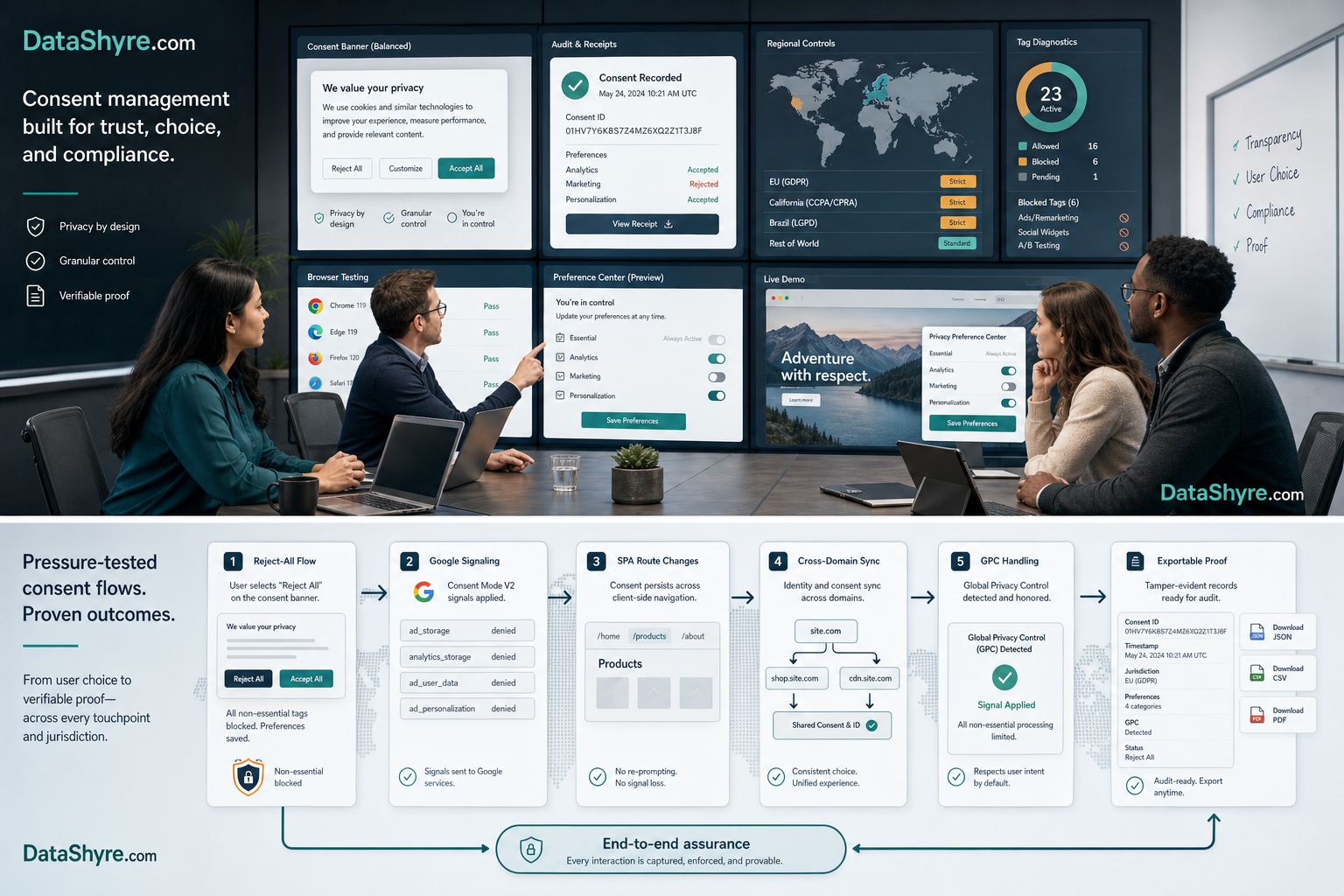
6. Make them show California handling, especially Global Privacy Control
The demo should not treat California as a footnote under a European banner.
The California Department of Justice still says that a user-enabled Global Privacy Control signal must be honored by covered businesses as a valid request to stop the sale or sharing of personal information. That is a different operational question from European prior-consent logic.
So for an onetrust software demo, ask the team to show:
- where GPC handling is configured;
- how the system distinguishes sale or sharing opt-out from EU-style prior consent;
- what downstream systems receive the opt-out effect;
- and how the business later proves that the signal was detected and honored.
If the answer is only we support GPC, keep pushing. Support is not the same thing as correct branching in your stack, your tags, your audience tools, and your downstream workflows.
7. Make them show the evidence trail after a user changes their mind
This is the final buying question because it exposes whether the platform is really operational or only presentational.
OneTrust’s public CMP materials say the platform stores consent receipts in an audit-ready database with change history. That is promising. But the live proof standard still comes from the regulator baseline: consent has to be valid, and withdrawal has to stay easy in practice.
So ask the rep to show what your team can later reconstruct:
- what the user saw;
- what they chose;
- when they chose it;
- what categories, purposes, or vendors were involved;
- what changed after the user later updated or withdrew that choice.
Then ask the support question:
If our legal, support, or engineering team gets one complaint six months later, what exactly can we export and explain?
That question usually separates a useful onetrust software demo from a polished sales sequence.
A short demo script to use this week
If I were joining an onetrust software demo this week, I would run it in this order:
- define whether the demo is CMP, broader preferences, or both;
- force a first-visit
reject alland later withdrawal flow; - watch live runtime behavior in the browser, not just admin screens;
- verify Google-specific signaling only if publisher or ad workflows matter;
- test SPA event timing and route changes;
- test cross-domain or known-user syncing if identity continuity is in scope;
- test California GPC handling and the exportable evidence trail.
That order gets you closer to the truth than most feature tours do.
Bottom line
The best onetrust software demo in 2026 is not the one with the smoothest pitch. It is the one that survives bad-path questions.
If the vendor can show real reject behavior, real runtime controls, real cross-domain logic, real California handling, and real evidence after withdrawal, the demo is doing its job. If it mostly shows dashboard breadth and configuration polish, you still do not know enough to buy safely.
Sources
- OneTrust: Consent Management Platform
- OneTrust: Consent & Preferences
- OneTrust: Consent & Preferences Demo Video
- OneTrust: Consent & Preferences Request Demo
- OneTrust Developer Portal: Web CMP Events Guide
- OneTrust Developer Portal: Single Page Applications
- OneTrust Developer Portal: Cross Domain and Cross Device Consent
- European Commission: When is consent valid?
- European Commission: What if somebody withdraws their consent?
- ICO: How do we manage consent in practice?
- California Department of Justice: Global Privacy Control
- Google Ad Manager Help: Google consent management requirements for serving ads in the EEA, the UK, and Switzerland
This post was updated on August 11, 2026 using current official regulator, government, platform, and vendor materials available at publication time.