

Google Tag Manager GDPR Cookie Consent in 2026: 7 Checks Before EU Tags Fire
If you are searching google tag manager gdpr cookie consent on August 12, 2026, the useful question is not whether the banner looks polished. It is whether Google Tag Manager actually keeps non-essential analytics, advertising, personalization, and partner tags from firing until valid consent exists.
That is still the real problem in 2026. Google’s current consent-mode documentation says defaults need to be set before measurement commands run and consent updates need to happen on the page where the user acts. The European Commission still frames valid consent around a clear affirmative act, specific purposes, and withdrawal that is as easy as giving consent. The UK ICO’s final April 29, 2026 storage-and-access technologies guidance also makes clear that the rules reach beyond classic cookies to pixels, fingerprinting, and similar technologies.
If you want the broader setup layer first, start with our guides to Google Tag Manager cookie consent, GDPR cookie consent, and GDPR cookies requirements. This article is narrower. It is the GTM audit I would run before calling an EU consent implementation ready.
Why Google Tag Manager GDPR cookie consent still fails
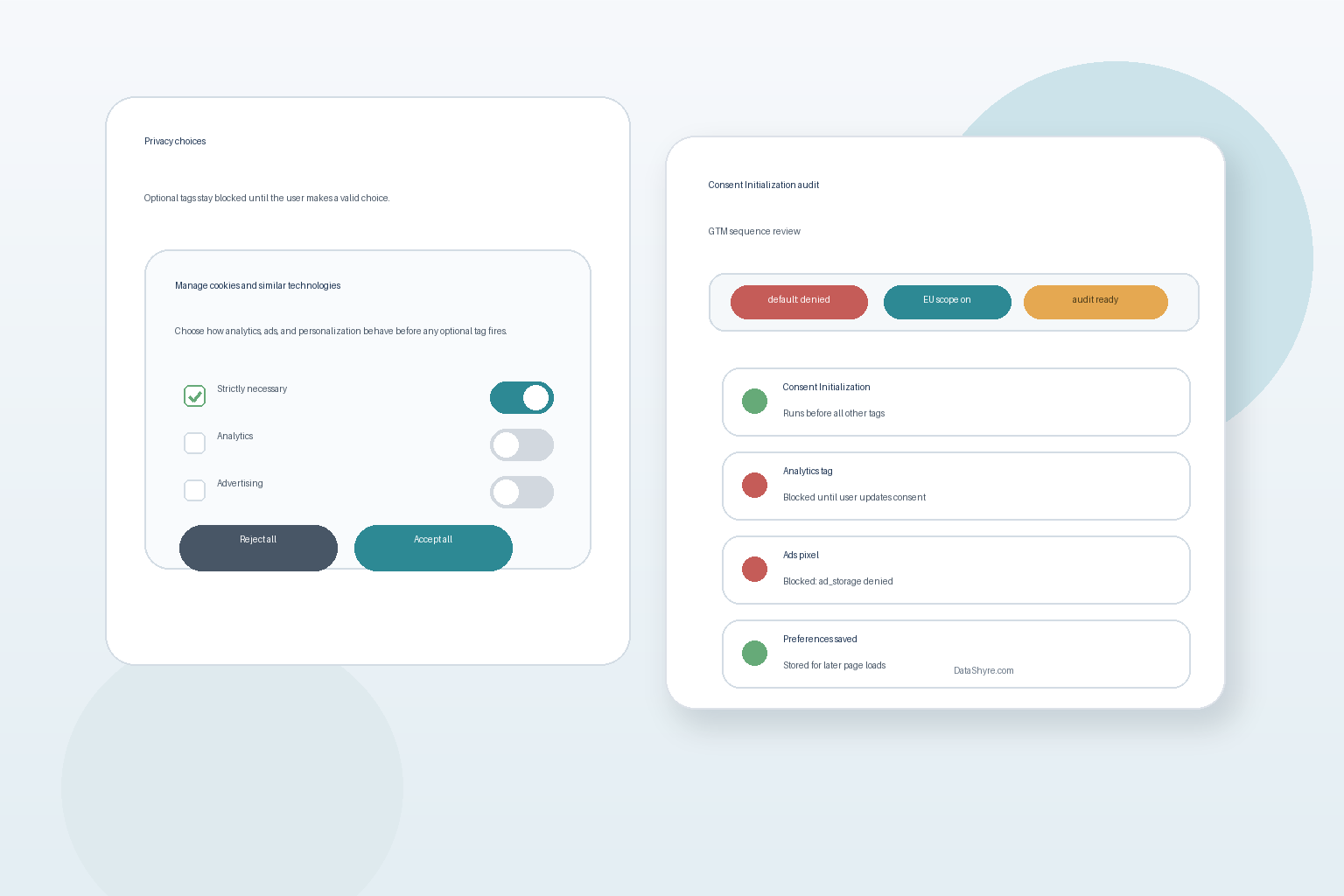
Most failures are boring. A CMP template loads too late. A legacy custom HTML tag ignores the consent state. A reject button looks fair in the interface, but the runtime still lets an optional script read or write before the choice is settled.
That is why google tag manager gdpr cookie consent is mostly a sequencing and proof problem. The banner copy matters, but timing matters more. If the live order is wrong, the notice is already overstating what the site actually does.
1. Put the consent-writing logic on Consent Initialization
Google Tag Manager’s help documentation says the Consent Initialization – All Pages trigger fires before all other tags, including Initialization triggers. That is where the consent-writing logic belongs.
If your CMP, template, or default-state logic runs later, other tags may get a chance to evaluate first. Google also warns against using a custom HTML tag inside GTM to patch consent after the fact. For a live review, trace which tag sets defaults, which tag sends updates, and which trigger both are using. If the answer is fuzzy, the implementation is not finished.
2. Set denied defaults before any optional measurement runs
Google’s developer guidance is direct here: set the default consent state before any commands that send measurement data. Its current examples also center the four consent types most teams now need to review together:
ad_storageanalytics_storagead_user_dataad_personalization
This is a common miss in GTM audits. A container may wire analytics cleanly but leave advertising-related signals inconsistent, or rely on defaults that are set asynchronously. Google’s own troubleshooting guide warns that a late default may not have the intended effect. In practice, that means one early tag can already have read or written before the denied state arrives.
3. Update consent on the same page where the person acts
Google’s consent-mode guidance says updates should be tracked on the page where they occur, before any page transition. That line matters because many weak implementations still treat the update as something that can wait until the next navigation.
For GDPR-facing flows, that is risky. If a person rejects optional categories, the site should not leave a small timing window where the old state still governs behavior. The safer pattern is simple:
- defaults are denied where consent is required;
- the user acts in the banner or settings panel;
- GTM updates consent immediately;
- later triggers and later pages inherit the stored choice.
That order is much easier to test and defend than a half-synchronous setup that “usually” catches up.
4. Test reject as seriously as accept
This is where many teams fool themselves. They click Accept all, watch GA4 or ads begin to work, and conclude the setup is done. The revealing path is the first visit where the user rejects optional categories, then reopens settings and changes their mind later.
CNIL put the UX rule plainly in its December 12, 2024 notice on dark patterns in cookie banners:
“Rejecting cookies should be just as easy as accepting them.”
>
CNIL
That is not only a design principle. It is a GTM test case. If rejection is easy in the interface but optional tags still fire, the user never received the technical outcome the banner promised.
5. Keep regional logic explicit
Google’s documentation recommends scoping default consent settings to the regions where consent banners are shown. For google tag manager gdpr cookie consent, that usually means being precise about EU and EEA traffic, and often the UK as well depending on your implementation policy and audience.
That regional discipline matters for two reasons. First, it helps prevent loose global settings from damaging measurement where the banner is not intended to apply. Second, it forces teams to be concrete about where the GDPR-style flow actually governs live behavior instead of assuming one generic banner covers every jurisdiction the same way.
If your site is ad-supported, there is another layer. Google’s current EU User Consent Policy audit guidance says publisher partners should use a Google-certified CMP in accordance with TCF requirements. That is not the same thing as full legal compliance, but it is a real operational dependency for many publishing stacks.
6. Check tag-level consent behavior, not only the banner
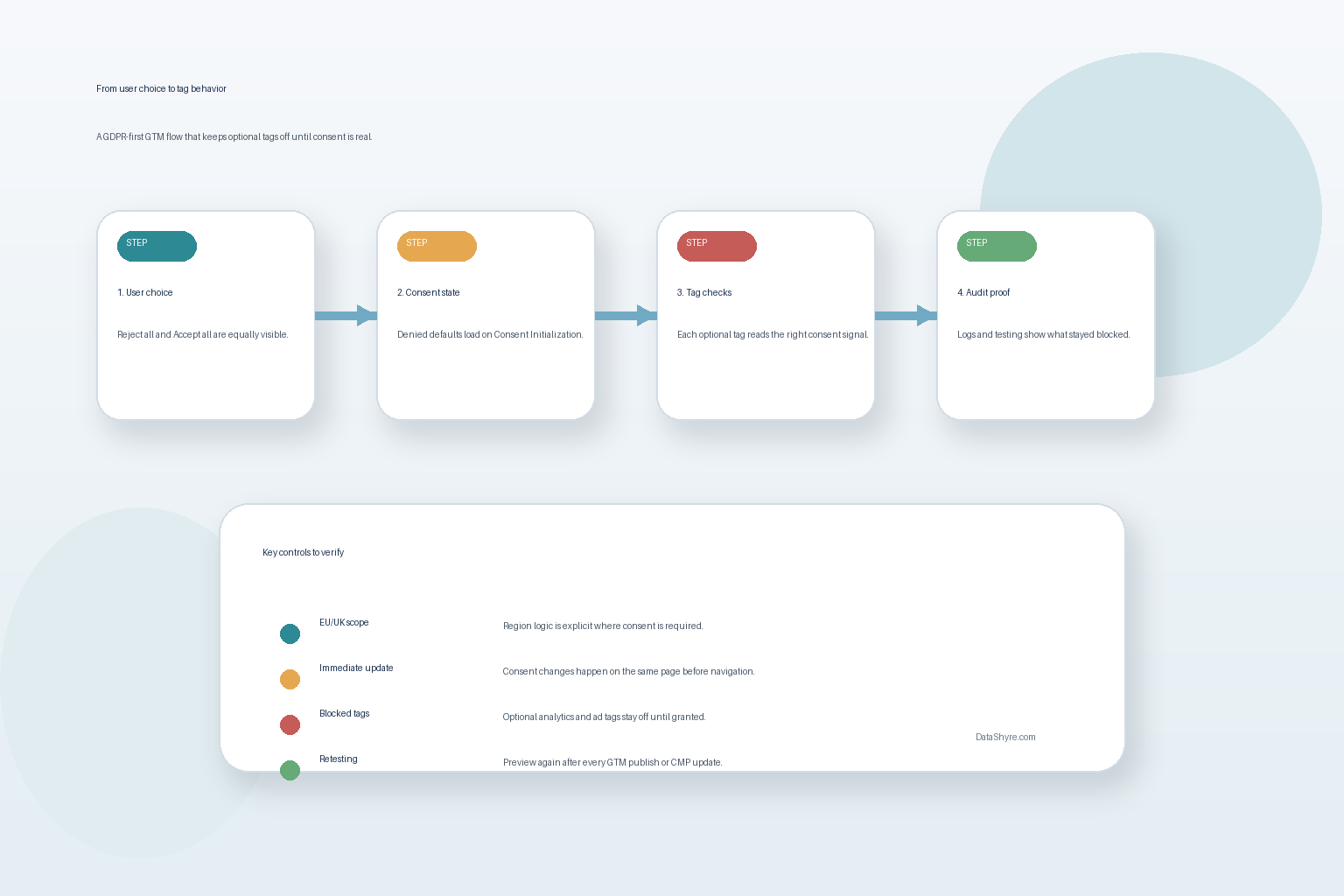
The GTM interface can look tidy while the container stays messy. Use Tag Assistant to confirm:
- the earliest consent event shows the denied defaults you expect;
- the later consent event shows the updates after user interaction;
- tags that depend on optional consent were blocked before consent;
- tags change behavior only after the relevant consent type is granted.
Google’s current troubleshooting documentation also points reviewers to the Consent tab, On-page Default column, On-page Update column, and the tags view. That is where old container clutter shows itself. One inherited vendor template or one legacy marketing tag can quietly bypass the discipline of the rest of the setup.
7. Keep proof and re-test after every change
The last check is operational. A defensible google tag manager gdpr cookie consent setup should let your team answer a few basic questions quickly:
- What was the default state on first load?
- What changed after rejection?
- What changed after acceptance?
- Which tags stayed blocked?
- Did the same result hold after container edits, CMP updates, or vendor additions?
The ICO’s April 29, 2026 announcement captured the real standard well when executive director William Malcolm said the goal is to give people:
“meaningful control over how their data is used.”
>
William Malcolm, ICO
That phrase is useful because it points to the runtime, not the screenshot. A banner can only support compliance if the site’s actual tag behavior continues to match the user’s choice.
A short go-live audit sequence
Before you trust a google tag manager gdpr cookie consent setup in production, run this sequence:
- Open the site in a clean browser session.
- Use Tag Assistant to confirm the earliest consent event sets denied defaults before optional tags evaluate.
- Click
Reject alland verify optional tags remain blocked. - Reopen settings and grant only one optional category, then confirm only the expected behavior changes.
- Reload and confirm the stored preference replays correctly.
- Re-test after any GTM publish, CMP update, or new vendor script.
- Save enough evidence that legal, engineering, or support can reconstruct what happened later.
That short sequence usually reveals more than a long argument about banner wording.
Bottom line
Google tag manager gdpr cookie consent in 2026 is not mainly a banner design task. It is an execution-order and proof task. If defaults load first, updates happen immediately, rejection is technically equal to acceptance, and the evidence is easy to reproduce later, the setup is in much better shape. If any of those pieces are vague, the banner may look compliant while the live site tells a different story.
Sources
- Google for Developers: Set up consent mode on websites
- Google for Developers: Troubleshoot consent mode with Tag Assistant
- Google Tag Manager Help: Tag Manager consent mode support
- Google Ad Manager Help: Fix issues with your EU User Consent Policy consent audit
- European Commission: When is consent valid?
- European Commission: Legal grounds for processing data
- UK ICO: Final storage and access technologies guidance published
- UK ICO: Guidance on the use of storage and access technologies
- CNIL: Dark Patterns in Cookie Banners: CNIL issues formal notice to website publishers
This post was updated on August 12, 2026 using current official guidance available at publication time.