

Cookie Consent Google Tag Manager Google Analytivs: A 2026 Setup Guide
If you searched cookie consent google tag manager google analytivs, you are almost certainly trying to solve a real setup problem, even if the keyword itself misspells Analytics. The job is simple to describe and easy to get wrong: keep Google Analytics 4 from writing analytics cookies before a visitor has made a valid choice, while still letting Google Tag Manager handle consent updates cleanly afterward.

If you need the broader pieces around this stack, our guides to Google Tag Manager cookie consent, Google Analytics cookie consent, and OneTrust cookie consent Google Tag Manager are the best companion reads.
TL;DR
- Google says you should set the default consent state before any measurement commands send data.
- In GTM, consent-writing tags belong on the Consent Initialization trigger, which fires before other tags.
- Google’s current consent setup for web implementations centers on
ad_storage,analytics_storage,ad_user_data, andad_personalization. - The European Commission still anchors valid consent to a clear affirmative act, specific purpose, and an easy withdrawal path.
- The ICO’s April 29, 2026 storage-and-access guidance says people should have “meaningful control over how their data is used.”
What this search really means
Most teams using cookie consent google tag manager google analytivs are not asking for banner copy. They are asking whether GTM and GA4 are wired in the right order.
That order matters. Google’s consent-mode documentation says you need to set a default consent state, then update it when the user acts. Its Tag Manager help center says the Consent Initialization trigger is designed so consent settings are honored before any other triggers fire. If your GA4 configuration tag or event tag runs first, the banner may look fine while the underlying implementation still leaks analytics activity too early.
That is why Scott Herman, then Senior Product Manager for Google Tag Manager, framed the goal as making tags “respect user consent choices.” That is the right standard for a practical review: not whether the banner exists, but whether the tags behave differently after a real accept or reject action.
The 5 checks that matter most
1. Default analytics storage to denied where prior consent is required
Google’s current developer guidance is clear on the sequence: set defaults before tags send measurement data. For EU and UK traffic, that usually means analytics_storage starts as denied until the visitor chooses otherwise.
2. Fire consent logic on Consent Initialization, not later
GTM’s help documentation says Consent Initialization fires before all other tags, including Initialization triggers. That is the slot for a CMP tag or a custom consent template that sets and updates consent state.
3. Use Google’s consent APIs instead of a late workaround
Google tells GTM implementers to use setDefaultConsentState and updateConsentState. A late custom HTML patch can look functional in a quick test while still missing the first page load.
4. Check all four current consent signals
A lot of setups only think about analytics cookies. Google’s current consent guidance also points implementers to ad_storage, analytics_storage, ad_user_data, and ad_personalization. Even if your immediate concern is GA4, a half-configured consent layer tends to break somewhere else later.
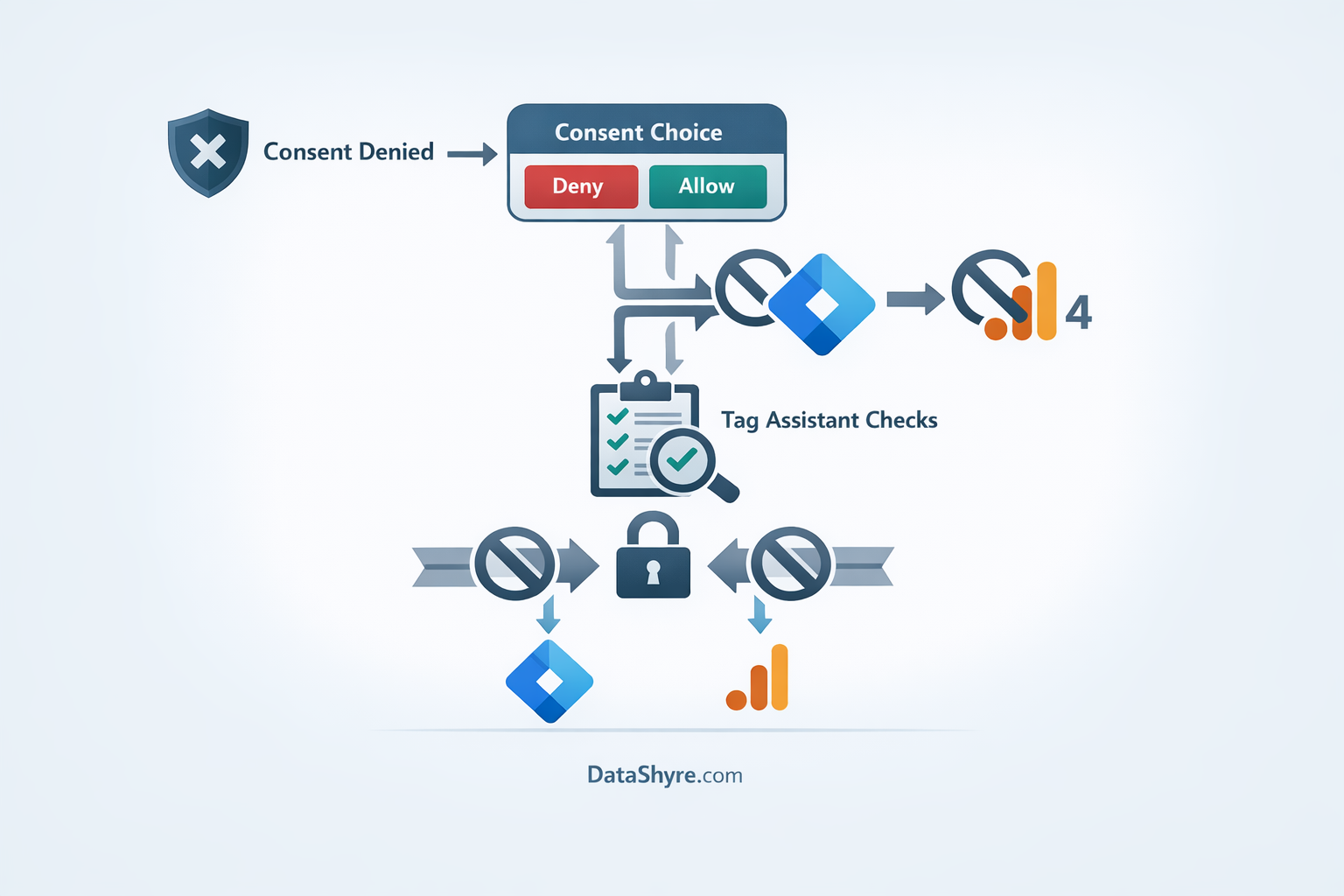
5. Test the reject path with Tag Assistant
Google’s troubleshooting guidance for Tag Assistant says the review should confirm the default consent state, the later update after user interaction, and the tags’ behavior under each state. Test three cases: no choice yet, explicit reject, and explicit accept. If the reject path has never been checked in preview mode and in the browser network panel, the implementation is not done.
Where privacy teams push back
The legal standard is not mysterious here. The European Commission says valid consent must be freely given, informed, specific, expressed through a positive act, and easy to withdraw. That is the baseline for the user interface.
The technical layer has to match it. On April 29, 2026, ICO Executive Director William Malcolm said people should have “meaningful control over how their data is used.” If your banner offers a reject button but GA4 still loads before that choice is applied, the user did not really have control.
That is why cookie consent google tag manager google analytivs work is really implementation-proof work. You need a banner, a consent state, a tag order, and evidence that the pieces line up.
A clean operating model for 2026
A defensible setup is usually pretty boring:
- your CMP or consent template sets default deny for the relevant regions;
- GTM applies that state on Consent Initialization;
- the visitor can accept or reject at the top level;
- the choice is persisted for later page loads; and
- your team can show preview evidence for both accept and reject states.
If that sounds familiar, good. Mature consent setups are not clever. They are predictable.
Final takeaway
The fix for cookie consent google tag manager google analytivs is not a prettier banner. It is a better firing order.
If GTM sets defaults first, GA4 waits for the right state, and your team tests rejection as seriously as acceptance, you are much closer to a setup that works for both measurement and compliance.
Sources
- Google for Developers
- Google Tag Manager Help
- Google Marketing Platform Blog
- European Commission
- UK Information Commissioner’s Office