

Cookie Consent Manager OneTrust: A 2026 Rollout Checklist
If you are evaluating cookie consent manager one trust options, the real question is not whether the banner looks polished. It is whether the setup can hold back non-essential tracking, pass a serious privacy review, and give your team evidence when someone asks what happened on a specific page view.

That is where many OneTrust rollouts get shaky. The product can do a lot, but the implementation still lives or dies on categorization, publish discipline, blocking behavior, and testing. If you want the broader vendor-selection view first, start with our guide to cookie consent managers. If your next step is wiring Google tags, this companion on OneTrust cookie consent with Google Tag Manager will save you time.
TL;DR
- A OneTrust rollout is only as strong as its category model, blocking rules, and proof.
- Google’s current setup guidance still expects teams to fire consent defaults early and make sure tag behavior follows the user’s choice.
- The UK ICO’s latest storage-and-access guidance says users need “meaningful control over how their data is used,” as Executive Director Regulatory Risk William Malcolm put it.
- EDPB Chair Anu Talus reduced the standard to “real choice.” That is a useful test for banner design and site behavior.
- Before go-live, test reject, accept, and later-withdrawal paths with real browser evidence, not screenshots.
What a cookie consent manager one trust rollout should prove
For business teams, the product question is usually straightforward. Can OneTrust handle banner delivery, region rules, consent logging, and integrations cleanly enough for a real web stack? In most cases, yes. The harder part is operational: making sure what the banner promises is what the site actually does.
Current official guidance points in the same direction. Google’s help documentation for the OneTrust CMP template says teams should enable Google Consent Mode, map the relevant consent types, and fire the tag on Consent Initialization – All Pages. OneTrust’s own documentation says changes to banner templates, content, or geolocation rules need to be published before they go live. Regulators are also talking less about surface language and more about user control. The ICO’s April 29, 2026 guidance on storage and access technologies makes that explicit, and the EDPB’s 2025 reminder to Meta said users must have a genuine ability to choose.
In plain English: the banner copy matters, but deployment discipline matters more.
The 6 checks worth doing before launch
1. Clean up categories before you touch design
Do not start with colors and button text. Start with the policy model. Separate strictly necessary technologies from analytics, advertising, and personalization. Decide which properties, subdomains, or regional experiences need different defaults. Then document who approves a new tracker when marketing or product adds one later.
A lot of messy deployments trace back to fuzzy categories, not weak UI.
2. Treat publishing like deployment, not admin cleanup
OneTrust’s documentation is direct here: after banner configuration, template, or geolocation changes, you need to publish so the site receives the updated scripts. Teams skip this more often than they admit, especially when the banner looks correct in the admin view.
If your team makes privacy changes in production, a lightweight change log and an owner for publish steps will save pain later.
3. Verify auto-blocking against the real tracker inventory
OneTrust documents auto-blocking as a way to block or set cookies based on consent status before those cookies run. Helpful, yes. Automatic, not entirely. Auto-blocking still depends on accurate detection and classification, and custom injections can bypass the expected path.
That is why I would pair the rollout with live browser checks and a quick pass against your broader website privacy checker workflow. If the browser network panel and the CMP console disagree, trust the browser.
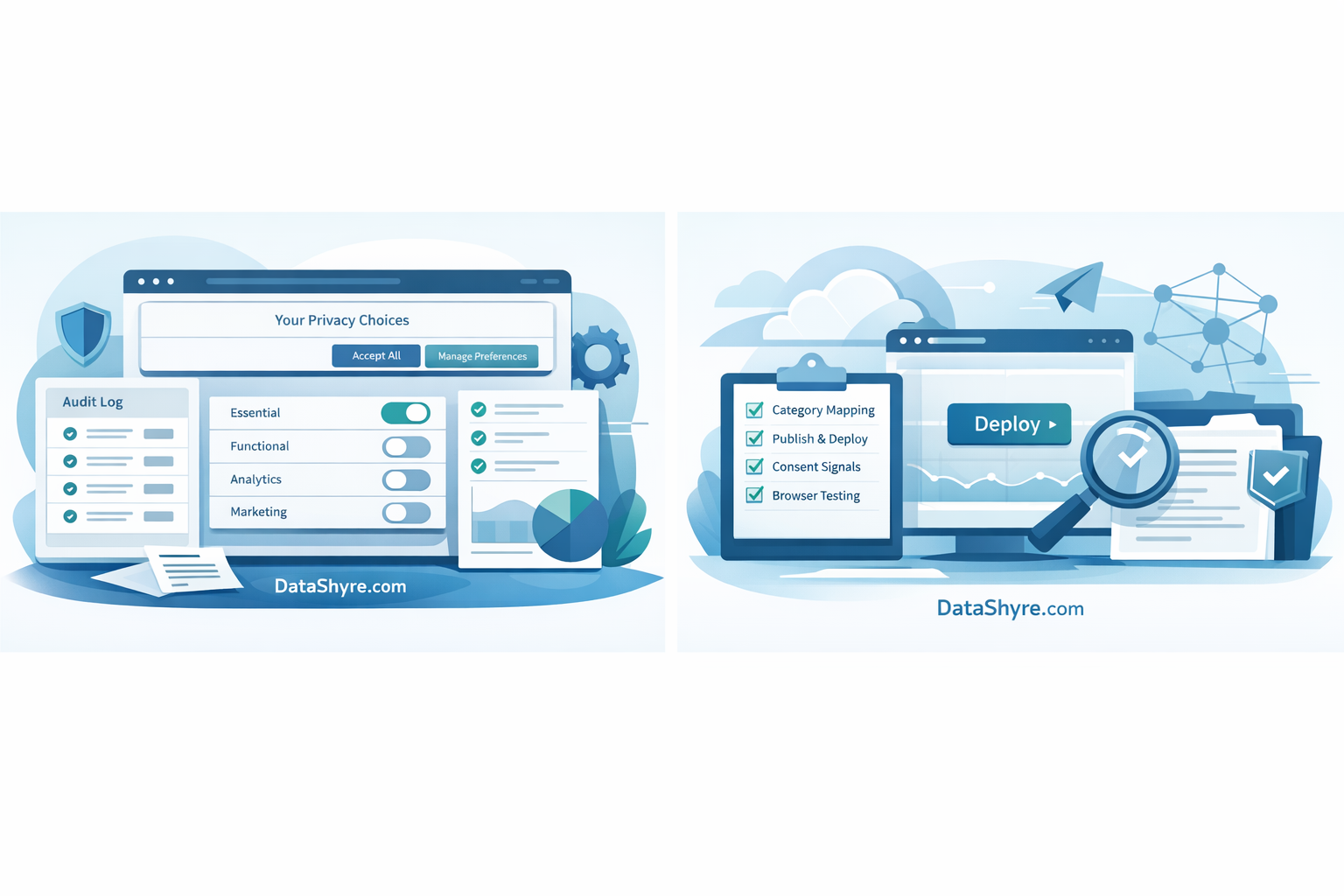
4. Map Google consent fields deliberately
If your site uses Google tags, the OneTrust setup should account for current consent fields such as ad_storage, analytics_storage, ad_user_data, and ad_personalization. Google also says EEA and UK publishers using AdSense, Ad Manager, or AdMob must use a Google-certified CMP, and OneTrust appears in Google’s Certified CMP Partner Program materials.
That sounds like a product badge, but it has a practical consequence: the integration path is expected. Your team still needs to confirm defaults load first, updates fire after choice, and the reject path is as real as the accept path.
5. Make refusal and later withdrawal easy
A good OneTrust implementation should not hide the hard choices. The European Commission’s consent guidance still says consent must be freely given, specific, informed, and easy to withdraw. The ICO’s latest guidance and the EDPB’s recent enforcement messaging land in the same place: people should not have to dig for the no.
This is an easy test to run. Can a user reject on the first layer where prior consent is required? Can they reopen preferences later? And does the site actually change what loads when they do?
6. Test three paths with evidence
Before launch, test:
- first visit before any choice exists;
- explicit reject;
- explicit accept, then later preference changes or withdrawal.
Check cookies, requests, tags, and consent-state updates. If your site runs single-page app behavior, embedded video, chat, booking flows, or region-based logic, test those paths too. That is where cookie consent manager one trust projects usually reveal the bugs that screenshots hide.
The mistakes that keep coming back
The repeat offenders are boring, which is exactly why they last:
- categories that are too broad to map cleanly to actual vendors;
- banner changes saved but not published;
- auto-blocking trusted without browser verification;
- Google consent fields only partly mapped;
- rejection and withdrawal paths tested lightly, if at all.
Those are not edge cases. They are normal rollout mistakes. The teams that avoid them tend to treat CMP work like release engineering with privacy requirements attached.
FAQ
Is OneTrust enough by itself for cookie compliance?
It can be a strong foundation, but not by itself. A CMP does not fix unclear categories, unmanaged third-party scripts, or weak testing. OneTrust helps only when the implementation matches the site’s real tracking behavior.
Does a OneTrust rollout need Google Consent Mode?
If you use Google tags, usually yes. Google’s current setup guidance for the OneTrust CMP template explicitly centers consent-mode mapping and early firing on Consent Initialization so defaults exist before measurement runs.
What is the fastest way to audit a live OneTrust deployment?
Start with three real user paths: no choice yet, reject, and accept. Then inspect cookies, requests, and tag behavior in the browser. If you only review banner copy, you are skipping the part regulators and buyers care about most.
Bottom line
A strong OneTrust rollout is not mostly a design project. It is a controls project. If your categories are clean, your publish process is reliable, your blocking is verified, and your testing proves live behavior, the implementation is in decent shape. If not, the banner may still be live, but the proof will be thin.
Sources
- Google Tag Manager Help
- Google Ad Manager Help
- Google for Developers
- OneTrust Documentation
- UK Information Commissioner’s Office
- European Data Protection Board
- European Commission