

Cookie Consent Google Tag Manager in 2026: 8 Live Checks Before the Next Container Publish
If you are searching for cookie consent google tag manager in late 2026, the useful question is not whether the banner renders.
The useful question is whether the first denied state lands early enough, whether GTM keeps every relevant tag inside the same control model, and whether the setup still holds after the next container publish, plugin update, or vendor change.
That is still the right standard in the current official material. The European Commission still describes valid consent as something tied to a clear affirmative act and says withdrawal should be as easy as giving consent. Google’s current consent guide still says defaults need to be set before commands that send measurement data. Tag Manager help still says the Consent Initialization trigger fires before all other tags. And CNIL’s current banner-enforcement message remains the clearest design test: rejecting cookies should be just as easy as accepting them.
If you want nearby context first, start with our guides to Google Analytics cookie consent, cookie consent banner examples, and GDPR cookie consent requirements. This page is narrower. It is the eight-check GTM runtime review I would use this week before trusting cookie consent google tag manager on a live site.
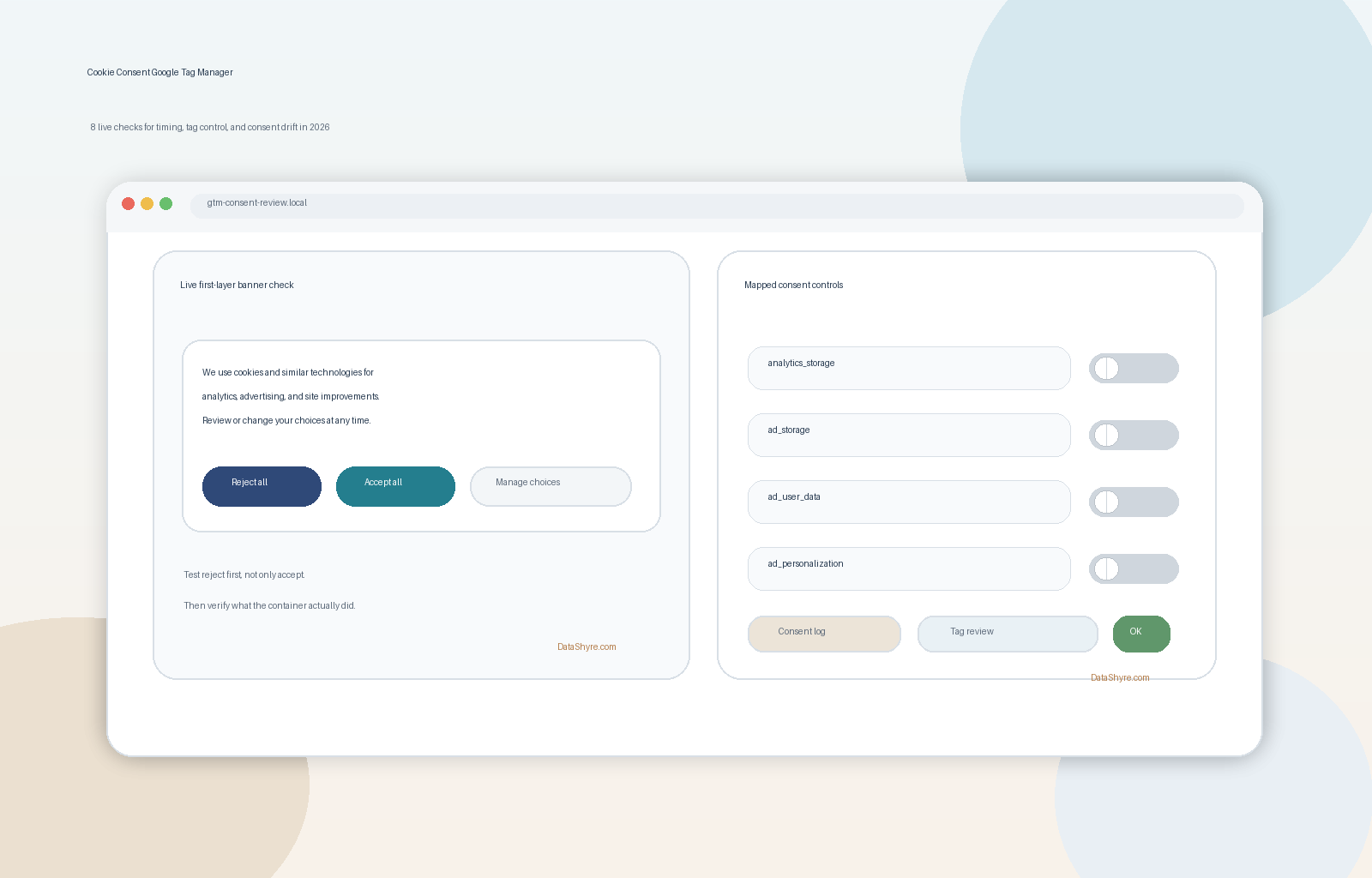
1. Treat the banner, the consent state, and the tags as separate layers
The first mistake in cookie consent google tag manager is treating the visible banner as the implementation.
It is not.
The live system has at least three layers:
- the user-facing banner or preference center;
- the consent state GTM receives and updates; and
- the tags, pixels, embeds, and scripts that actually react to that state.
If one layer looks clean while another leaks, the setup is not healthy. A symmetric banner does not save a container that already fired optional technology before the relevant choice.
2. Check whether denied defaults land before measurement can start
Google’s current setup guide is still explicit here. For gtag.js, consent defaults belong on the page before commands that send measurement data such as config or event. In GTM terms, the practical question is whether the denied state reaches the runtime before any tag that depends on it.
This is the first live check to run:
- open a clean session;
- inspect the earliest consent event;
- confirm the default values are already present;
- verify that measurement or advertising tags did not get there first.
If defaults arrive late, the rest of the flow can still look fine after the first interaction. That is why this bug survives so many polite screenshots.
3. Put consent logic on Consent Initialization and use GTM consent APIs
This is still the most important GTM-specific checkpoint.
Tag Manager help says the Consent Initialization trigger fires before all other tags. Google’s current consent documentation also points GTM implementers to the Tag Manager-specific consent APIs, especially setDefaultConsentState and updateConsentState.
That matters because Google also warns that gtag() commands can be queued behind other pending messages in GTM. In practice, older containers often still rely on a custom HTML patch or a late callback that updates consent after other tag logic has already started evaluating.
For cookie consent google tag manager, the better question is simple: does consent logic win the race every time, on every template, without depending on a late fix?
4. Verify the consent categories against what the container actually does
Many implementations still fail at the mapping layer.
The banner says Analytics, Marketing, or Preferences, but the container behavior underneath it does not match those labels closely enough to be defensible.
At minimum, review whether the GTM setup is handling the consent states your Google stack actually depends on:
analytics_storagead_storagead_user_dataad_personalization
Then compare those runtime states against the categories shown to the user.
If a visitor declines analytics but an ad or audience-related path still opens because the category mapping was broad or inconsistent, your banner copy is clearer than your implementation.
5. Test reject first in Tag Assistant, not only accept
Google’s current Tag Assistant troubleshooting guidance is still one of the fastest ways to find a bad GTM consent setup.
Google tells implementers to inspect the earliest Consent event, verify the default values, then inspect the most recent Consent event after the interaction and check which tags fired or were blocked.
For cookie consent google tag manager, the useful test order is:
- first-load reject;
- granular choice if your banner supports it;
- accept all;
- reopen settings and withdraw;
- repeat on another template or route.
That order matters because the broken path is often refusal, not acceptance. Plenty of setups can prove that accepts enable measurement. Fewer can prove that rejects keep optional behavior quiet.
6. Audit custom HTML, third-party pixels, and embeds as a separate branch
This is where a lot of teams stop too early.
Google tags may react correctly to consent mode while a custom HTML tag, heatmap script, chat widget, video embed, or third-party pixel still runs on its own timing.
The ICO’s final storage-and-access-technologies guidance published on April 29, 2026 is a useful reminder here because the review surface is broader than classic cookies alone. The guidance covers scripts, tracking pixels, fingerprinting, and similar storage-or-access techniques.
So for cookie consent google tag manager, do not test only the Google branch. Test:
- built-in Google tags;
- custom HTML tags;
- vendor templates;
- non-Google scripts or embeds controlled outside GTM.
That separation usually reveals the leak faster than another pass on banner wording.
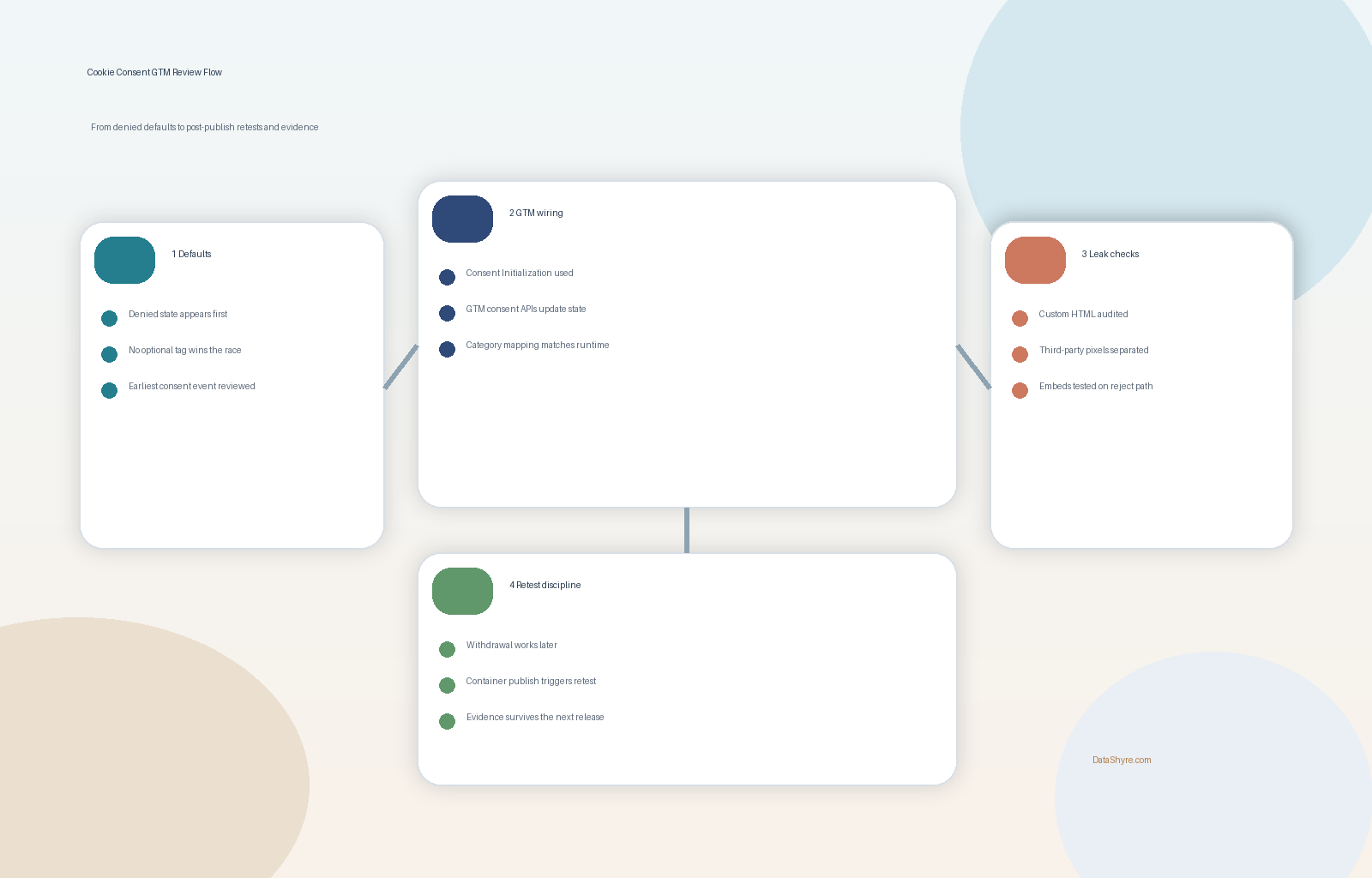
7. Make refusal and later withdrawal as usable as acceptance
This is where design and runtime behavior meet.
The European Commission still says consent should be withdrawable as easily as it is given. CNIL’s current wording is even blunter: rejecting cookies should be just as easy as accepting them.
That means a serious cookie consent google tag manager review should ask:
- is
Rejector the equivalent visible enough on desktop; - is it still visible enough on mobile;
- does a refusal update the current page behavior when the setup says it should;
- can the visitor reopen settings later without hunting through the site;
- does a later withdrawal actually change runtime behavior rather than only updating a stored preference.
If a user can accept in one tap but needs a scavenger hunt to undo the choice, the problem is not only legal. The technical behavior is also harder to trust.
8. Retest after every container publish, CMP change, or vendor addition
This is the operational point most teams underestimate.
Strong cookie consent google tag manager setups usually do not break because someone decided to ignore consent on purpose. They break because a routine change shifted timing, duplicated a tag, changed a trigger, widened a category, or introduced a vendor outside the established controls.
That is why I would treat the following as mandatory retest moments:
- any GTM container publish;
- any CMP configuration change;
- any plugin or theme update that touches scripts;
- any new analytics, advertising, or embedded-media vendor;
- any redesign of the banner or settings layer.
The team that keeps a short retest checklist often beats the team that writes a long privacy memo once and never validates the live stack again.
A practical review order for this week
If I were auditing cookie consent google tag manager today, I would do it in this order:
- confirm what optional technologies are actually present on the page;
- verify denied defaults appear before measurement starts;
- confirm consent logic runs on Consent Initialization and uses GTM consent APIs;
- compare category labels to the real consent states and downstream behavior;
- test reject, granular choice, accept, and withdrawal in Tag Assistant;
- inspect custom HTML and non-Google vendor paths separately;
- repeat after a small stack change and save the evidence.
That sequence usually finds the real weakness faster than another round of policy edits.
FAQ
Is a cookie banner enough for Google Tag Manager consent?
No. The banner is only the visible layer. You still need GTM timing, consent-state updates, and downstream tag behavior to match what the banner promises.
Why is Consent Initialization so important?
Because Tag Manager says it fires before all other tags. If your consent-writing logic runs later, another tag may already have acted on the wrong state.
If Google tags look correct, is the job finished?
Not necessarily. Custom HTML tags, third-party pixels, and embedded tools often create the remaining risk because they may sit outside the same guardrails.
Bottom line
The clean way to think about cookie consent google tag manager in 2026 is this: the setup is only as good as the first denied state, the GTM timing, the category mapping, the reject path, the withdrawal path, and the retest discipline behind it.
If you can prove those layers still align after the next routine container publish, you have something much closer to a durable consent implementation than a site that merely proves the banner appeared.
Sources
- European Commission, legal grounds for processing data: https://commission.europa.eu/law/law-topic/data-protection/information-business-and-organisations/legal-grounds-processing-data_en
- Google for Developers, set up consent mode on websites: https://developers.google.com/tag-platform/security/guides/consent
- Google for Developers, troubleshoot consent mode with Tag Assistant: https://developers.google.com/tag-platform/security/guides/consent-debugging
- Google Tag Manager Help, consent mode support: https://support.google.com/tagmanager/answer/10718549
- Google for Developers, the data layer: https://developers.google.com/tag-platform/tag-manager/datalayer
- ICO, guidance on the use of storage and access technologies: https://ico.org.uk/for-organisations/direct-marketing-and-privacy-and-electronic-communications/guidance-on-the-use-of-storage-and-access-technologies/
- ICO, final storage and access technologies guidance published: https://ico.org.uk/about-the-ico/media-centre/news-and-blogs/2026/04/final-storage-and-access-technologies-guidance-published/
- CNIL, dark patterns in cookie banners: https://www.cnil.fr/en/dark-patterns-cookie-banners-cnil-issues-formal-notice-website-publishers
—
Published: October 24, 2026. Updated using current official regulator and platform materials available at publication time.