

TrustArc Cookie Consent Manager Popup: 6 tests before you publish in 2026
A trustarc cookie consent manager popup can look finished and still fail the checks that matter. Teams often review the copy, approve the colors, and move on. Then the live site loads non-essential tags too early, the reject path is weaker than the accept path, or the wrong experience is still serving in production.
That risk still matters in 2026. On April 29, 2026, the UK ICO published its final storage and access technologies guidance and said 99% of the UK’s top 1,000 websites now meet its cookie-banner compliance standards after focused work with industry. In the same announcement, William Malcolm said organizations want “clear, practical guidance they can rely on.” On July 14, 2026, the EDPB required the Belgian DPA to assess the merits of a cookie-banner complaint against Belgian broadcaster VRT instead of dismissing it on procedural grounds. Cookie interfaces are still getting regulator attention.
If you need broader context first, start with our guides to TrustArc Cookie Consent Manager, TrustArc Cookie Consent Manager Pricing, and TrustArc Cookie Consent Manager Language. This article is narrower: a practical review checklist for the popup itself before you publish changes.

How to review a trustarc cookie consent manager popup before go-live
1. Confirm which experience is actually being served
TrustArc’s help documentation separates experiences by framework. Its design guidance says the CCPA experience shows a short disclosure across the bottom of the page with options such as Manage Choices, Accept, or Opt-Out. Its banner guidance also says the GDPR experience does not use the same banner tab. That is your first clue that visual review has to start with jurisdiction logic, not with styling.
Before you judge the popup, write down which locations are meant to see which experience. TrustArc’s product pages also emphasize geographic configuration and location-based controls. If the wrong model is attached to the wrong audience, a polished popup still leaves you with a broken rollout.
2. Treat reject-all as a first-layer requirement
The cleanest test is still the simplest one. John Edwards said it must be “just as easy to reject all non-essential cookies” as it is to accept them.
For a popup review, that means checking the first interaction, not just the preference center. Can a visitor refuse non-essential tracking without hunting through extra layers? Is the wording plain? Is the refusal option as visible as the accept option? If not, the design may satisfy brand preferences while failing the standard regulators keep repeating.
This is also the fastest way to catch dark-pattern drift. Small layout tweaks often pile up until the accept path is effortless and the refusal path feels like homework.
3. Verify blocking in the browser, not in the slide deck
TrustArc’s product pages say Cookie Consent Manager supports automated tracker scans, cookie blocking, and “zero-cookie load” use cases. Those are useful capabilities, but they are still claims that need live testing.
Open the site with analytics, advertising tags, embeds, and tag-manager rules active. Then test first load, reject-all, and granular choices in a fresh browser session. If your team relies on Google or tag-manager logic, verify that the consent state actually changes what loads. A popup is only doing its job when the scripts behind it behave the same way.
This is where teams lose time. They review the interface, assume the enforcement layer is fine, and discover later that one container or third-party script escaped the intended controls.
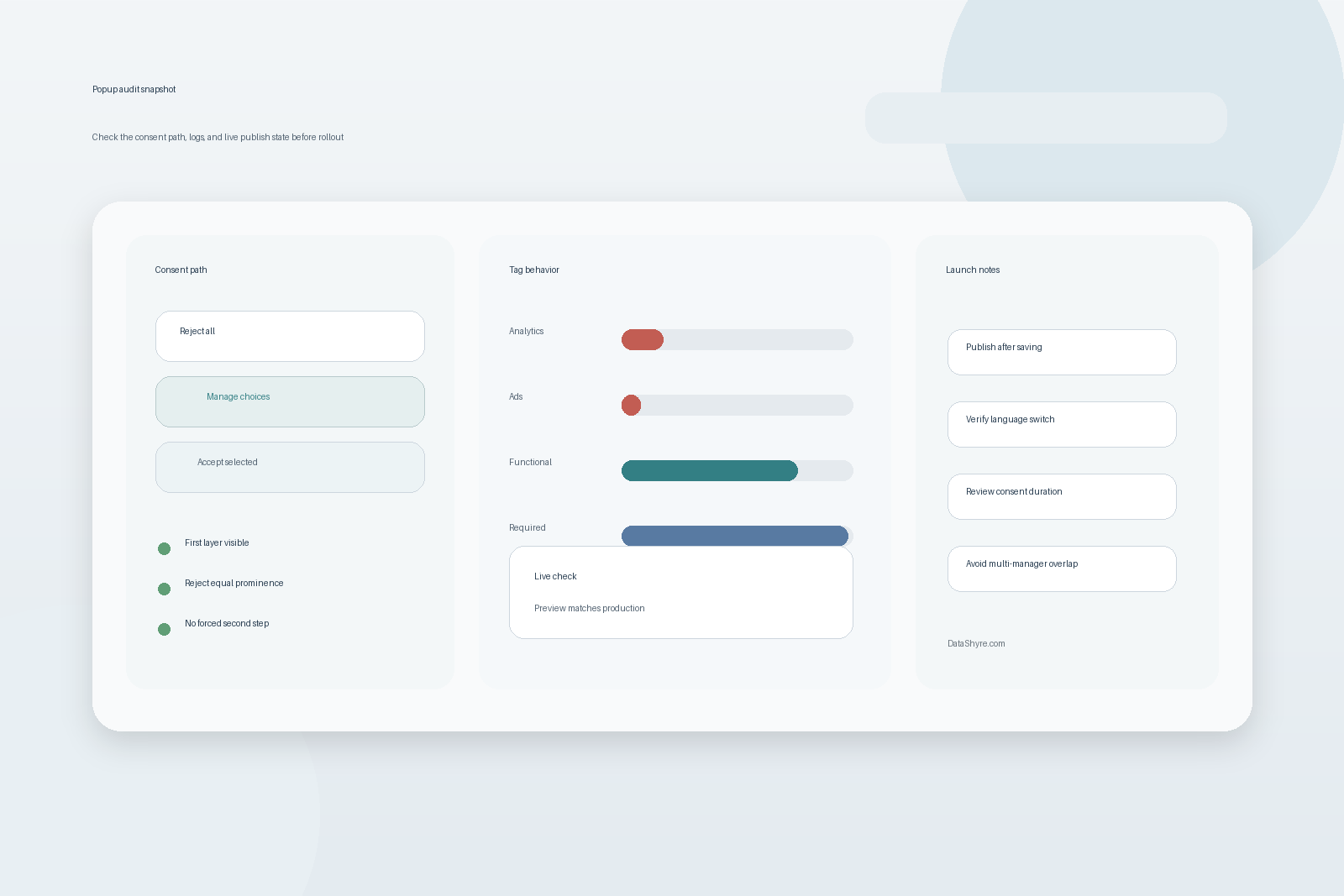
4. Save is not the same as publish
TrustArc’s accessibility update guidance says it plainly: click Save, then click Publish. It also notes that clicking Save alone does not push changes to the live site.
That sounds mundane, but it explains a lot of broken launches. Teams validate the draft view, assume the work is live, and skip the final live-domain check. The result is an old popup, old button text, or outdated behavior still being served to users.
A reliable routine is simple. Publish the change, open an incognito window, load the production domain, and retest the first visit plus the return visit. Do not treat the admin preview as proof of deployment.
5. Recheck language handling and consent duration
TrustArc’s settings guidance says the banner includes a built-in language selector, updates text immediately without a page refresh, and saves the selected language for future visits. The same settings documentation says consent duration can be configured from 1 to 13 months.
Those are not small settings. They affect what users actually see over time. Test a language switch from the banner, confirm that the overlay text stays coherent, and make sure the revisit path still works after the switch. Then confirm the configured consent window matches your operational and legal expectations instead of an inherited default that no one revisited.
This is also a good place to catch sloppy details that make teams look careless: a translated first layer with an English overlay, a saved preference that does not persist, or a consent duration that no one can explain.
6. Look for multi-manager collisions before launch
TrustArc’s settings guidance allows multiple consent managers on the same root domain when the feature is enabled, but it also says multiple consent managers on the same page are not supported.
That warning matters for enterprise sites with regional teams, microsites, or inherited tag-manager logic. If more than one consent setup can influence the same user journey, test where the popup appears, which consent state is written, and whether the correct experience follows the visitor across the domain structure.
This is not an edge case for large organizations. It is a common cleanup job after migrations, rebrands, or shared infrastructure projects.
Bottom line
The safest review for a trustarc cookie consent manager popup is a production-style test, not a design sign-off. Confirm the right experience by location, make refusal easy, verify blocking in the browser, publish before you validate, recheck language and consent duration, and then test for multi-manager conflicts.
That is practical implementation guidance, not legal advice. It is also the kind of final check that prevents a banner launch from turning into a remediation ticket two days later.
Sources
- Information Commissioner’s Office
- European Data Protection Board
- TrustArc
- TrustArc Help Center