

TrustArc Cookie Consent Manager Language: 5 Checks for Multilingual Banners in 2026
TrustArc cookie consent manager language setup is easy to treat as a design detail. It is not. If your banner shows the wrong language, half-translated choices, or location logic that conflicts with your policy links, the consent flow starts to look shaky before anyone even clicks.
That matters because the GDPR transparency standard is still plain: people should get information in a concise, transparent, intelligible, and easily accessible form using clear language. On the product side, TrustArc gives teams several knobs to manage that experience, including supported-language settings, browser language detection, location-based language forcing, and script-level overrides. Used well, those controls can clean up a messy global rollout. Used poorly, they create a multilingual compliance problem that only shows up after launch.
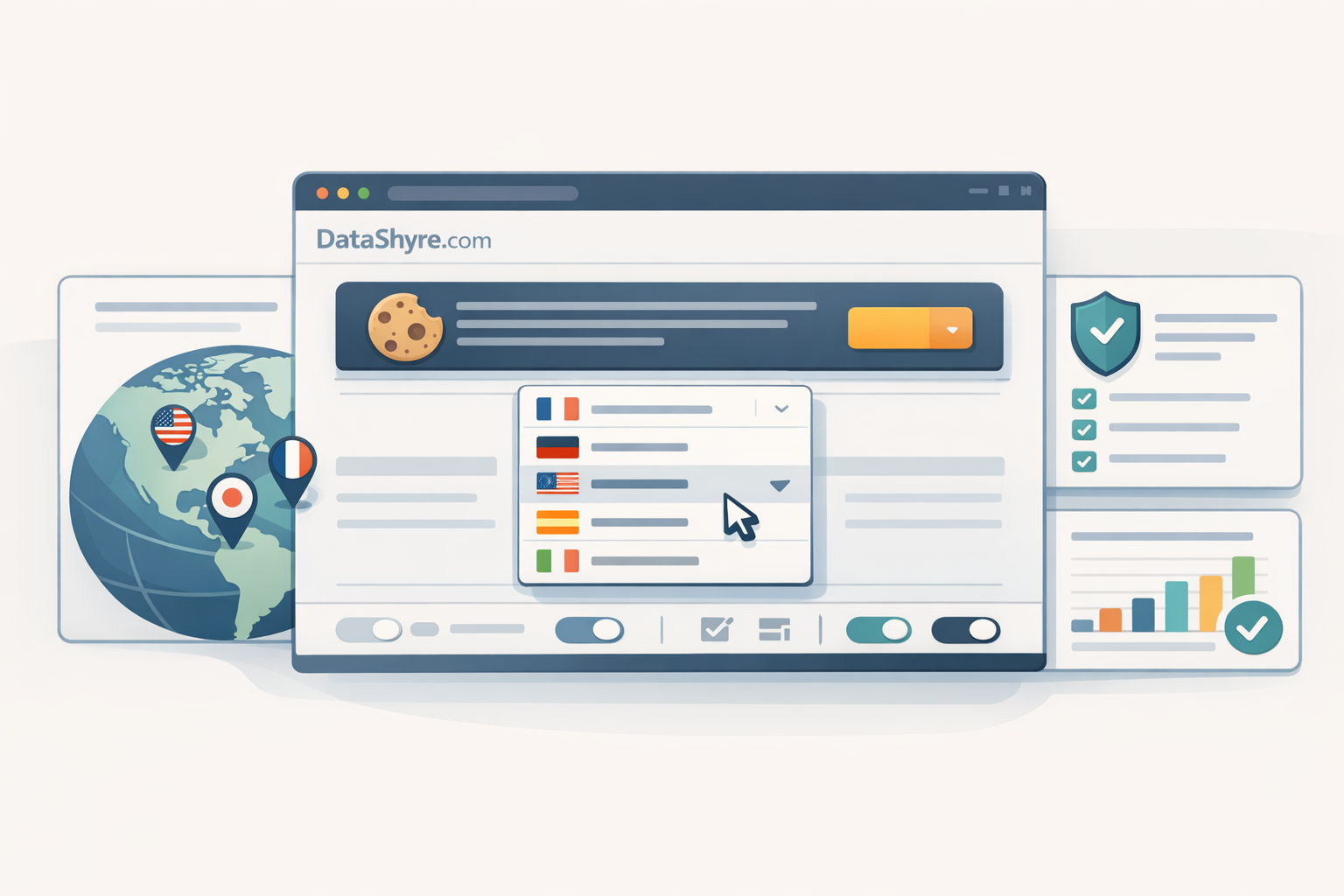
The enforcement backdrop is still active in July 2026. The ICO published final storage and access technologies guidance on April 29, 2026 covering cookies, tracking pixels, device fingerprinting, and similar tools. On July 14, 2026, the EDPB required the Belgian DPA to assess the merits of a NOYB cookie-banner complaint instead of dismissing it on procedural grounds. France’s CNIL also said in its 2024 sanctions summary that 11 organizations were penalized for not letting users refuse cookies as easily as they could accept them. William Malcolm of the ICO called the new UK package “clear, practical guidance.” That is the right framing here: the rules are not mysterious, but the implementation details still trip teams up.
If you are comparing the broader platform rollout questions first, our posts on TrustArc Cookie Consent Manager and TrustArc Cookie Consent Manager Pricing are the better starting points. If you already know TrustArc is the tool and your pain point is translation or locale behavior, start with the checklist below.
TrustArc cookie consent manager language setup: 5 checks before go-live
1. Enable only the languages you can fully support
TrustArc’s Cookie Consent Manager settings let admins choose which languages the banner can display, and the banner includes a built-in selector that updates content immediately and saves the user’s chosen language for future visits. That is helpful, but it also creates a common failure mode: teams enable every available language, then discover the banner copy, preference-center copy, privacy-policy links, or category labels are still inconsistent.
For business teams, the practical rule is simple. Do not turn on a language until legal, product, and web teams have all signed off on the exact first-layer copy, second-layer descriptions, and linked policy destinations in that language. A banner that looks localized but sends users into English-only disclosures is not a finished consent experience.
2. Decide whether browser detection or location forcing should win
TrustArc’s localization guidance says admins can enable browser language detection and select which languages are supported. Its location settings go a step further: you can force a specific consent language for a country or state. That combination is powerful, but only if you decide your logic before implementation.
Use browser language detection when your audience is multilingual inside the same market and the legal content is equivalent across those language versions. Use location-based forcing when a specific market needs a specific consent experience, jurisdictional copy, or default banner design. For example, a French browser in Belgium might still need a Belgium-specific banner variant rather than the same experience you show in France.
The mistake is mixing the two models without a fallback map. Pick a default language, document the override order, and test what appears for users whose browser language is unsupported or whose IP lookup lands at a coarse regional level.
3. Keep override parameters for testing, not as a patch for broken routing
TrustArc exposes useful override controls. Its additional consent-manager parameters include &country=xx to override dynamic IP detection and &language=xx to override browser language detection. In related consent-form guidance, TrustArc also documents &locale=en for showing a form in a specific language.
Those options are great for QA, regional preview links, and reproducing complaints from a market team. They are not a substitute for fixing detection logic. If launch depends on hard-coded locale parameters in campaign URLs, you are carrying a routing bug into production.
This is where a short multilingual regression test pays off. Run a matrix of browser language, VPN location, first visit, return visit, and reject-all flow. If the output only works when someone appends a manual language code, trustarc cookie consent manager language configuration is not finished.

4. Translate the refusal path as carefully as the acceptance path
Multilingual banners often fail in a very specific way: the accept path is polished, while reject or manage-preferences flows feel like leftovers. That is a compliance issue, not just a copy issue.
John Edwards, the UK Information Commissioner, said it must be “just as easy to reject all non-essential cookies” as it is to accept them. The ICO’s cookie guidance says users should have the means to enable or disable non-essential cookies and that you should make this easy to do. CNIL’s enforcement summaries tell the same story from the other end.
So review translated button labels, link labels, and category descriptions with the refusal journey in mind. Make sure “Reject all,” “Save choices,” and category-level explanations are as clear in Spanish, German, French, or Japanese as they are in English. If one translation softens the refusal option, hides it in jargon, or creates a more confusing path to close the banner, the flow becomes harder to defend.
For a broader multilingual checklist beyond TrustArc-specific controls, our guide to cookie consent manager language switching is a useful companion.
5. Preserve proof of what people saw
TrustArc’s product materials emphasize audit trails, and its settings documentation describes a Consent UID feature that ties an end user’s consent history to a unique identifier for reporting. That is useful operationally, but it only solves part of the problem.
You still need your own record of which translated copy version was live, which language options were enabled, which location rules were active, and which policy links were attached at the time. If a complaint arrives from a local market team or a regulator asks how a French-speaking visitor in Quebec or Belgium was informed, you do not want to answer from memory.
The safest pattern is boring on purpose: version your banner copy, archive translated screenshots, log the go-live date for each locale update, and retest after CMP, tag-manager, or policy-link changes. In practice, trustarc cookie consent manager language work becomes much easier to defend when localization is treated as release management rather than website copy cleanup.
The short version
TrustArc gives teams real control over multilingual banner behavior. That is the good news. The harder truth is that language settings are not cosmetic. They affect whether people understand the request, whether refusal is equally clear, and whether you can later prove what was shown.
If you tighten supported languages, choose one detection model on purpose, keep overrides for QA, and document each locale release, you will avoid most of the expensive surprises. That is the practical standard in 2026.
Sources
- TrustArc Help Center
- TrustArc
- EUR-Lex
- Information Commissioner’s Office
- European Data Protection Board
- CNIL