

OneTrust Cookie Consent Google Tag Manager in 2026: Runtime Checks Before You Publish
If you are searching for onetrust cookie consent google tag manager on August 19, 2026, you are probably not looking for a banner design review. You are trying to confirm that the OneTrust layer, Google Tag Manager, Google consent signals, and the tags that matter on the live site all stay aligned before anything optional starts collecting data.
That is still the right question in 2026. Google’s current Tag Manager setup guide for OneTrust still tells teams to install the OneTrust CMP template, use the production script ID, add the four Google consent types, and fire the tag on Consent Initialization – All Pages. Google’s consent mode guide separately still says the default consent state should be set before a user grants consent, and that consent updates should be tracked on the page where they happen before any page transition. OneTrust’s current developer guidance still points teams to OnetrustActiveGroups, OneTrustGroupsUpdated, and SPA-specific testing patterns rather than assuming a one-page banner review is enough.
If you want the broader context first, start with our guides to OneTrust consent, Google Tag Manager cookie consent runtime checklist, and OneTrust cookie consent. This article is narrower. It is the runtime audit I would run before trusting a real onetrust cookie consent google tag manager deployment this week.
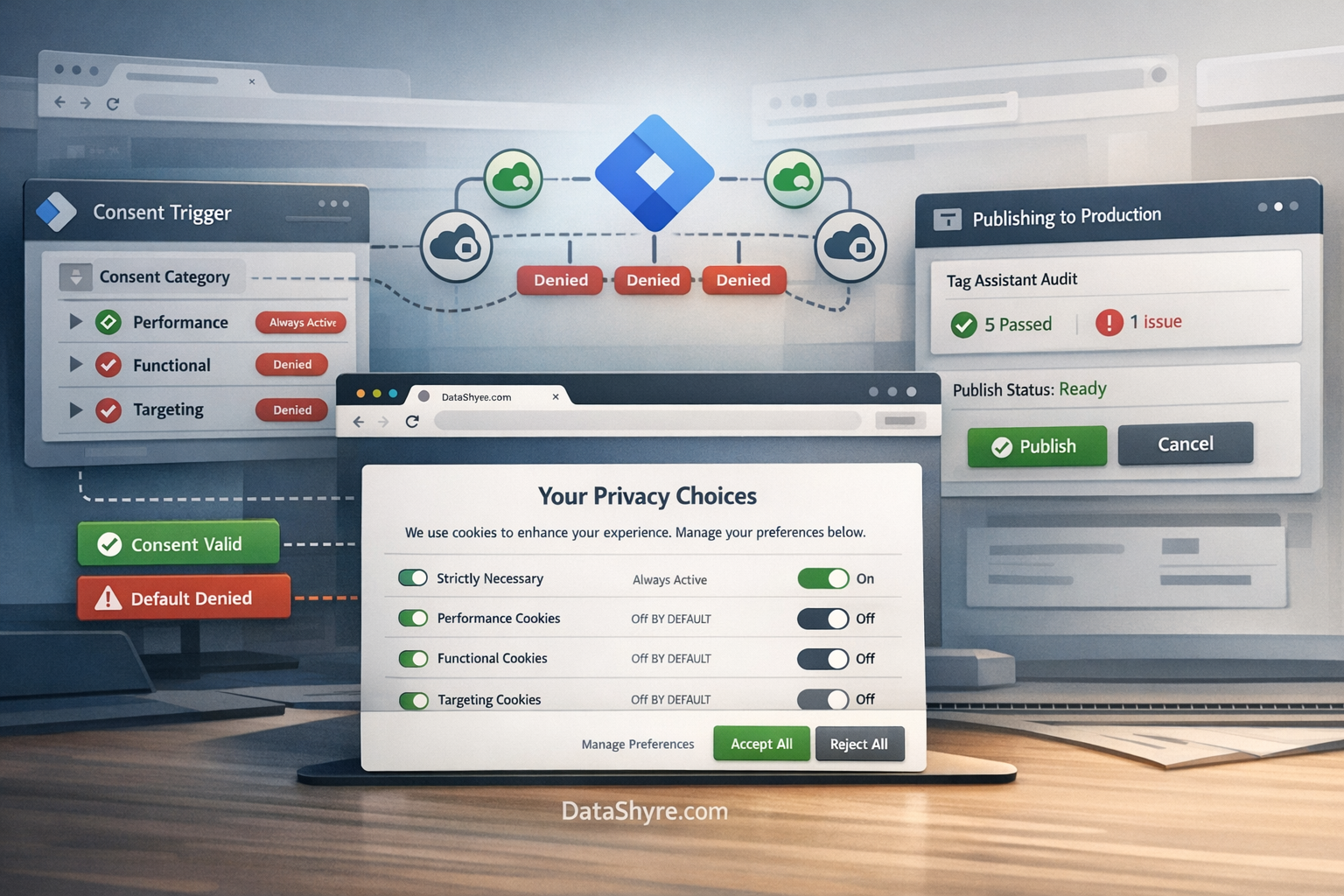
Why this stack fails in runtime, not in slides
A polished implementation doc does not prove a working consent path.
The failure points for onetrust cookie consent google tag manager usually show up in runtime behavior:
- defaults are set too late;
- the wrong OneTrust category controls the wrong Google consent field;
- acceptance works but rejection or withdrawal does not update behavior properly;
- SPA routes or delayed widgets ignore the current state;
- teams assume one shared script means consent is shared cleanly across domains when it is not;
- California or publisher-specific obligations are treated like optional footnotes.
That is why this topic should be reviewed as an execution problem, not as a settings screenshot.
7 runtime checks for OneTrust cookie consent and Google Tag Manager
1. Confirm the GTM tag is using the real production script and fires on Consent Initialization
Google’s current OneTrust setup instructions are unusually concrete for a reason. They still tell teams to use the production OneTrust script ID, enable Google Consent Mode in the template, add ad_storage, analytics_storage, ad_user_data, and ad_personalization, and fire the tag on Consent Initialization – All Pages.
That means your first review should be inside the live container, not inside the banner editor.
Check:
- whether the live site is using the intended OneTrust production script ID;
- whether the GTM template is the current OneTrust CMP template rather than a brittle custom workaround;
- whether all four Google consent fields are configured deliberately;
- whether the tag fires on Consent Initialization, not after other page logic has already started.
If this first layer is wrong, everything underneath it becomes harder to trust.
2. Verify denied or region-specific defaults land before any optional tag acts
Google’s current consent mode documentation still lays out the sequence plainly:
“Make sure that consent updates are tracked on the page where they occur, before any page transition.”
That sentence only works if the default state is already in place first.
Google’s debugging guidance also still says Tag Assistant should show the earliest consent event with the expected default values for ad_storage, ad_personalization, ad_user_data, and analytics_storage. If default consent is set too late, Google warns that a tag may already have read or written a cookie before the denied state appears.
So for onetrust cookie consent google tag manager, do not stop after confirming the banner renders. Open the live site with a clean profile and verify the first consent event, not just the later one after clicking Accept.
3. Inspect the OneTrust category map instead of assuming it is obvious
OneTrust’s current GTM documentation still centers the runtime around OnetrustActiveGroups, and its events guide still shows OneTrustGroupsUpdated firing when consent changes. That is useful because the real question is not whether categories exist. The real question is whether the categories currently mapped in your tenant are the ones that should control Google’s fields on this property.
Many teams use a sensible pattern where analytics-style categories govern analytics_storage and advertising-style categories govern ad_storage, ad_user_data, and ad_personalization. But “sensible” is not the same as “verified.”
Review:
- the actual category IDs in the OneTrust tenant;
- the GTM logic tied to those IDs;
- whether the same mapping is consistent across environments;
- whether a copied container or reused rule quietly points to an old category structure.
When the mapping drifts, the banner can still look perfect while the signal is wrong.
4. Test same-page rejection, acceptance, and withdrawal
This is where weak deployments expose themselves quickly.
The European Commission still states the user-experience rule in the clearest possible way:
“It should be as easy to withdraw as to give consent.”
For onetrust cookie consent google tag manager, that means your test cannot end with one Accept all click.
Run this sequence:
- open the page in a clean session;
- confirm the initial denied or region-specific state;
- reject optional categories and confirm optional tags stay off;
- allow only the categories you mean to allow;
- confirm the relevant Google consent values update on the same page;
- reopen preferences and withdraw what you allowed;
- verify the later state changes behavior, not just UI text.
If withdrawal produces a nice interface state but downstream tag behavior barely changes, the implementation is incomplete.
5. Treat SPA behavior as a separate implementation path
OneTrust’s current SPA documentation still says that OneTrustGroupsUpdated is triggered every time the script is loaded or when the user updates consent, and that teams can read consent from the OptanonConsent cookie or the OnetrustActiveGroups data layer after that update.
That matters because onetrust cookie consent google tag manager can look fine on the first page load and still drift on route changes, modal-driven flows, account areas, or delayed embeds.
If your site uses React, Next.js, Vue, Angular, or similar client-side routing, test:
- the initial route;
- a later route where optional tools normally activate;
- preference reopening on the same session;
- any delayed widget or embedded tool that depends on the current consent state.
Do not let “it worked on the homepage” count as a finished review.
6. Do not assume one shared script means one shared consent state
OneTrust’s bulk-domain documentation still says that when users move between websites in the same domain group, the banner may reappear because consent is stored on a per-domain basis and is not persisted across domains in that setup. OneTrust separately documents cross-domain and cross-device consent features for known users when teams explicitly build for that path.
That is a practical warning for multi-brand, multi-subdomain, or regional stacks. A shared parent script can still leave you with domain-specific QA gaps.
For onetrust cookie consent google tag manager, test each meaningful hostname on purpose. If the business expects a synchronized experience across domains or devices, confirm that it is using the separate sync model rather than assuming the standard shared-script deployment does that automatically.

7. Run a separate legal-operations branch for UK scope, California signals, and publisher requirements
Do not compress every privacy obligation into one banner test.
The ICO’s current 2026 storage-and-access guidance is a reminder that the control surface reaches beyond classic cookies into tracking pixels, device fingerprinting, web storage, and scripts or tags. California’s Department of Justice still describes Global Privacy Control as a “stop selling or sharing my data switch”, and the CPPA’s current laws-and-regulations page lists the California Consumer Privacy Act and CCPA Regulations as effective on January 1, 2026.
If you are a publisher or serve personalized ads in Google’s publisher products, Google also still says a certified CMP integrated with the IAB Transparency and Consent Framework is required for users in the EEA, the UK, and Switzerland.
So this review should branch into separate questions:
- does GTM timing and Google consent signaling work technically;
- does the runtime actually suppress optional tracking until the right choice is made where required;
- does California preference-signal handling work where sale or sharing rules apply;
- if publisher monetization is in scope, does the stack meet the separate Google publisher requirement.
Those are related checks, not one identical check.
A fast QA sequence for this week
If I had ten minutes to review onetrust cookie consent google tag manager before publication, I would do this in order:
- confirm the live OneTrust production script ID and GTM trigger;
- verify the earliest consent default with Tag Assistant;
- inspect
OnetrustActiveGroupsand the related update event; - reject, allow, and then withdraw to watch the signal change on the same page;
- repeat the test on a meaningful SPA route or delayed-load template;
- repeat it on each important domain;
- run the California or publisher-specific branch only if those obligations are actually in scope.
That short sequence catches most of the real failures faster than another banner copy review.
Bottom line
The most useful way to think about onetrust cookie consent google tag manager in 2026 is as a runtime control path, not as a front-end banner task.
If the GTM tag fires early enough, the defaults land before optional tags act, the OneTrust category map is deliberate, same-page updates work, withdrawal really changes behavior, SPA routes stay aligned, and multi-domain assumptions are tested rather than guessed, the deployment is probably in good shape.
If any of those checks fail, the work is not finished yet.
Sources
- Google Tag Manager Help: Set up OneTrust to obtain user consent
- Google for Developers: Set up consent mode on websites
- Google for Developers: Troubleshoot consent mode with Tag Assistant
- OneTrust Developer Portal: Google Tag Manager
- OneTrust Developer Portal: Web CMP Events Guide
- OneTrust Developer Portal: Single Page Applications
- OneTrust Developer Portal: Bulk Domain Management
- OneTrust Developer Portal: Cross Domain and Cross Device Consent
- European Commission: What if somebody withdraws their consent?
- UK ICO: Guidance on the use of storage and access technologies
- California Department of Justice: Global Privacy Control
- California Privacy Protection Agency: Law & Regulations
- Google Ad Manager Help: Google consent management requirements for serving ads in the EEA, the UK, and Switzerland
This post was updated on August 19, 2026 using current official regulator, government, platform, and vendor materials available at publication time.