

Osano Cookie Consent: 5 Checks Before You Push It Live in 2026
If you are evaluating osano cookie consent, the appeal is obvious: fast deployment, a cleaner admin experience than many legacy CMPs, and a path into Google consent workflows without building everything yourself.
That is the upside. The risk is assuming a polished banner equals a finished privacy program.
Osano says its Cookie Consent product can be deployed with one JavaScript tag, can localize banners by region, and can block unwanted scripts based on user choice. That can save a lot of setup time. But in 2026, the harder question is whether your configuration actually holds up under regulatory pressure, ad-tech dependencies, and routine site changes.
As the UK ICO put it this year, users need “meaningful control over how their data is used.” That is a good standard to keep in mind when you review any CMP configuration, including Osano.
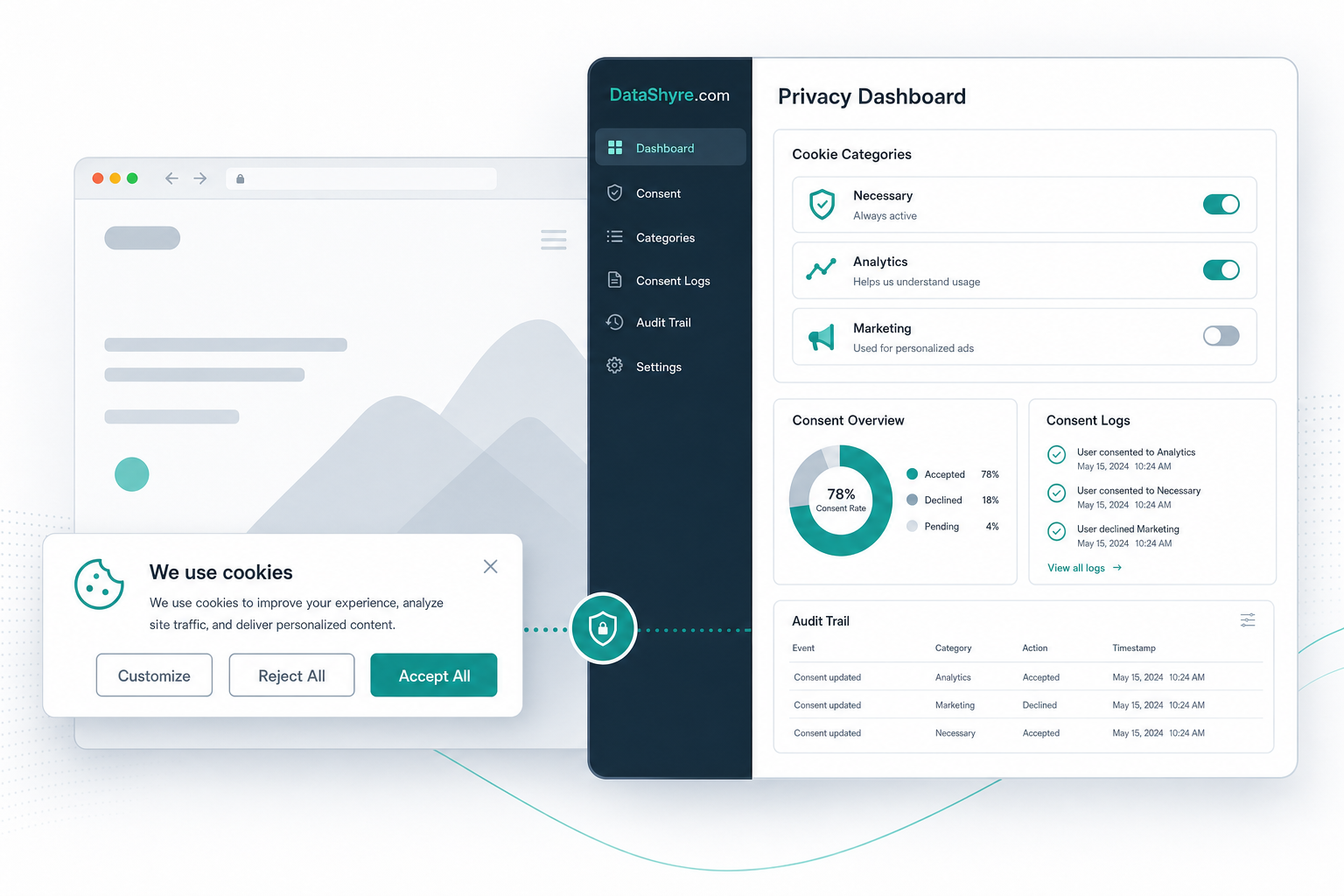
What to like, and what to verify
Osano has a few practical strengths for busy teams. Its current materials emphasize quick deployment, branded banner customization, consent logs, and Google Consent Mode support. Google also currently lists Osano on its certified CMP list for web publishers and includes Osano among Tag Manager consent-mode partners. That matters if your marketing stack depends on Google ads or measurement.
Still, Google makes an important distinction: certification helps with its ad-serving requirements, but it is not the same as full legal compliance. For publishers serving personalized ads in the EEA, the UK, or Switzerland, Google requires a certified CMP integrated with the IAB Transparency and Consent Framework. Your legal and technical review still sits with you.
There is another detail worth catching early: Osano’s own current product page says the free tier covers basic banners for about 5,000 monthly page views, but automated script blocking and consent storage require paid plans. So if your evaluation is based on the free setup alone, make sure you are not testing a lighter version and assuming enterprise-grade behavior.
If you want a broader benchmark before deciding, our guides to cookie consent manager, cookie consent requirements, and Google Tag Manager cookie consent give useful comparison points.
Five checks before launch
1. Match the plan to the job
Start with a plain question: do you just need a visible banner, or do you need blocking, storage, audit evidence, and Google integrations that can survive a real compliance review?
That sounds basic, but it is where a lot of evaluations go wrong. If your team tests only appearance, you can miss the difference between a lightweight banner and a working control layer. For an ad-supported site or a business with cross-border traffic, osano cookie consent should be assessed as an operating control, not just a design element.
2. Test whether tags stay off before consent
This is the main technical check. Confirm that analytics, marketing, A/B testing, chat, and embedded third-party scripts stay off until the user makes a valid choice where that is required.
Do not trust a visual pass. Test the real stack in the browser, inside Google Tag Manager, and with your most important landing pages. Google Tag Manager’s consent features are useful here because they let you verify whether tags are honoring consent states before other triggers fire. If tags leak early, the banner copy does not save you.
3. Check the Google path separately
If you rely on Google Ads, Ad Manager, AdMob, or GA4-linked ad measurement, treat this as its own go-live checkpoint.
Google’s current help documentation says publishers serving personalized ads in the EEA, UK, and Switzerland need a Google-certified CMP that integrates with the TCF. Google also notes that traffic from a non-certified CMP may be limited to non-personalized or limited ads. Since Osano is currently on Google’s certified CMP list for web use, the practical question is not whether the name appears on the list. It is whether your specific deployment is configured correctly for the regions and ad flows you actually use.
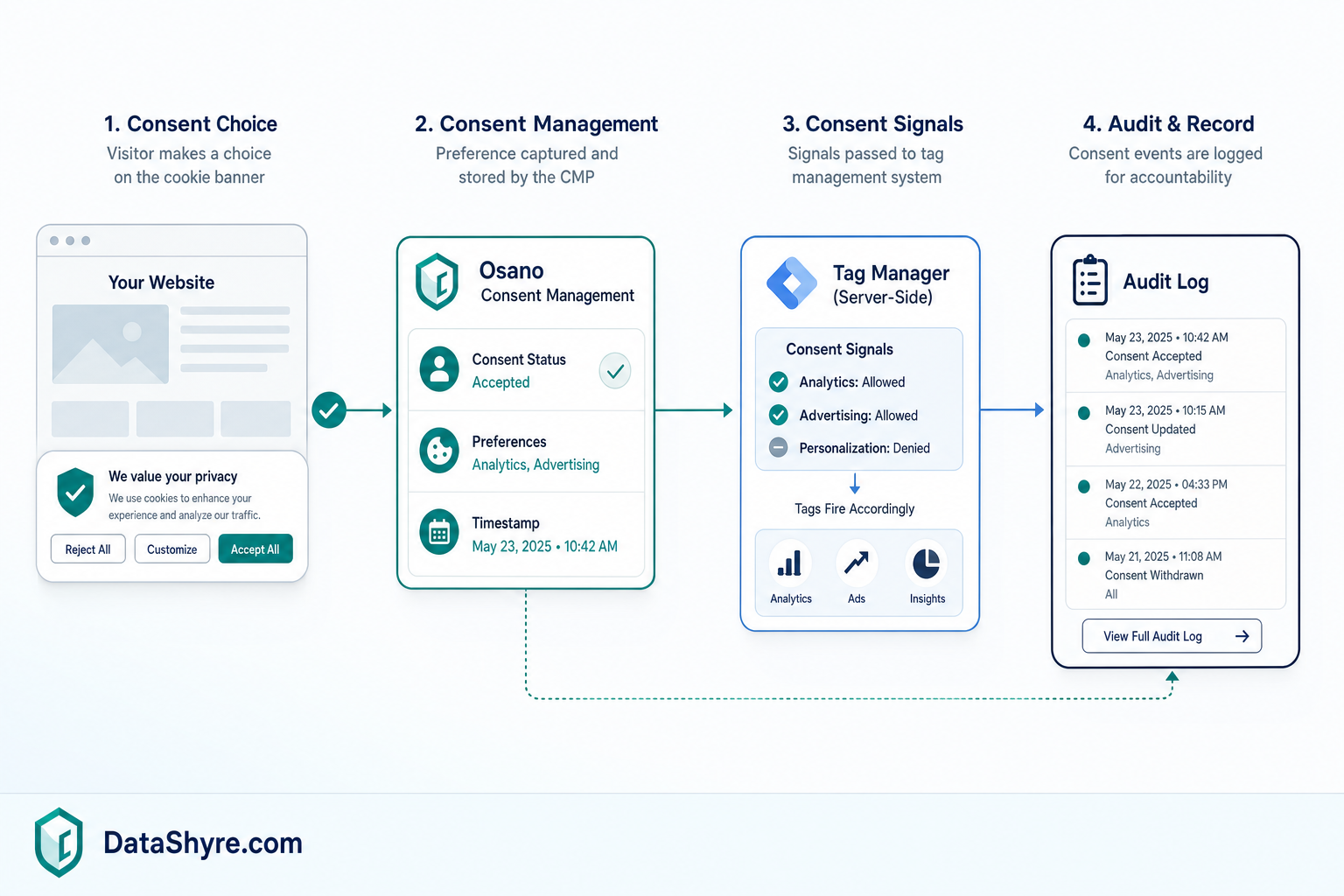
4. Make withdrawal and opt-out handling easy
A banner is only half the story. People also need a clear way to revisit choices, withdraw consent, or send opt-out signals where the law requires it.
That matters in California as much as in Europe. In September 2025, the California Privacy Protection Agency joined California, Colorado, and Connecticut in a sweep aimed at businesses that may not have been honoring Global Privacy Control signals. A month later, CPPA Executive Director Tom Kemp described the direction of travel as making privacy rights “as simple as clicking a button in your browser.”
So test more than the first click. Re-open the panel. Change the choice. Send an opt-out signal. Confirm the downstream systems actually respond.
5. Make sure the records are useful
The best CMP evidence answers simple questions fast:
- What did the user see?
- What did they choose?
- When did they choose it?
- Which configuration was live at that moment?
- What happened after they changed their mind?
That is where osano cookie consent should earn its keep. If your logs are hard to review, if purpose-level choices are fuzzy, or if nobody on the team owns monthly validation, the tool is doing less than you think.
Bottom line
Osano looks strongest for teams that want a manageable CMP with a fast rollout path and a credible Google integration story. It looks weaker when buyers treat the banner itself as proof that the implementation is finished.
Run the five checks above, especially plan fit, pre-consent blocking, Google setup, opt-out handling, and audit evidence. If those pieces hold, Osano can be a practical choice. If they do not, the problem is not the interface. It is the gap between a visible banner and a defensible consent program.
Sources
- Osano
- Google Ad Manager Help
- Google Tag Manager Help
- ICO
- California Privacy Protection Agency