

OneTrust Google Consent Mode: A 2026 Setup Guide for Clean Consent Signals
If you are searching for onetrust google consent mode, you probably do not need another definition of consent mode. You need the setup to do three boring but important things: send the right Google signals early, change them when a visitor makes a choice, and hold up when someone tests the reject path instead of the accept button.

That is where many deployments get shaky. The banner looks fine, OneTrust is live, and GTM is publishing. Then Tag Assistant shows the wrong defaults, route changes skip the update, or ad-related consent fields never line up with the actual policy.
If your team is still tightening the broader banner setup, start with our guides to OneTrust cookie consent, OneTrust cookie consent Google Tag Manager, and Google Analytics cookie consent. This piece is narrower. It is about making the signal layer behave cleanly.
Why this is still an implementation issue
Google’s current consent documentation still comes down to a simple sequence: set a default consent state before the user acts, then update that state after the user acts. That sounds straightforward until real sites introduce tag managers, ad integrations, single-page routing, and regional logic.
Scott Herman, Senior Product Manager at Google, framed the point well when he wrote that tags should “respect user consent choices.” That is the practical standard. If your default state is late, or your update does not fire reliably, the setup is not doing that.
The regulator side points in the same direction. UK Information Commissioner John Edwards said cookie banners must make it “just as easy to reject all non-essential cookies” as to accept them. EDPB Chair Anu Talus has also warned that privacy options should be presented in an “objective and neutral way.” Those are UX statements, but they become implementation requirements the moment your banner wiring decides what loads and what does not.
OneTrust Google Consent Mode: 6 checks before you publish
1. Map the Google consent signals before you touch the banner copy
Google consent mode is not one toggle. Current Google guidance expects teams to manage consent types including ad_storage, analytics_storage, ad_user_data, and ad_personalization. If your property is linked to ad-related Google services, Google Analytics may warn when it is not receiving affirmative consent for ads measurement or ads personalization.
That means your OneTrust setup should start with policy mapping, not colors and copy. Decide which OneTrust categories should control analytics storage, ad storage, user data sharing for ads, and ad personalization. Write that down. If the mapping only exists in someone’s memory, it will drift.
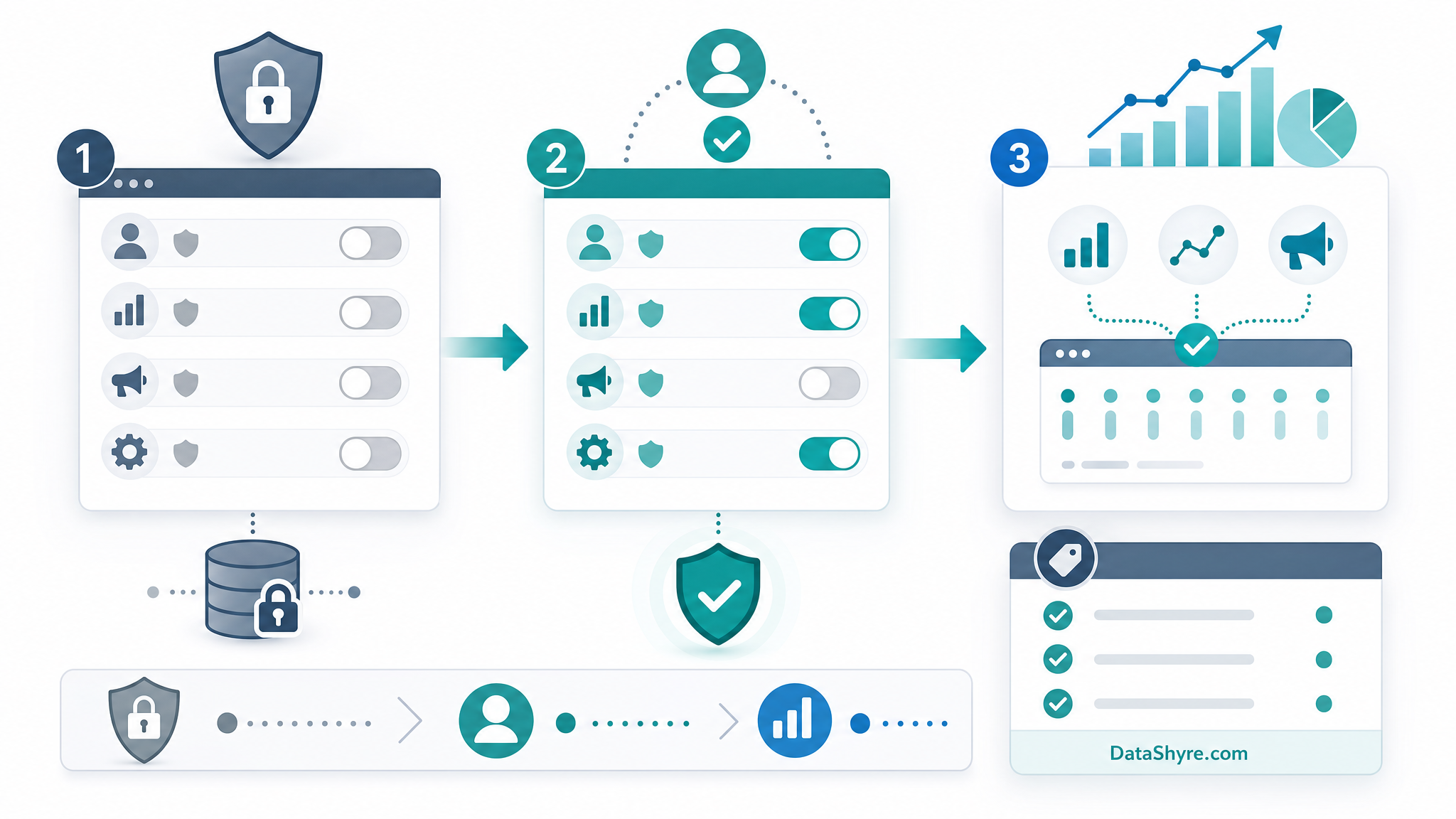
2. Set defaults early, then update on the same page
Google’s developer guide is explicit here: set the default consent state before the user grants consent, then update it based on the interaction. It also says consent updates need to be tracked on the page where they occur, before any page transition.
This is the part that quietly breaks in real builds. A team loads the CMP late, or fires an update after navigation logic has already moved the visitor forward. The fix is usually mundane: move the consent defaults earlier, confirm the OneTrust event is triggering the update, and test the first page where the choice happens instead of assuming later pages tell the full story.
3. Do not block yourself from verification
Google recommends Tag Assistant to verify consent mode on websites, and its troubleshooting guidance is blunt about one common failure: if the Google tag is blocked from loading, unblock it so consent mode can work and be verified.
That is a useful reminder because teams sometimes confuse “blocking tags before consent” with “blocking the tag from receiving consent state.” Those are not the same thing. You want the signal framework alive early enough to record denied defaults, then to switch cleanly if consent is granted.
4. Treat the reject path as a first-class flow
This is where a consent-mode deployment often turns into privacy theater. The accept path gets QA because marketers want attribution. The reject path gets a visual check and little else.
That is backwards. The ICO’s current storage-and-access guidance says consent mechanisms should make refusal as easy as acceptance, and non-exempt technologies should be set only when valid consent is gathered. So test reject, not just accept:
- Load the site as a new visitor.
- Reject non-essential categories.
- Confirm the default denied state is visible.
- Confirm Google consent fields do not flip to granted anyway.
- Check that route changes and embedded tools do not undo the choice.
5. Watch single-page apps and late-loading embeds
OneTrust’s own SPA guidance is worth reading because it admits the awkward part out loud: many cookie and tag blocking methods were built around page refresh behavior. In single-page applications, that assumption breaks.
If your site runs React, Next.js, Angular, or a checkout and chat stack that loads after the first page view, test consent actioning on route change, not only on first paint. OneTrust notes that a refresh may be needed in some opt-out cases for script-type changes to take effect. Even if your build avoids a hard refresh, you still need to prove that late-loading scripts read the right consent state.
6. Keep publishing and maintenance in the process
The last failure mode is operational, not conceptual. Teams adjust OneTrust settings, categories, or templates and assume the production behavior is now fixed. In practice, consent tooling needs a real publish discipline. If your process for OneTrust changes, GTM updates, and QA evidence is loose, the implementation will slip even if the policy logic was correct on day one.
I would keep a short go-live checklist for every change set:
- Confirm the category-to-signal map.
- Publish the OneTrust changes.
- Publish any GTM changes.
- Verify denied and granted states in Tag Assistant.
- Re-test the pages where the choice happens.
The takeaway
Good onetrust google consent mode work is less about banner wording and more about signal hygiene. If your defaults are early, your updates fire on the right page, your reject path is real, and your SPA behavior is tested instead of assumed, the setup is in much better shape. If any of that is fuzzy, the banner may still be live, but the proof will not be.
Sources
- Google for Developers Tag Platform
- Google Tag Manager Help
- Google Analytics Help
- Google Ad Manager Help
- Google Marketing Platform Blog
- OneTrust Developer Documentation
- UK Information Commissioner’s Office
- European Data Protection Board