

OneTrust Cookie Consent in 2026: 8 Production Checks Before You Trust the Live Site
If you are reviewing onetrust cookie consent on October 24, 2026, the useful question is not whether the banner looks polished in the admin preview.
It is whether the live site is routing the right visitors into the right model, blocking the right scripts before choice, passing the right signals after choice, and still behaving the same way after the next release.
That is the right frame because the current official material is operational, not merely cosmetic. OneTrust’s Cookie Consent docs, updated on October 21, 2026, still center the workflow around scanning, categorizing, templating, geolocation rules, and separate testing versus production scripts. The European Commission still says valid consent requests must use “clear and plain language” and be as easy to withdraw as to give. CNIL still says rejecting cookies should be “just as easy as accepting them.” The ICO’s storage-and-access-technologies guidance was finalized on April 29, 2026, reinforcing that the review surface goes beyond classic cookies alone.
If you want nearby context first, start with our guides to OneTrust cookie consent Google Tag Manager, website privacy checker, and consent management platform. This page stays narrower. It is the eight-check production review I would run this week before trusting onetrust cookie consent on a real site.
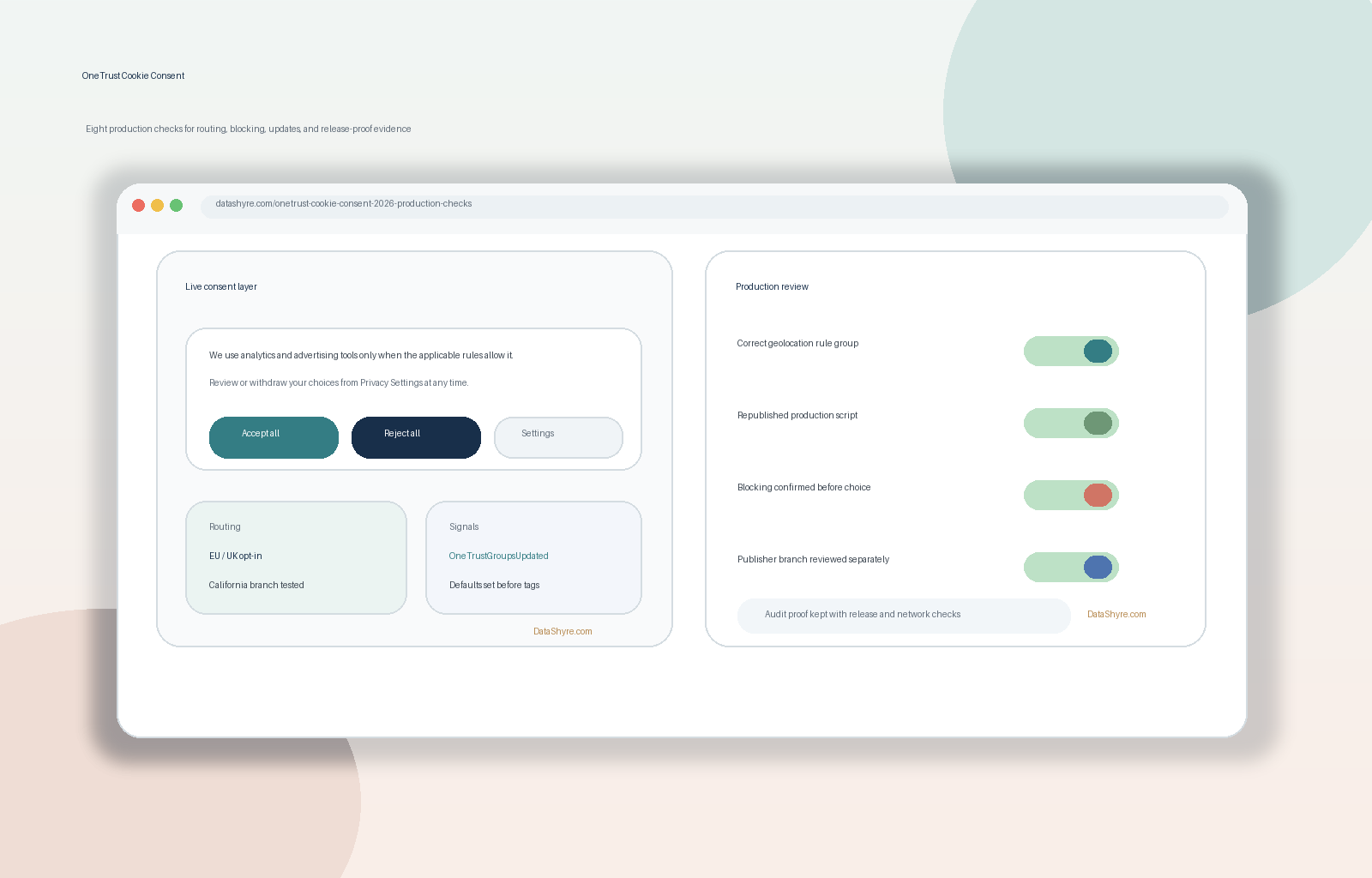
1. Re-scope what OneTrust is actually controlling
The first mistake is assuming onetrust cookie consent automatically means “all tracking is under control.”
OneTrust’s current getting-started flow still breaks the work into five separate layers:
- scan the website;
- categorize cookies and tags;
- create templates for the banner, preference center, and cookie list;
- assign geolocation rule groups; and
- implement testing and production scripts.
That sequence matters because it forces a better scoping question: which cookies, local storage entries, scripts, pixels, tags, and embeds are truly governed by the OneTrust configuration, and which ones are still sitting outside it.
If a team cannot answer that precisely, the banner may be live while the actual control surface is still partial.
2. Treat geolocation rules as the first production decision
Most consent problems start before the visitor clicks anything.
OneTrust’s current geolocation documentation says the platform uses rule groups to determine the consent model, behaviors, and content shown to visitors from specific locations. It also says the location logic uses Cloudflare reverse IP lookup at approximately city level and that the location is used only to determine the applicable rule.
That is what makes onetrust cookie consent a routing problem before it becomes a design problem. Your production review should confirm:
- there is a sane default geolocation rule group and default rule;
- EU and UK traffic gets the intended opt-in path where required;
- California traffic gets the intended opt-out or GPC-aware path where applicable; and
- publisher-ad traffic is not being treated as interchangeable with the rest of the site.
A universal-looking banner can still be sending different legal cases into the wrong operational branch.
3. Review publishing discipline, not only settings discipline
This is one of the easiest ways to create quiet drift.
OneTrust’s current documentation says changes to domains, templates, cookie categorizations, or geolocation rules must be re-published before they show up on the website. Its publishing FAQ says the same thing for both testing and production CDNs. The same script documentation also says the copied script should be pasted into the and placed before any other script.
For a real onetrust cookie consent check, I would verify:
- whether the right script type was published;
- when it was published and by whom;
- whether the production site is actually loading that version;
- whether the snippet is early enough in
; and - whether the production script is being used on the domain it was generated for.
OneTrust’s FAQ also says it is not recommended to place the snippet in GTM if you are using auto-blocking. That is a small detail, but it is exactly the kind of production choice that changes whether the runtime matches the design.
4. Verify the blocking method, not just the banner text
This is where many teams over-trust the interface.
OneTrust’s client-side cookie management guidance says cookie blocking is crucial because, without a blocking mechanism, user choices may not be respected. Its onboarding guide is also explicit that cookies themselves are not directly blocked. The practical blocking target is usually the scripts, tags, and iframes that set them.
That means onetrust cookie consent should always trigger a technical question:
- is auto-blocking enabled;
- is manual blocking being used instead;
- are GTM-controlled tags being held back by consent-aware triggers;
- are any embeds, custom HTML blocks, or third-party widgets bypassing the main method.
The point is not to admire the auto-blocking toggle. It is to prove that no optional technology starts collecting data before the intended signal exists.
5. Make refusal and later withdrawal as real as acceptance
The strongest first-layer banner is the one whose runtime actually matches its promise.
The European Commission still says consent must come through an affirmative act, use clear and plain language, and be withdrawable through a method that is as easy to use as giving consent. CNIL still says rejecting cookies should be just as easy as accepting them.
So for onetrust cookie consent, I would test four separate states:
- first load with no choice yet;
- explicit reject all;
- explicit accept all;
- later withdrawal from the settings entry point.
OneTrust’s FAQ also says that clicking the close button applies the default consent model for that location. That detail is worth checking because teams sometimes assume “close” means “reject” when the configured default may say something else.
If rejection is visually weaker, takes more steps, or leaves optional scripts running anyway, the issue is not only legal wording. It is runtime behavior.
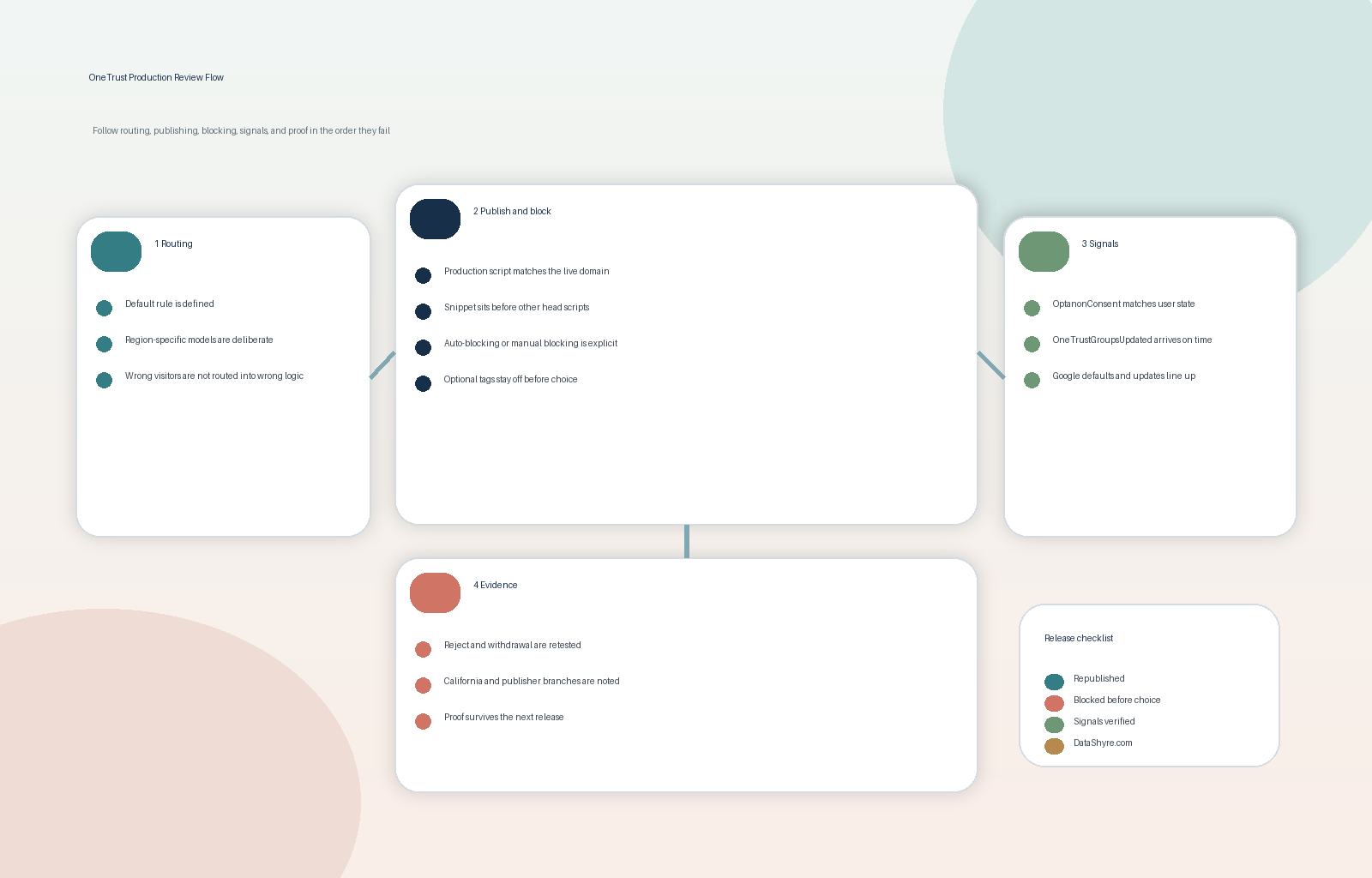
6. Confirm the signal layer: OptanonConsent, events, and Google updates
This is where onetrust cookie consent stops being a banner review and becomes a systems review.
OneTrust’s current cookie documentation says OptanonConsent records the visitor’s consent status. Its event documentation says OneTrustGroupsUpdated fires when consent becomes available on page load and whenever consent changes, while OTConsentApplied only fires after an explicit consent action.
Google’s current consent-mode guidance adds the timing rule that matters most here: set the default consent state on every page before any commands that send measurement data, and make sure updates are tracked on the page where they occur before any page transition.
That makes the production check concrete:
- inspect the earliest page state before interaction;
- verify the denied or granted defaults match the intended regional model;
- confirm OneTrust events and category signals update when the visitor acts;
- verify Google tags receive updates early enough; and
- keep non-Google scripts in a separate bucket because consent mode does not govern everything else for you.
OneTrust’s own event note warns that if the third-party technology is already initialized, data collection can occur briefly before restricted mode applies. That is exactly why timing tests matter more than screenshots.
7. Keep the California branch and the publisher-ad branch separate
This is where teams blend unlike requirements and lose clarity.
California’s Attorney General still says the CCPA gives consumers the right to opt out of sale or sharing, including via GPC. The DOJ’s GPC guidance still describes the signal as a “stop selling or sharing my data switch.” And the DOJ’s February 11, 2026 Disney settlement announcement shows why the branch matters operationally: opt-out logic has to propagate across the relevant devices, services, and data-sharing paths, not just toggle a visible switch on one screen.
Separately, Google’s current publisher CMP requirements still say personalized ads in the EEA and UK require a certified TCF CMP as of January 16, 2024, and the same requirement applies in Switzerland as of July 31, 2024. Google also says CMP certification does not determine full compliance with applicable privacy laws.
So if those branches apply, test them deliberately:
- California GPC and opt-out behavior as one branch;
- Google publisher monetization requirements as another branch;
- broader website consent behavior as the surrounding branch.
They can overlap. They should not be treated as the same question.
8. Save proof that survives the next release
The real enemy of onetrust cookie consent is not only the first implementation. It is drift after the next template change, tag change, or site publish.
OneTrust’s publishing history surfaces the published version, script type, geolocation rule, auto-blocking status, re-consent flag, publish date, and publisher identity. That is already a good start for an evidence pack. I would add:
- desktop and mobile screenshots of first-layer and settings states;
- notes for first load, reject, accept, and withdrawal tests;
- browser evidence showing which requests or identifiers appeared in each state;
- California or publisher-branch notes where relevant; and
- the release or ticket tied to the test.
That record is what lets another team verify the control after the next rollout instead of trusting a memory that the banner “looked fine.”
A short review order for this week
If I were reviewing onetrust cookie consent today, I would do it in this order:
- inventory which technologies OneTrust actually governs;
- confirm the geolocation routing and default rules;
- verify the correct scripts were published and deployed;
- test the blocking method on first load;
- test reject, accept, and later withdrawal;
- inspect OneTrust and Google signal timing;
- run any California or publisher-specific branch that applies; and
- archive enough proof to repeat the review after the next release.
That order usually surfaces the real implementation gap faster than another copy edit to the banner.
Bottom line
The strongest onetrust cookie consent setup in 2026 is not the one with the cleanest admin workspace.
It is the one that routes visitors correctly, republishes changes reliably, blocks optional technologies before choice, makes refusal and withdrawal genuinely usable, updates downstream signals at the right moment, handles California and publisher branches deliberately, and leaves behind proof that another person can still verify later.
If your current deployment cannot hold up under those eight production checks, it is not ready simply because the banner is visible.
Sources
- OneTrust Documentation, Getting Started with Cookie Consent: https://docs.onetrust.com/en/consent–preferences/cookie-consent/introduction-to-cookie-consent/getting-started-with-cookie-consent
- OneTrust Documentation, Configuring Geolocation Rules: https://docs.onetrust.com/en/consent–preferences/cookie-consent/configuring-templates-and-geolocation-rules/configuring-geolocation-rules
- OneTrust Documentation, Publishing and Implementing Cookie Consent Scripts: https://docs.onetrust.com/en/collect–manage-consent/manage-consent-preferences/publishing-and-implementing-cookie-consent-scripts
- OneTrust Documentation, Publishing and Integrating Cookie Scripts FAQ: https://docs.onetrust.com/en/consent–preferences/cookie-consent/managing-cookie-scripts-cookie-blocking-and-technical-implementation/publishing-and-integrating-cookie-scripts-faq
- OneTrust Documentation, Client-Side Cookie Management: https://docs.onetrust.com/en/consent–preferences/cookie-consent/managing-cookie-scripts-cookie-blocking-and-technical-implementation/client-side-cookie-management
- OneTrust Documentation, OneTrust Cookies: https://docs.onetrust.com/en/consent–preferences/cookie-consent/managing-cookie-scripts-cookie-blocking-and-technical-implementation/onetrust-cookies
- Google for Developers, Set up consent mode on websites: https://developers.google.com/tag-platform/security/guides/consent
- Google AdSense Help, Google consent management requirements for serving ads in the EEA, the UK and Switzerland (for CMPs): https://support.google.com/adsense/answer/13554020?hl=en-GB
- European Commission, Legal grounds for processing data: https://commission.europa.eu/law/law-topic/data-protection/information-business-and-organisations/legal-grounds-processing-data_en
- ICO, Guidance on the use of storage and access technologies: https://ico.org.uk/for-organisations/direct-marketing-and-privacy-and-electronic-communications/guidance-on-the-use-of-storage-and-access-technologies/
- CNIL, Dark Patterns in Cookie Banners: https://www.cnil.fr/en/dark-patterns-cookie-banners-cnil-issues-formal-notice-website-publishers
- California Department of Justice, California Consumer Privacy Act (CCPA): https://oag.ca.gov/privacy/ccpa
- California Department of Justice, Global Privacy Control (GPC): https://oag.ca.gov/privacy/ccpa/gpc
- California Department of Justice, Disney CCPA settlement announcement: https://oag.ca.gov/news/press-releases/california-wont-let-it-go-attorney-general-bonta-announces-275-million
—
Published: October 24, 2026. Updated using current official OneTrust, regulator, government, and Google materials available at publication time.