

GDPR Consent Management Platform Shopify: When Native Privacy Tools Stop Being Enough in 2026
If you are searching for gdpr consent management platform shopify, the real question is usually not whether Shopify can show a banner. It is whether your store can turn a visitor’s choice into real Shopify behavior across pixels, apps, custom code, and checkout.
That is the right question in July 2026. The European Commission still says valid consent must be freely given, specific, informed, and expressed through a clear affirmative act. The UK ICO’s final storage-and-access technologies guidance, published on April 29, 2026, also makes clear that the compliance review is broader than classic browser cookies alone. It covers tracking pixels, device fingerprinting, scripts, and similar technologies too.
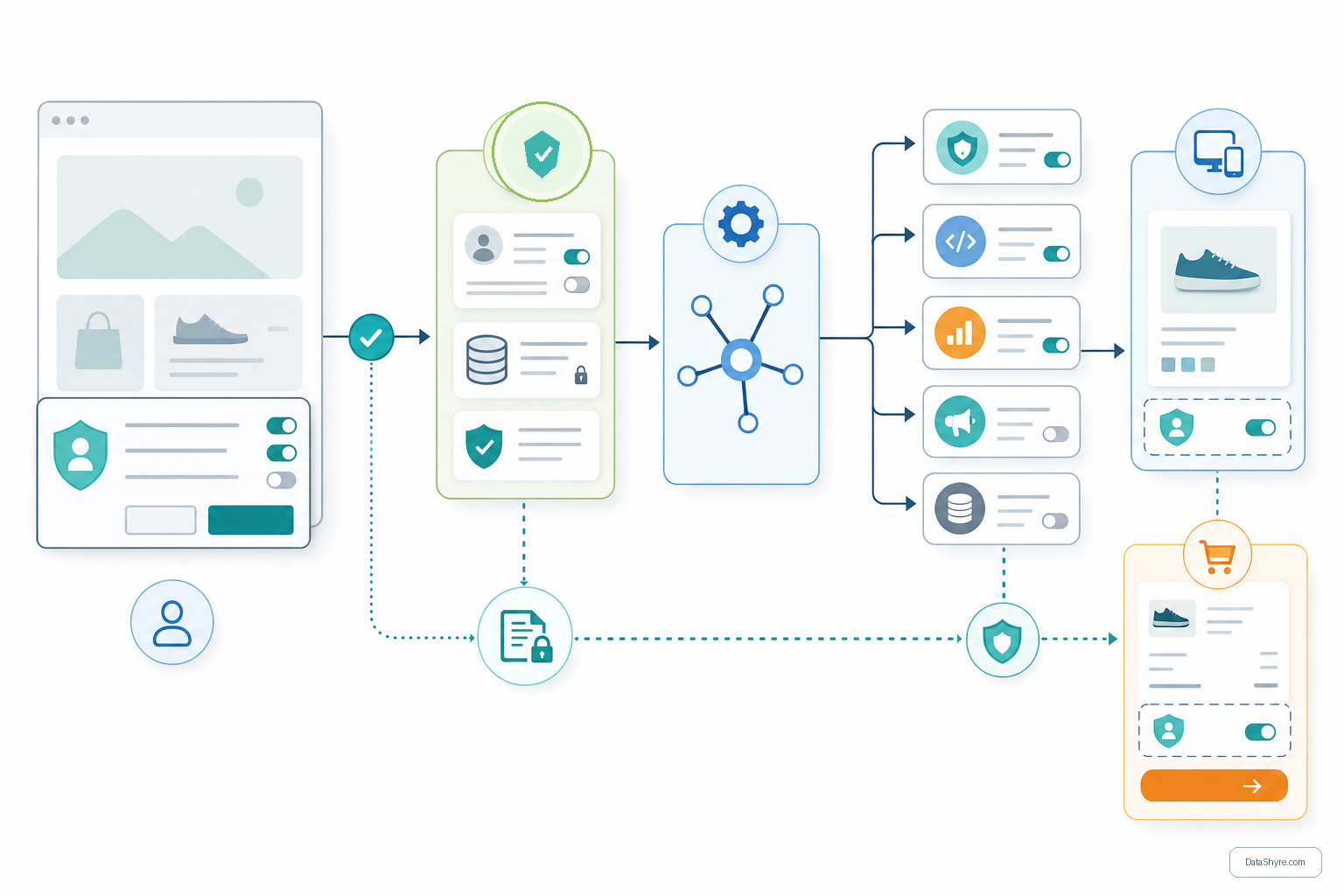
Shopify gives merchants more privacy tooling than many teams realize. Its current help documentation says merchants can configure a cookie banner, privacy policy, and data-sharing opt-out page from Settings > Customer privacy, with regional controls and either automated settings or manual customization. Shopify’s Customer Privacy API also says it applies consent decisions to Shopify-managed surfaces such as pixels, audiences, and checkout.
If you want the broader baseline first, start with our guides to GDPR cookie consent, consent management platform, and cookie consent. This article is narrower. It is the Shopify-specific review I would run before deciding whether native privacy settings are enough or a dedicated CMP should take over.

What Shopify can already do for GDPR-facing stores
Shopify’s native privacy controls are not decorative. The help center says that in configured cookie-banner regions, non-essential data is collected only after consent is obtained, and it specifically points to the EEA and the UK as regions where opt-in consent is relevant. That means a standard Shopify setup can cover more ground than a simple pop-up plugin if you actually configure it correctly.
The platform also gives developers a control layer instead of only a text layer. The Customer Privacy API can check whether analytics, marketing, preferences, and sale-of-data processing are allowed, and it emits an event when consent changes. In a Hydrogen storefront, Shopify also says a third-party consent tool must be connected back to the Customer Privacy API. For headless implementations, Shopify’s Storefront API documentation now says visitorConsent can be passed with @inContext(...), and the resulting checkoutUrl carries that consent information into checkout.
So the answer is not that every Shopify store immediately needs an external CMP. Some do fine with Shopify’s built-in controls, especially when they use a mostly standard storefront, a modest app stack, and limited custom tracking.
When native Shopify privacy settings stop being enough
The gap usually appears when the store’s tracking layer stops being mostly Shopify-managed.
A dedicated CMP becomes more attractive when your store has several of these traits:
- third-party tags or scripts injected outside Shopify’s native privacy flow;
- marketing or analytics tools firing through GTM or custom theme code;
- a headless storefront that must sync consent across custom surfaces;
- multiple regional experiences with different consent rules;
- a need for stronger records, version history, or operational review across teams.
This is why the keyword gdpr consent management platform shopify exists in the first place. The platform can help with collection rules and propagation, but your actual stack may still stretch beyond what the native settings page was designed to orchestrate.
6 checks before choosing a GDPR consent management platform for Shopify
1. Test prior blocking on the live storefront, not just the admin settings
The first question is whether non-essential technologies stay off before the user makes a choice in regions where prior consent is required.
Shopify’s help center says non-essential data collection in configured banner regions should wait until consent. That is the baseline. Your real review is whether the live store still behaves that way once apps, embeds, A/B tools, pixels, and tag managers are added.
Do not stop at the homepage. Test collection pages, landing pages, blogs, embedded video sections, and any template where third-party code loads differently.
2. Check whether refusal is as workable as acceptance
This is still one of the fastest filters for a weak implementation.
The CNIL put it plainly in its December 12, 2024 notice on dark patterns in cookie banners:
“Rejecting cookies should be just as easy as accepting them.”
That principle matters on Shopify because many stores can make the banner look compliant while leaving the refusal path slower, lighter, or buried in a second layer. If the first meaningful choice is still tilted toward acceptance, the design is creating risk before you reach the technical details.
3. If you use a third-party CMP, verify it syncs back into Shopify
This is the Shopify-specific checkpoint many teams miss.
Shopify’s Hydrogen documentation says that if you use a third-party service to track customer consent, you need to connect it to Shopify’s Customer Privacy API. That makes practical sense. If your CMP records a choice but Shopify-managed surfaces do not receive it, then the store is operating with two different privacy states at once.
This is where our Google Tag Manager cookie consent checklist often becomes relevant too. Many stores manage the banner in one tool, scripts in another, and downstream marketing behavior somewhere else entirely.
4. Check whether custom pixels and scripts listen for consent changes
A sound Shopify setup is not finished when the first decision is stored. It also has to react when the visitor changes that decision later.
The Customer Privacy API exposes allowed-processing checks and publishes a visitorConsentCollected event when consent changes. That means your review should include later preference updates, not only first-page interaction. If analytics, personalization, or marketing tools keep running after withdrawal, a neat banner will not save the implementation.
5. Headless stores should test cart and checkout handoff explicitly
This is where native-looking implementations often hide real gaps.
Shopify’s Storefront API documentation says visitorConsent can be passed in @inContext(...), and that the resulting checkoutUrl includes the consent information. If your storefront is headless, the review cannot stop after the banner disappears. You should verify that the consent state survives into cart behavior, checkout handoff, and any analytics connected to those steps.
6. Compare CMPs on records and governance, not just banner appearance
Shopify’s native documentation focuses on configuration, propagation, and storefront behavior. If your team also needs stronger evidence for audits, stakeholder review, vendor management, or repeated regional testing, that is often where a dedicated CMP earns its place.
The useful buying question is not “Which banner looks best?” It is “Which control layer lets us explain what happened on a specific page, in a specific region, with a specific ruleset, after acceptance, rejection, and later withdrawal?”
A short review sequence I would run this week
If I were reviewing a gdpr consent management platform shopify decision right now, I would run this sequence:
- Open the live store in a clean browser session from an EEA or UK test context.
- Inspect what loads before any click on the homepage and at least two other page templates.
- Test
Rejectand confirm non-essential technologies remain blocked where they should. - Accept one optional purpose, then verify the downstream behavior changes correctly.
- Reopen preferences and confirm later withdrawal works.
- If a third-party CMP is involved, confirm the consent state is synced into Shopify rather than trapped only in the CMP.
- If the storefront is headless, verify consent travels into cart and checkout behavior too.
- Decide whether native settings give your team enough operational evidence, or whether a CMP adds needed governance.
That sequence usually tells you more than a long feature grid.
Common mistakes
The same mistakes come up repeatedly:
- assuming the presence of a Shopify banner means the live store is already compliant;
- trusting a third-party CMP without checking whether Shopify receives the same consent state;
- testing only first-page acceptance and never testing refusal or later withdrawal;
- forgetting that custom pixels, apps, and GTM can sit outside the native control flow;
- treating a headless storefront like a standard theme implementation.
None of those mistakes are unusual. They are just expensive.
Bottom line
The right gdpr consent management platform shopify setup in 2026 is the one that makes user choice real across the full store, not just visible on the screen. Shopify’s native privacy tools may be enough for some stores. But once third-party scripts, custom tracking, headless surfaces, or stronger governance needs enter the picture, a dedicated CMP often becomes the safer operating model.
The important decision is not whether to add more banner features. It is whether your store can prove that refusal, acceptance, and later changes all lead to the behavior your privacy notice promises.
Sources
- European Commission: When is consent valid?
- UK ICO: Final storage and access technologies guidance published
- CNIL: Dark Patterns in Cookie Banners: CNIL issues formal notice to website publishers
- Shopify Help Center: Configuring customer privacy settings
- Shopify Help Center: Understanding customer privacy settings in your Shopify admin
- Shopify Developer Docs: Customer Privacy API
- Shopify Developer Docs: Integrate third-party consent management with Hydrogen
- Shopify Storefront API: Visitor consent via @inContext