

OneTrust Tool: What It Does for Consent, Preferences, and Privacy Ops in 2026
If you are searching for onetrust tool, there is a good chance you are not asking about one banner or one dashboard. You are really asking whether OneTrust can help you collect consent, honor preferences, map data, and keep enough evidence on hand when legal, marketing, product, and security all need different answers.
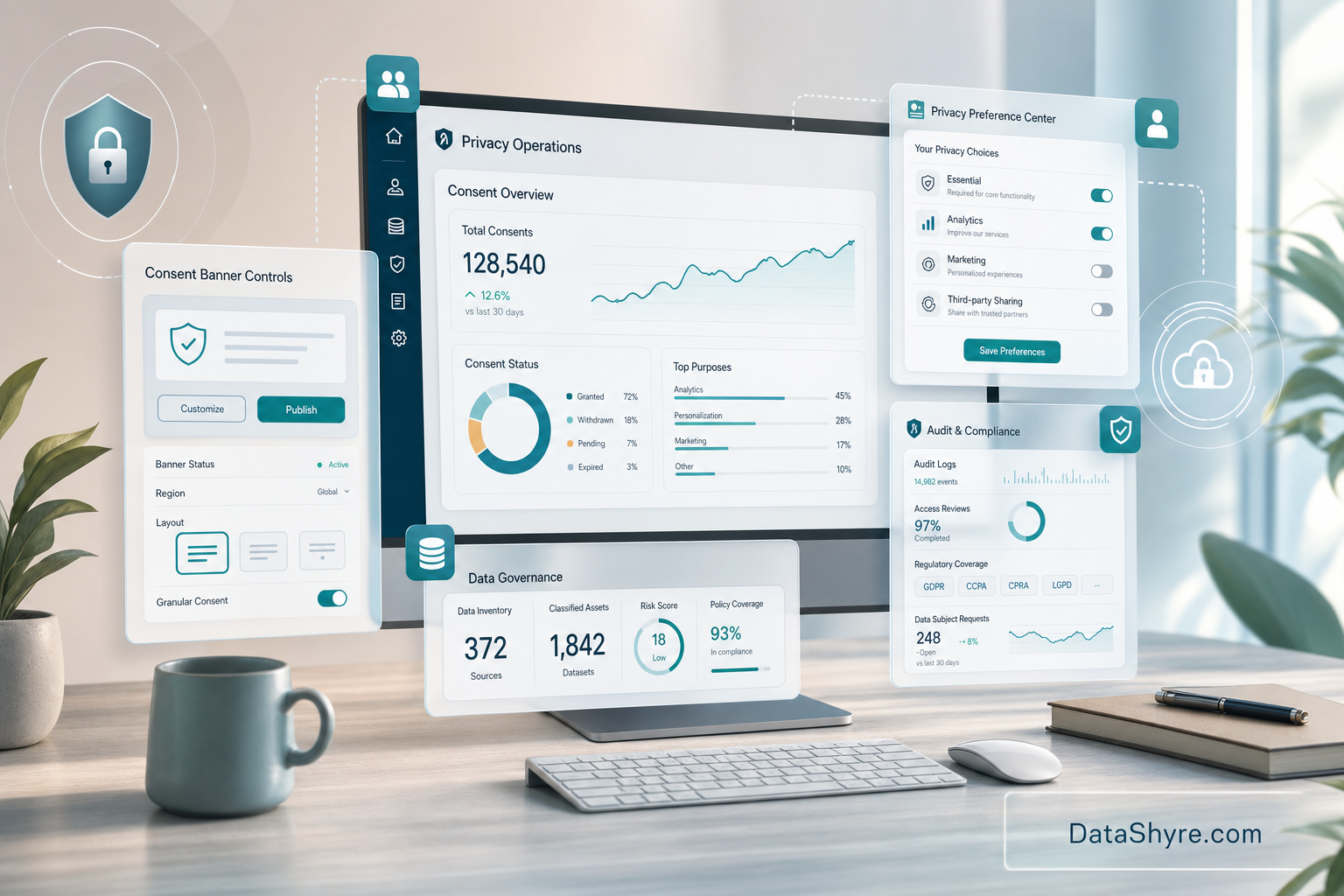
The short answer is yes, but only if you understand that OneTrust is a platform made up of several connected products. On its public product pages, OneTrust separates consent capture, preference management, privacy operations, and DSR automation. That matters because the smartest buying question is not “does it have a cookie banner?” It is “which privacy workflows are we trying to standardize?”
That distinction is worth making now. In April 2026, the UK ICO said people should have “meaningful control over how their data is used.” That is a better test than most vendor checklists. If a tool cannot help your team create, signal, store, and prove those choices, it is probably solving the easy part.
What the OneTrust tool actually includes
1. Consent management across web, mobile, and CTV
OneTrust says its Consent Management Platform captures and signals purpose-based consent across websites, mobile apps, and OTT or connected TV environments. The public CMP materials also emphasize cookie and SDK discovery, geolocation-aware templates, tracker blocking until consent, and audit-ready consent receipts.
That is the visible layer most teams know first. If your immediate project is banner implementation, our guides to OneTrust cookie consent and OneTrust cookie consent Google Tag Manager go deeper on the setup work.
2. Preference centers and a central consent record
The broader OneTrust pitch shows up in Universal Consent and Preference Management. OneTrust says this product lets teams collect communication preferences and first-party data, publish branded trust centers, and sync choices into tools like Salesforce, Marketo, Snowflake, and Adobe.
That is the part many buyers miss. If your business needs one preference record across forms, apps, email, support, and region-specific experiences, banner tooling alone will not carry the load. Dustin VerBeek of MillerKnoll described the value as “transparency and choice around consent and preferences.” That is a more honest business case than vague talk about compliance maturity.
3. Privacy operations behind the front end
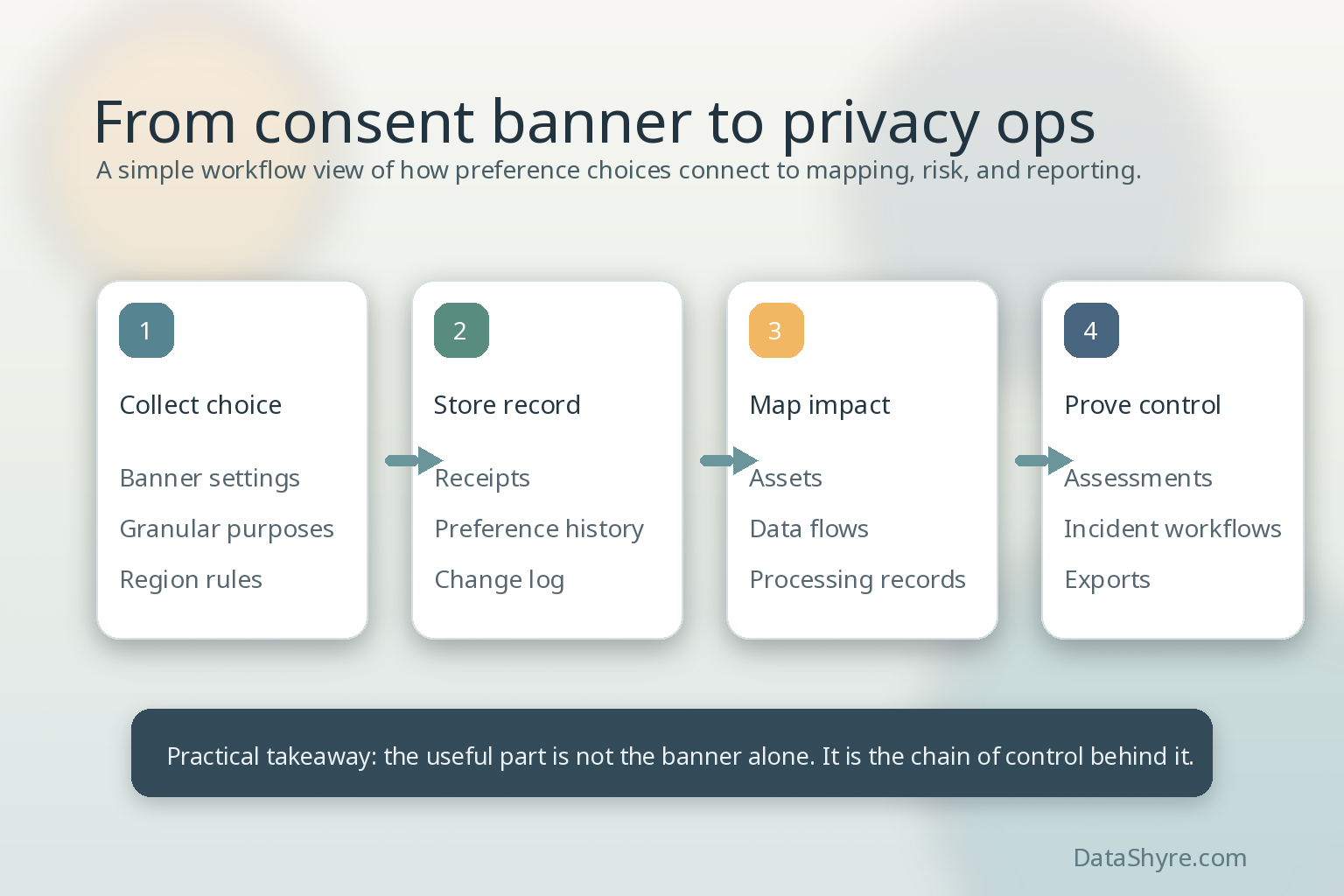
OneTrust’s Privacy Operations materials focus on asset detection, personal-data monitoring, data-flow mapping, records of processing, privacy impact assessments, and incident workflows. In plain English, the platform is trying to connect the banner promise on the front end to the operating evidence on the back end.
This is why the platform can make sense for larger programs. A consent decision becomes more useful when the same system also helps your team trace vendors, processing activities, and notice updates. If your current process still splits consent, data inventory, and assessments across separate tools and spreadsheets, this is the gap OneTrust is trying to close.
4. DSR automation when requests become operational work
OneTrust also positions its DSR automation product around request intake, identity verification, personal data discovery and deletion, redaction, and secure response. That may not be the first module a team buys, but it becomes relevant fast once privacy rights requests stop being occasional exceptions and start becoming an operating queue.
Where the platform tends to fit best
In practice, OneTrust looks strongest when a company has more than one privacy problem at the same time. A few common examples:
- multiple websites, brands, apps, or regions with different consent rules;
- a need to sync preferences into the martech stack instead of leaving them trapped in the banner;
- buyers, auditors, or regulators asking for receipts, logs, and change history;
- enough data sprawl that mapping, records of processing, and assessments are recurring work.
That last point is easy to underestimate. Carrefour’s Octavio Ponce said OneTrust helped create “consistency across all our websites and apps.” For a small site, that may sound like extra machinery. For a multi-brand team, that can be the job.
5 checks before you buy or expand
1. Decide whether you need a banner, a preference hub, or a program backbone
Some teams really just need a working CMP. Others need a central system of record for consent and preferences. Others are trying to clean up privacy operations more broadly. If you cannot name the problem clearly, the platform will feel bigger and pricier than it should.
2. Match integrations to your actual stack
OneTrust highlights integrations heavily, and for good reason. The value goes up when consent and preference changes can move into the systems you already use. Before buying, confirm the handoffs that matter most to you rather than assuming “integration” means full operational coverage.
3. Pressure-test the governance model
Someone still has to own categories, purposes, notice text, data mappings, and change control. A platform can centralize the work, but it does not remove the need for clear ownership.
4. Check what proof you can export
The operational value of an onetrust tool rollout shows up when someone asks for evidence. You want receipts, logs, change history, and reporting that can survive a regulator question or enterprise security review without turning into a manual scramble.
5. Verify the live experience, not just the admin screens
A polished setup screen does not prove that trackers are blocked correctly or that preferences flow into downstream systems. That is why a practical QA pass still matters. Our website privacy checker is a useful companion if you want to test what the live site is actually doing.
Bottom line
The term sounds singular, but the real product is a stack of connected workflows. If you only need a basic banner, OneTrust may be more platform than you need. If you need consent capture, preference synchronization, data mapping, and privacy operations to stop living in separate silos, the platform starts to make more sense. The right call depends less on the logo and more on whether your privacy problem is local or systemic.
Sources
- OneTrust Consent Management Platform product page
- OneTrust Universal Consent and Preference Management product page
- OneTrust Privacy Operations product page
- OneTrust Data Subject Request Automation product page
- UK Information Commissioner’s Office