

CookieConsent in 2026: 7 Live Checks Before You Ship the Banner
If you are searching for cookieconsent on November 13, 2026, you are probably looking for the open-source CookieConsent library by Orest Bida, not a full privacy operations platform.
That distinction matters.
CookieConsent’s current docs show a capable front-end consent layer: configurable categories and services, script management, callbacks, revision prompts, Google Consent Mode examples, and a built-in consent state cookie. But a strong banner library is still not the same thing as proof, governance, data mapping, or an independent runtime audit.
If you want nearby context first, start with our guides to cookie bot, cookie banner, and website privacy checker. This page stays narrower. It is the cookieconsent implementation review I would run this week before putting the library on a production site.
If your team is comparing CookieConsent with fuller platforms such as Cookiebot or OneTrust, or you need help turning a banner into a defensible implementation, DataShyre can help with consent architecture, runtime privacy testing, and implementation cleanup. The gap is usually not getting a modal on screen. It is proving that the live site behaves the way the banner, policy, and tag configuration say it does.
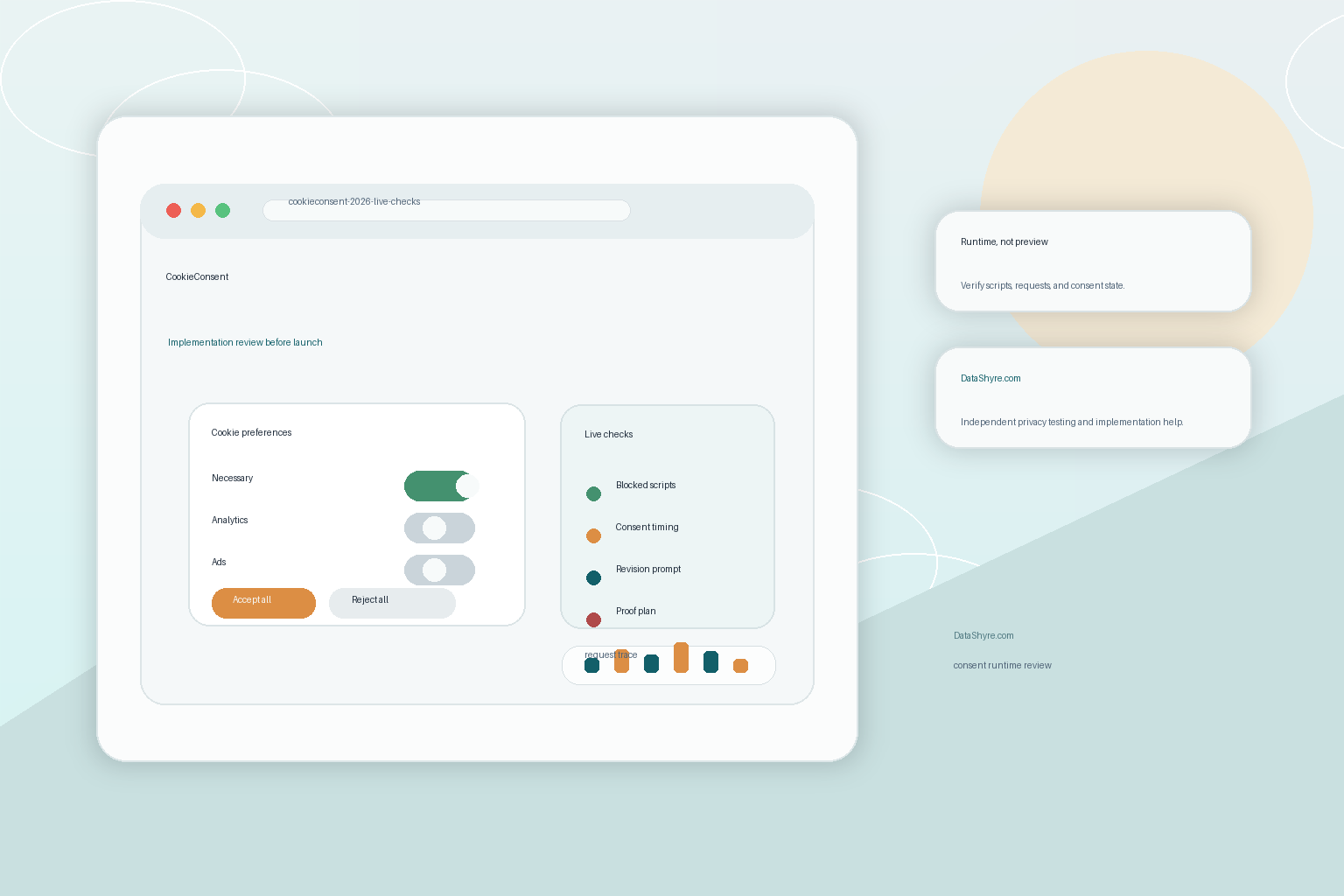
1. Start by defining what CookieConsent is responsible for
The official docs make CookieConsent look simple, which is mostly a good thing.
The library can:
- show a consent modal and preferences modal;
- define categories and services;
- block or enable scripts based on accepted categories;
- fire callbacks when consent is first given or later changed;
- re-prompt users after a policy change through the
revisionsetting.
That is a strong front-end feature set. But it does not automatically give you a legal analysis, a record retention policy, a vendor inventory, or a durable server-side audit trail.
So the first cookieconsent check is strategic:
- are you using it only as a banner and script-control layer;
- do you also need region logic, consent exports, or downstream workflow evidence;
- if you do, which parts are you building yourself and which parts belong in a broader privacy stack.
That framing stops a lot of later confusion.
2. Verify pre-consent blocking on the live page
This is the highest-value technical check.
CookieConsent’s script-management docs say it can manage scripts by intercepting tags marked with type="text/plain" and a data-category attribute. That is useful, but only if the live site actually routes optional scripts through that pattern.
Google’s current consent guide says the default consent command should run on every page “before any commands that send measurement data” such as config or event. If your stack includes Google tags, the runtime order matters as much as the banner UI.
So a real cookieconsent test should compare:
- first load before any choice;
- reject all;
- accept all;
- later preference changes.
Then inspect what actually fired:
- external scripts;
- third-party requests;
- analytics cookies;
- advertising or personalization calls.
If optional scripts still run before consent, the nicest banner copy in the world does not save the implementation.
3. Model categories and services like controls, not labels
One reason CookieConsent is attractive is that it gives teams more structure than a bare banner snippet.
The docs currently support categories and also more granular services inside those categories. That is useful because many websites do not just have analytics in the abstract. They have Google Analytics, Meta Pixel, Hotjar, YouTube embeds, A/B testing tools, and custom scripts that all behave differently.
That means the best cookieconsent setup is usually not:
- necessary;
- analytics;
- ads;
- done.
It is:
- categories that match the policy and the user-facing explanation;
- service-level mapping where the extra detail matters;
- clear cleanup behavior for cookies that should be erased on rejection or withdrawal.
If your categories are vague, your runtime gets vague too. And if the privacy notice is more specific than the banner configuration, that mismatch becomes a testing problem fast.
4. Use revision prompts when the policy or vendor mix changes
This is a quietly important feature.
CookieConsent’s configuration reference includes a revision setting that asks users for consent again after a relevant change. That is exactly the kind of control teams forget until a new vendor, new purpose, or new banner language appears in production.
I would treat the cookieconsent revision feature as part of release hygiene:
- bump it when the category logic materially changes;
- bump it when you add a new tracking purpose or vendor family;
- make sure the new wording is accurate before you prompt again;
- test that the old consent state is not treated as silently good enough.
That is not just a software-version issue. It is how you keep the consent story connected to the current site behavior.
5. Test Google Consent Mode timing instead of assuming the example is enough
CookieConsent’s docs include a Google Consent Mode example, which is helpful.
But helpful examples are not proof.
Google’s own guidance still says the default consent command belongs on every page before measurement commands send data. So the operational question is whether your actual implementation does that under real page-load conditions, framework hydration, tag-manager sequencing, and later preference changes.
For a serious cookieconsent review, I would verify:
- denied defaults on a clean first visit when that is the intended setup;
- the exact update event after acceptance;
- whether the update lands before analytics or ad commands fire;
- what happens after a later withdrawal.
That is also where DataShyre can help if the team wants an independent implementation check. CookieConsent can be a perfectly reasonable front-end choice, but the signal chain still has to work across GTM, embedded tags, and framework code.
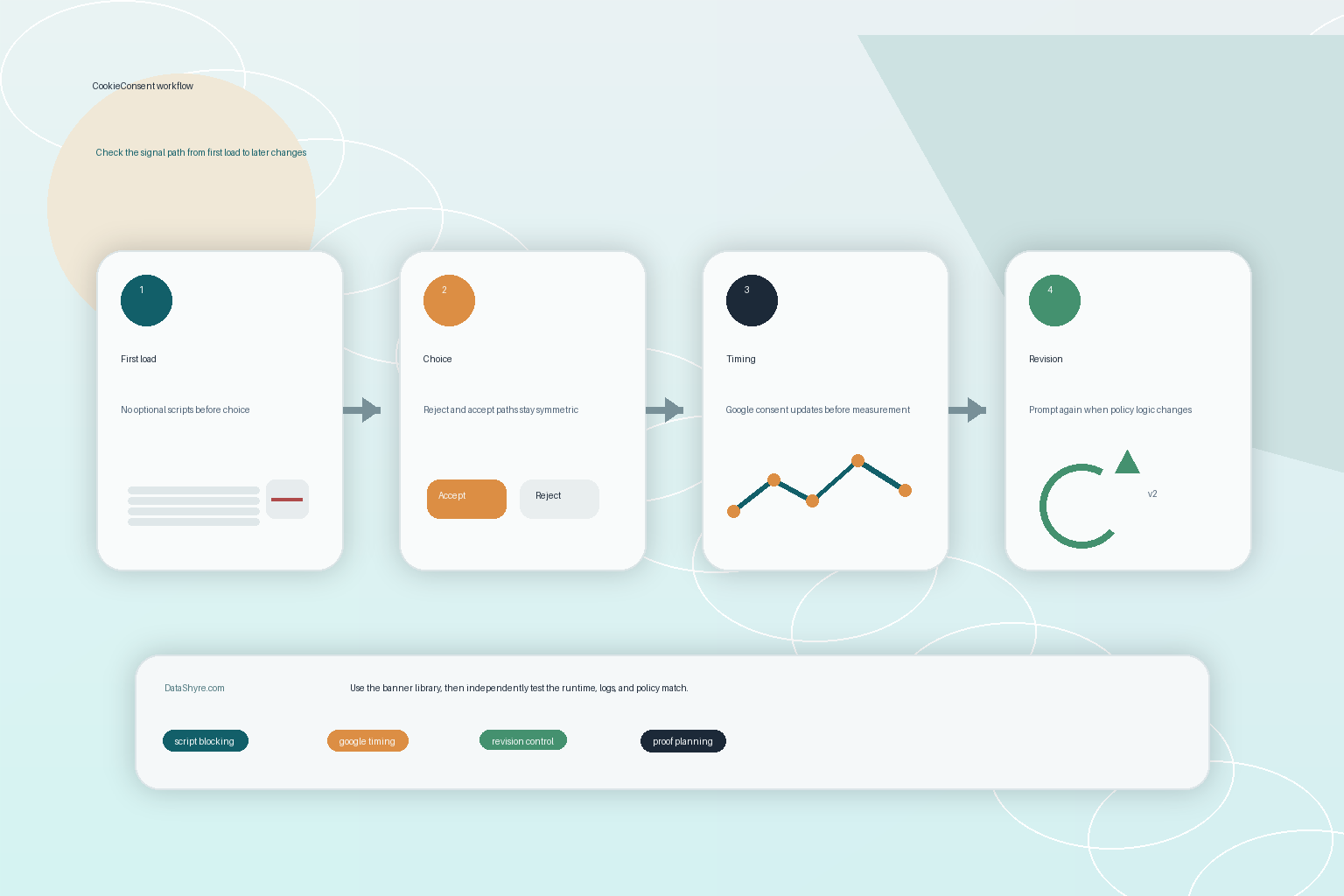
6. Treat consent storage and audit proof as separate questions
CookieConsent’s current configuration reference says the library’s consent state is stored in a cookie named cc_cookie by default, with optional localStorage storage. Its API reference also shows that getCookie() can expose fields such as categories, revision, consent ID, timestamps, language code, and accepted services.
That is useful client-side state.
It is not automatically the same thing as durable evidence for your legal or privacy operations team.
This is an inference from the official docs: CookieConsent gives you the browser-side consent state and hooks to react to it, but if you need long-term exports, centralized logs, versioned evidence, or complaint-ready retrieval, you still need to design that layer yourself or use a broader platform around it. The library does not become a privacy program just because the cc_cookie payload is well structured.
That is why the cookieconsent storage review should ask:
- what proof stays only in the browser;
- what proof is copied to systems you control;
- how long you need it;
- who can retrieve and explain it later.
7. Make refusal and later change just as easy as acceptance
The fairness check is still basic and still important.
The CNIL’s current cookie-banner enforcement messaging says “rejecting cookies should be just as easy as accepting them.” The ICO’s current PECR guidance also says consent is required unless the cookie is “strictly necessary to provide” the requested service.
Those two ideas produce a simple cookieconsent review:
- Is the reject path clear on the first layer?
- Is the preferences modal understandable on mobile?
- Can users reopen and change their choice later?
- Are only genuinely necessary items enabled without opt-in where that legal model applies?
The CookieConsent playground and docs make it easy to build a polished interface. That is helpful. But it also means teams can spend too much time on styling and not enough time on whether the choice architecture and runtime behavior are honest.
FAQ
Is CookieConsent a full CMP?
Not by itself. It is a capable consent banner and script-management library. Whether it functions like a fuller CMP depends on the surrounding implementation, evidence layer, and operational process.
Does CookieConsent block scripts automatically?
It can manage scripts when you route them through its expected pattern, including type="text/plain" plus category metadata, or when you drive behavior through callbacks and events. It is not magic if other scripts bypass that path.
Does CookieConsent provide an audit trail?
It provides a structured browser-side consent state, including a consent ID and timestamps in the documented API. If you need centralized or long-term proof, that requires additional design and testing beyond the library itself.
Bottom line
cookieconsent is one of the cleaner open-source choices for teams that want a customizable consent banner without buying a heavy platform first.
But the winning implementation in 2026 is not the one with the prettiest modal. It is the one that blocks optional scripts before consent, maps categories and services honestly, re-prompts after real changes, updates Google in the right order, stores evidence intentionally, and makes rejection as easy as acceptance.
If those layers are solid, CookieConsent can be a sensible front-end foundation. If they are weak, the modal is just good-looking theater.
Sources
- CookieConsent, home and docs: https://cookieconsent.orestbida.com/
- CookieConsent, configuration reference: https://cookieconsent.orestbida.com/reference/configuration-reference.html
- CookieConsent, API reference: https://cookieconsent.orestbida.com/reference/api-reference.html
- CookieConsent, manage scripts: https://cookieconsent.orestbida.com/advanced/manage-scripts.html
- CookieConsent, Google consent mode example: https://cookieconsent.orestbida.com/advanced/google-consent-mode.html
- CookieConsent Playground: https://playground.cookieconsent.orestbida.com/
- Google for Developers, Set up consent mode on websites: https://developers.google.com/tag-platform/security/guides/consent
- ICO, Cookies and similar technologies: https://ico.org.uk/for-organisations/direct-marketing-and-privacy-and-electronic-communications/guide-to-pecr/cookies-and-similar-technologies/
- CNIL, Dark Patterns in Cookie Banners: CNIL issues formal notice to website publishers: https://www.cnil.fr/en/dark-patterns-cookie-banners-cnil-issues-formal-notice-website-publishers