

Privacy Policy Page in 2026: 7 Checks Before You Publish One
If you are searching for a privacy policy page on November 9, 2026, the easy answer is publish a page, add it to the footer, and move on.
That is also how teams end up with a privacy page that exists, but does not really help users or protect the business.
A useful privacy policy page in 2026 has to do more than sound formal. It has to be easy to find, readable at the moment people need it, aligned with the actual forms and trackers on the site, and connected to working rights paths.
Official sources still point in that direction. California’s CCPA guidance says a business’s “notice at collection” must appear at or before collection and link to the privacy policy for a “fuller description” of practices and rights. The CPPA’s current materials say businesses subject to the CCPA must post the privacy policy through a link with the word “privacy” on the homepage and other webpages. The GDPR’s official text still requires privacy information to be provided in a concise, transparent, intelligible, and easily accessible form using “clear and plain language.” The ICO’s current guidance adds the practical operating rule: start with data mapping, use just-in-time notices where helpful, and update privacy information before using personal data for a new purpose.
If you want nearby context first, start with our guides to sample website privacy policy, website privacy checker, and website privacy policy generator. This page stays narrower. It is the privacy policy page review I would use this week before publishing or redesigning one on a live site.
If your team is trying to turn a generic privacy page into one that actually matches the systems behind it, DataShyre can help with data mapping, consent management, and DSR automation. The hard part is rarely creating the page. It is keeping the page, the forms, the trackers, and the request workflow aligned after the next release.
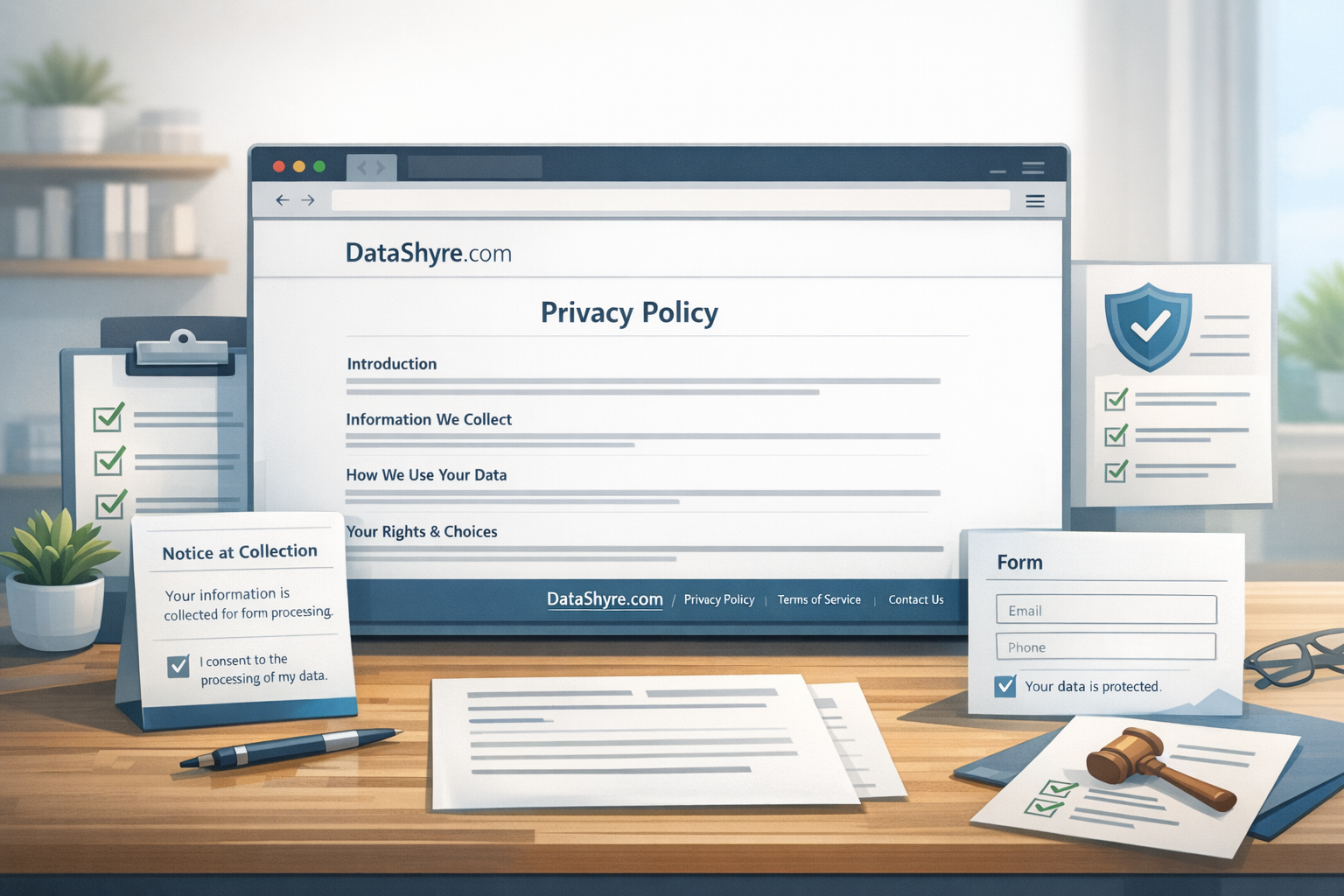
1. Make the privacy policy page easy to find before users have to hunt for it
The first privacy policy page failure is simple: the page exists, but people should not have to guess where it lives.
California’s Department of Justice says most businesses post the privacy policy on their websites and that the link can usually be found at the bottom of the homepage and other webpages. The CPPA’s FAQ says businesses subject to the CCPA are required to post the privacy policy through a link using the word privacy on their homepage and other webpages. California’s long-running online-privacy guidance under CalOPPA also still points to the same basic requirement: conspicuously post the privacy policy on the website.
That means a practical privacy policy page should be reachable from:
- the website footer;
- collection points such as contact, demo, signup, or checkout forms;
- account or settings areas where privacy choices or request paths matter;
- mobile navigation or app settings where the experience shifts away from the desktop footer.
If the page is technically published but functionally buried, the compliance value drops fast.
2. Treat the privacy policy page as the long-form layer, not the only notice
A weak privacy policy page usually tries to carry the whole transparency burden by itself.
That is not how current guidance reads.
California’s CCPA FAQ says the notice at collection must be provided at or before the point where personal information is collected and that the notice must link to the privacy policy for a fuller description. The ICO’s guidance on methods for providing privacy information says you should not necessarily restrict privacy information to a single page and gives the online-form example of a just-in-time notice shown when someone enters data.
So the better structure is:
- a fuller privacy policy page that explains the program;
- short, contextual notices where data is actually collected; and
- clean links between the short notice and the fuller page.
That is especially important for lead forms, newsletter signups, account creation, checkout, event registration, support intake, and any screen where the person is deciding whether to submit information right now.
3. Make the privacy policy page match the live site, not the draft you wish you had
This is where polished pages quietly become inaccurate.
The ICO’s drafting guidance starts in the right place: know what personal data you have and what you do with it before drafting privacy information. That is really a data-mapping instruction disguised as writing advice.
For a serious privacy policy page review, compare the page against the live collection map:
- forms and form fields;
- analytics and advertising tags;
- chat, scheduling, support, and CRM integrations;
- embedded video, map, or social tools;
- account, checkout, or onboarding flows;
- marketing automations and downstream vendors.
If that inventory is incomplete, the privacy policy page will probably under-describe the real website.
This is usually where DataShyre ends up helping. A privacy page becomes trustworthy when the site inventory, vendor map, consent behavior, and request paths have actually been checked, not when the wording simply sounds more polished.
4. Give cookies, tracking, and embedded tools their own honest section
Many teams still hide runtime tracking inside vague phrases like usage data or site functionality.
That is not enough when the site is actively using analytics, advertising tags, pixels, session-replay tools, embedded media, or external widgets.
WordPress’s plugin privacy handbook is useful here because it tells plugin developers to suggest privacy-policy text when their software collects, uses, stores, or passes user data to a third party. The reason is obvious: a lot of privacy-page gaps come from plugins and services that change what the site actually does.
So a stronger privacy policy page should explain:
- what cookies or similar technologies are used;
- what purposes they support;
- whether third parties receive information through them;
- how consent or opt-out controls affect them; and
- where people can review or change those settings later.
If this is the part your current page handles poorly, our guides to cookie policy and this website uses cookies are the more direct companion reads.
5. Write the privacy policy page for real users, not only lawyers and internal reviewers
This still matters more than a lot of teams admit.
Article 12 of the GDPR says privacy information should be concise, transparent, intelligible, easily accessible, and written in clear and plain language. The CPPA’s general-notices material makes the same practical point from California’s side: notices should be easy to understand, readable even on smaller screens, and reasonably accessible to consumers with disabilities.
That means a modern privacy policy page should be tested for:
- readable headings and section structure;
- plain wording instead of dense legal filler;
- mobile readability and sane spacing;
- usable links, contrast, and keyboard access;
- consistency between the page language and the labels used in forms, cookie settings, or account screens.
If the page only works for someone who already knows privacy vocabulary, the writing has missed the audience.
6. Connect the privacy policy page to real rights paths
This is where decorative compliance turns into operational compliance.
California’s CCPA guidance says the privacy policy must include information about consumers’ privacy rights and how to exercise them. The same guidance also tells consumers to check the privacy policy if they cannot find the business’s designated request methods. That means the rights section is not filler. It is supposed to help someone actually do something.
A practical privacy policy page should therefore tell users:
- which rights may apply;
- how to submit a request;
- whether there is a form, email path, account path, or preference center;
- where opt-out or cookie settings live;
- what to do if the first path does not work.
If the page promises deletion, access, correction, or opt-out rights, but the live workflow is confusing or broken, the problem is bigger than the page.
7. Re-review the privacy policy page whenever the site changes in a privacy-relevant way
The biggest long-term privacy policy page risk is drift.
The ICO says privacy information should be kept under review and updated before you start using personal data for a new purpose. WordPress’s privacy-settings documentation makes the platform side of the same point: the helper can create a page and suggest text, but it remains the site’s responsibility to keep the information current and accurate.
That means the right review trigger is not only once a year.
It is also:
- a new form or collection flow launches;
- a new tracker, pixel, SDK, or embed is added;
- a new vendor starts receiving data;
- the cookie banner or preferences flow changes;
- the rights-request process changes;
- the site redesign moves or renames the privacy policy page link.
That is how a privacy page stays connected to the real environment instead of becoming a forgotten footer artifact.
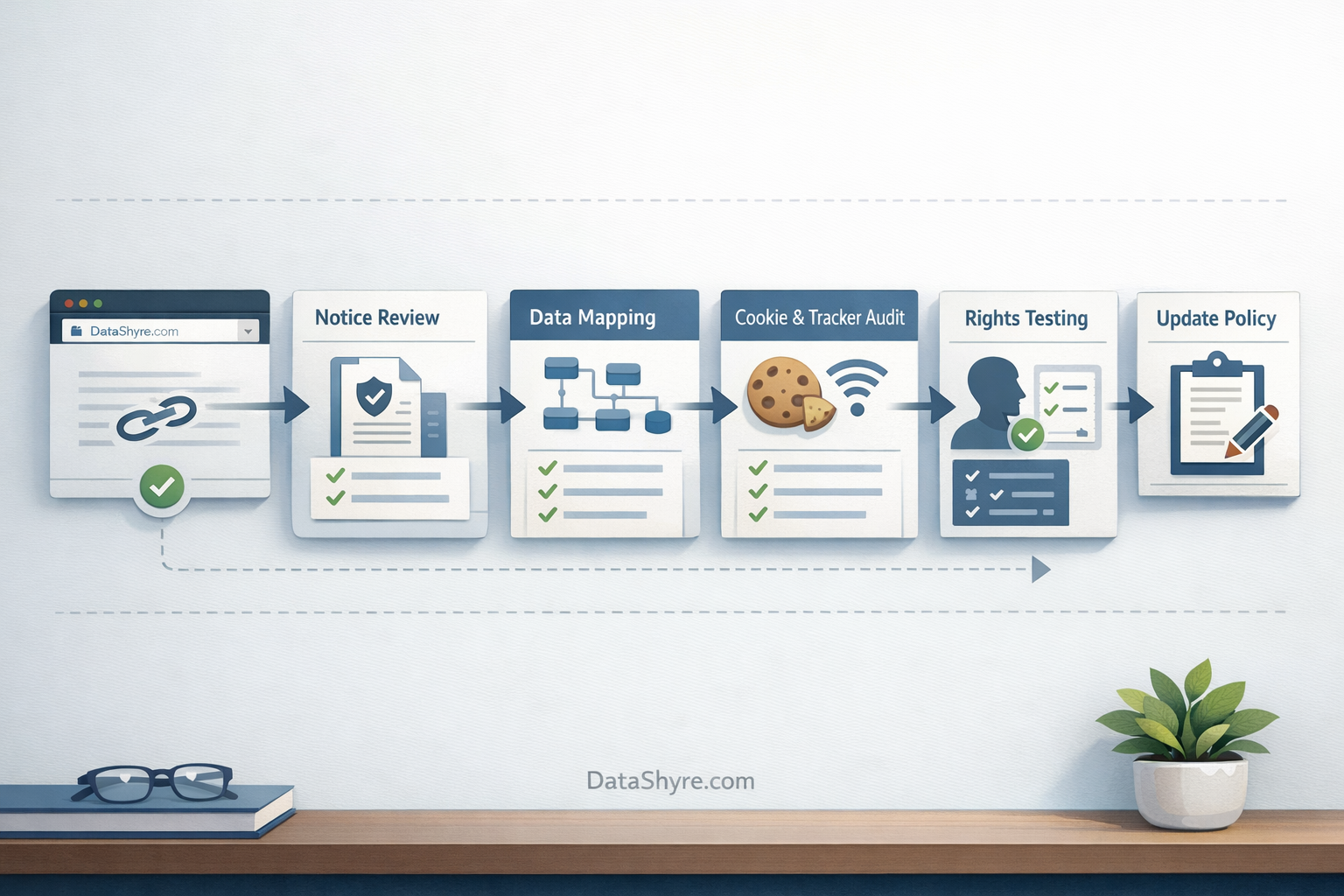
A practical 7-step review for this week
If I were reviewing a privacy policy page this week, I would use this order:
- make sure the page is conspicuous and reachable from homepage, key webpages, and collection points;
- check that point-of-collection notices link into the fuller page;
- compare the page against the live data map, forms, tags, and vendors;
- isolate cookies, tracking, and embedded tools into a clearer disclosure section;
- test readability, accessibility, and mobile presentation;
- test the rights and opt-out paths the page describes;
- tie site changes to a required privacy-page review.
That sequence will usually tell you more than another round of copy polishing.
FAQ
Is a privacy policy page enough on its own?
No. The privacy policy page is the fuller explanation, not the only notice. Many sites also need just-in-time disclosures at the point of collection, plus cookie or preference controls that users can reach when they need them.
Where should the privacy policy page link appear?
At minimum, it should be easy to find from the homepage and other key webpages, and it should also be reachable from the places where people actually provide personal information. For WordPress sites, the platform can also show the privacy-policy page on login and registration screens, but site owners still need broader coverage.
How often should a privacy policy page be updated?
At least whenever privacy-relevant site behavior changes. Annual review may be a minimum checkpoint, but a new form, vendor, tracker, purpose, or request path is usually the more important trigger.
Bottom line
The best privacy policy page in 2026 is not the one with the most polished legal tone.
It is the one people can actually find, read, compare against the live site, and use when they want to understand or exercise their privacy choices.
Sources
- California Department of Justice, California Consumer Privacy Act (CCPA): https://oag.ca.gov/privacy/ccpa
- California Department of Justice, How to Read a Privacy Policy: https://oag.ca.gov/privacy/facts/online-privacy/privacy-policy
- California Privacy Protection Agency, FAQs: https://cppa.ca.gov/faq.html
- California Privacy Protection Agency, What General Notices Are Required by the CCPA?: https://cppa.ca.gov/pdf/general_notices.pdf
- EUR-Lex, Regulation (EU) 2016/679, Article 12: https://eur-lex.europa.eu/legal-content/EN/TXT/?uri=CELEX:32016R0679
- ICO, How should we draft our privacy information?: https://ico.org.uk/for-organisations/uk-gdpr-guidance-and-resources/individual-rights/the-right-to-be-informed/how-should-we-draft-our-privacy-information/
- ICO, What methods can we use to provide privacy information?: https://ico.org.uk/for-organisations/uk-gdpr-guidance-and-resources/individual-rights/the-right-to-be-informed/what-methods-can-we-use-to-provide-privacy-information/
- WordPress.org Documentation, Settings Privacy screen: https://wordpress.org/documentation/article/settings-privacy-screen/
- Developer.WordPress.org, Suggesting text for the site privacy policy: https://developer.wordpress.org/plugins/privacy/suggesting-text-for-the-site-privacy-policy/