

WordPress ADA Compliance in 2026: 7 Live Checks Before You Call It Done
If you are searching for wordpress ada compliance on November 11, 2026, the easiest wrong move is treating it like a plugin install, a footer statement, or an overlay purchase.
That is not what the current official guidance supports.
ADA.gov still says businesses open to the public must provide “full and equal enjoyment” of their goods and services, and its web accessibility guidance still says existing technical standards provide “helpful guidance” even though there is not one detailed DOJ technical rule for business websites. For state and local governments, the picture is more specific: the DOJ’s April 20, 2026 interim final rule extended the Title II web and mobile accessibility compliance dates to April 26, 2027 for public entities with populations of 50,000 or more and April 26, 2028 for smaller public entities and special district governments. WordPress’s own accessibility coding standards also still say code in the WordPress ecosystem is “expected to conform to the Web Content Accessibility Guidelines (WCAG), version 2.2, at level AA.”
That is why the practical wordpress ada compliance question in 2026 is not did we add an accessibility thing. It is can real people complete the important journeys on the real site with a keyboard, with zoom, with assistive tech, and without guessing.
If you want nearby context first, start with our guides to web accessibility, wordpress accessibility plugin, and accessibility widget. This page stays focused on wordpress ada compliance as a live operating review, especially on the pages where users navigate, submit forms, manage consent, and try to reach support.
If your team is trying to turn wordpress ada compliance from vague intent into a tested release process, DataShyre can help with implementation reviews, website privacy checker, and consent-flow testing that looks at what people actually experience in production. The expensive failures usually happen in the gap between the policy claim and the live interface.
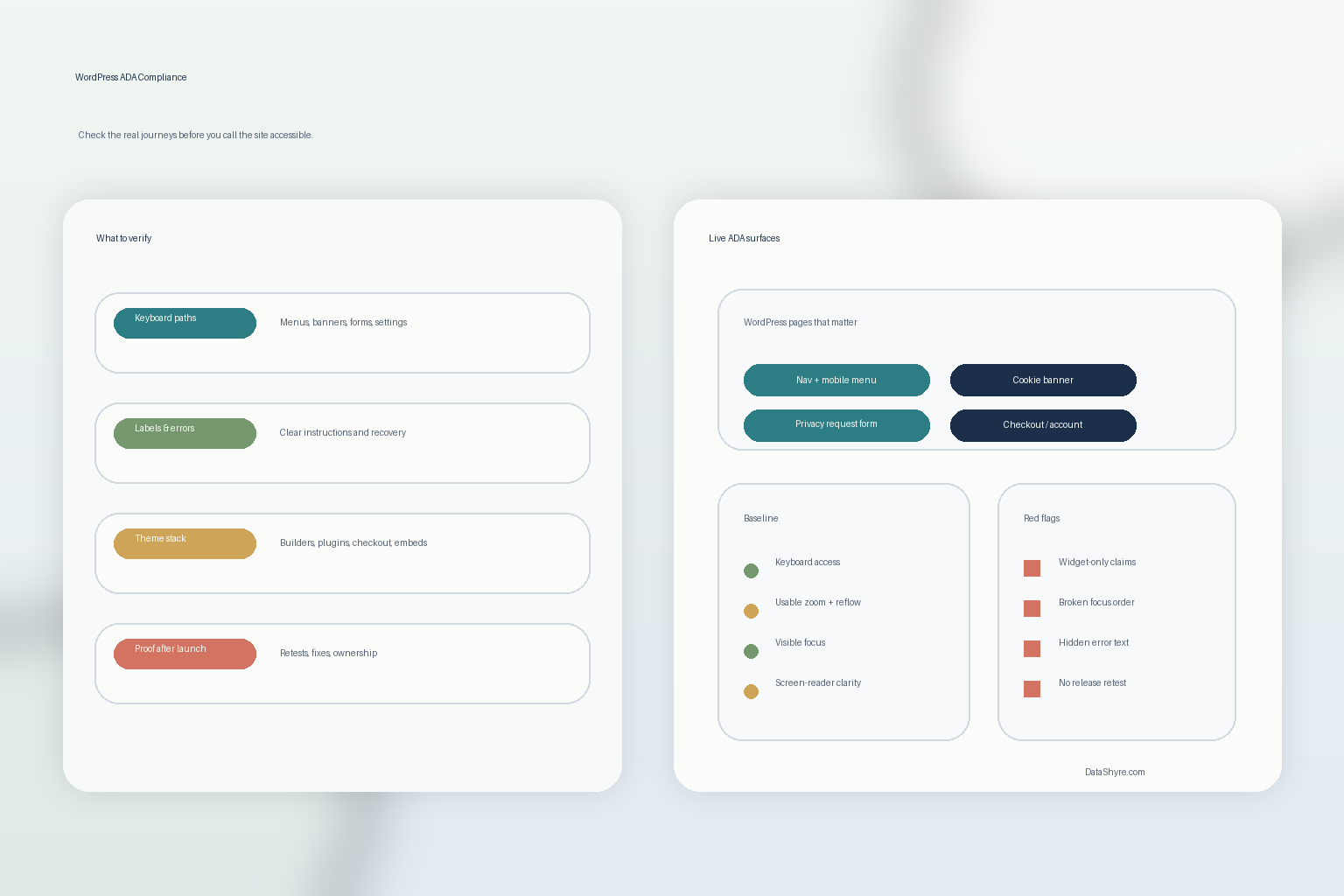
1. Start with the journeys that actually matter
The first wordpress ada compliance mistake is auditing only the homepage and one polished landing page.
That is not how users experience the site, and it is not how risk shows up.
A more useful review starts with the journeys that carry the most friction:
- opening the menu and moving through navigation;
- searching or finding a support path;
- submitting a lead, contact, booking, or support form;
- rejecting or customizing a cookie banner;
- opening a privacy or account settings panel; and
- logging in, checking out, or resetting a password if those flows exist.
If those paths break, the site is not in a good place just because a brochure page looks clean.
2. Judge the whole page, not a badge, toolbar, or isolated component
WCAG 2.2 is especially helpful here because conformance applies to “full web page(s) only.”
That matters on WordPress because teams often audit one component in isolation:
the overlay, the plugin panel, the page builder module, the menu, or the form widget.
But wordpress ada compliance is a whole-page and whole-process question. The menu, the consent layer, the form, the inline errors, the footer links, the modal dialog, and the mobile layout all have to work together.
This is also why I do not trust claims built around one floating badge. A toolbar may offer useful adjustments for some people, but it does not excuse broken heading structure, missing labels, hidden focus, or a consent flow that traps keyboard users.
3. Test keyboard access first on the live WordPress stack
WCAG 2.2 still says: “Make all functionality available from a keyboard.”
For wordpress ada compliance, that is one of the fastest and most practical checks you can run.
Test whether a person can:
- open and close menus;
- move through dropdowns and dialogs;
- reject or customize the cookie banner;
- reach and submit required forms;
- recover from validation errors; and
- get to privacy, accessibility, or contact pages without a mouse.
This is where WordPress sites often fail in boring but consequential ways:
- page builder sections that skip focus;
- modal dialogs that do not trap or restore focus properly;
- sticky elements that cover active controls;
- consent tools that look fine visually but are awkward by keyboard; and
- third-party widgets that create new traps on top of the page.
If a user cannot reach the same controls everyone else gets, the interface is not doing its job.
4. Review forms like accessibility and compliance surfaces at the same time
ADA.gov’s guidance still points to accessible forms as a core requirement. Labels, instructions, and clear error handling are not nice extras. They are part of whether a person can complete the task at all.
This matters even more on WordPress because forms often sit at the center of both lead capture and compliance work.
A serious wordpress ada compliance check should verify whether:
- each field has a meaningful label;
- required fields are identified clearly;
- error messages explain what went wrong and how to fix it;
- focus moves to the right place after validation fails;
- CAPTCHA or anti-spam controls have an accessible route; and
- consent text, privacy links, and submit actions are understandable at the moment of collection.
That is also where accessibility and privacy become the same operational problem. A person cannot exercise a privacy right through a form they cannot actually understand or submit.
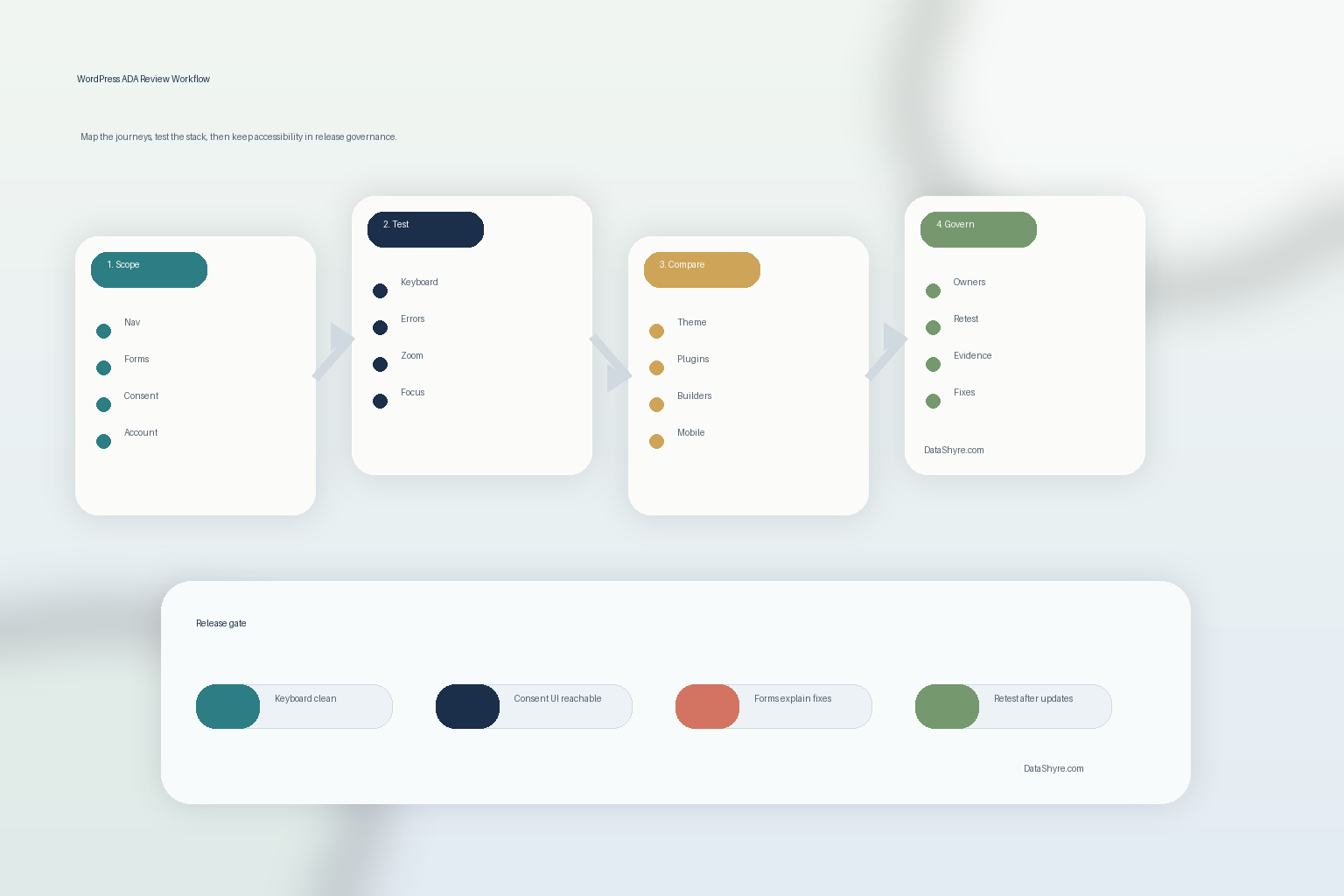
5. Compare the theme, builder, and plugin stack against the claim
WordPress rarely runs as a simple theme plus text.
A wordpress ada compliance review usually has to pass through:
- the active theme;
- the page builder if one is installed;
- form plugins;
- ecommerce or account plugins;
- consent or privacy tools;
- embedded media; and
- custom scripts or chat layers.
This is one reason WordPress’s own coding standards matter. They frame accessibility as a property of the code and interface, not as a last-minute statement page.
So the practical review is not does this plugin say it is accessible. It is does this stack still behave accessibly after the theme, builder, forms, embeds, and consent layers all load together.
That is where good intentions usually meet the real bugs.
6. Test zoom, mobile reflow, and visible focus instead of assuming responsive means accessible
Many wordpress ada compliance issues hide on smaller screens or at higher zoom levels.
Test whether the live site still works when people:
- zoom the browser;
- rotate a phone;
- tab through a sticky header;
- open the consent layer over a form;
- trigger inline errors on mobile; and
- move into account, booking, or checkout screens.
WordPress themes can look responsive in the design sense and still fail in the accessibility sense. Text can overlap, buttons can disappear behind sticky bars, dialogs can become impossible to close, and visible focus can vanish against custom styling.
That is why wordpress ada compliance should be judged in motion, not from static screenshots.
7. Turn accessibility into release governance, not a one-time remediation sprint
The durable answer is not a one-time audit and not a plugin badge.
It is a release process.
That means a practical wordpress ada compliance program should be able to show:
- which user journeys are in scope;
- what testing was done across keyboard, zoom, mobile, and assistive tech;
- which issues were fixed in code;
- which plugins or builders create recurring regressions;
- who owns retesting after updates; and
- how users can report problems.
For public entities, the Title II dates above make that discipline time-bound. For businesses, the legal details may be less prescriptive technically, but the operational lesson is the same: accessibility claims are only credible when they survive live testing and repeated changes.
A practical 7-step WordPress ADA review for this week
If I were reviewing wordpress ada compliance today, I would use this order:
- list the highest-risk user journeys on the real site;
- test those journeys on the full page, not isolated widgets;
- run keyboard-only review across menus, consent UI, and forms;
- verify labels, instructions, and error recovery in live forms;
- compare the active theme, builder, and plugin stack against the accessibility claim;
- re-test on mobile, zoomed layouts, and visible-focus states; and
- save evidence and ownership so the next release does not quietly undo the work.
That order tells you far more than a plugin marketplace rating or a badge ever will.
FAQ
Does WordPress ADA compliance mean I only need one plugin?
No. A plugin may help with some remediation, testing, or authoring support, but it does not replace accessible theme code, usable forms, tested consent flows, and ongoing review.
Do cookie banners and privacy forms belong in an ADA review?
Yes. They are often some of the most interaction-heavy parts of the site. If a user cannot reject tracking, change preferences, or submit a rights request with a keyboard or screen reader, the site has both accessibility and compliance risk.
Is WCAG still the practical benchmark for WordPress work?
Yes. The DOJ’s business guidance points to technical standards as helpful guidance, the Title II rule for state and local governments uses WCAG 2.1 Level A and AA, and WordPress’s own coding standards currently point to WCAG 2.2 Level AA for code in the WordPress ecosystem.
Bottom line
The best way to think about wordpress ada compliance in 2026 is not as a declaration.
It is a living check on whether the real WordPress site works for real people on the journeys that matter most.
If the menu works but the form fails, if the homepage passes but the cookie banner traps focus, or if the badge is present but the checkout breaks at zoom, the job is not done.
Sources
- ADA.gov, Guidance on Web Accessibility and the ADA: https://www.ada.gov/resources/web-guidance/
- ADA.gov, Accessibility of Web Content and Mobile Apps Provided by State and Local Government Entities: A Small Entity Compliance Guide: https://www.ada.gov/resources/small-entity-compliance-guide/
- Department of Justice, Interim Final Rule extending Title II compliance dates, effective April 20, 2026: https://www.ada.gov/assets/pdfs/2026-ifr.pdf
- W3C, WCAG 2 Overview and publication history: https://www.w3.org/WAI/standards-guidelines/wcag/
- W3C, Web Content Accessibility Guidelines (WCAG) 2.2: https://www.w3.org/TR/WCAG22/
- WordPress Developer Resources, Accessibility Coding Standards: https://developer.wordpress.org/coding-standards/wordpress-coding-standards/accessibility/