

California Privacy Law Requirements in 2026: 7 Checks Businesses Should Audit Now
Most teams asking about california privacy law requirements are not looking for a law-school outline. They want to know what a business actually has to show, route, honor, and document now that California enforcement keeps moving from theory to operations.
If you need the broader landscape first, our guides to California consumer privacy, California web privacy law, and California privacy law delete data are the best companion reads. This article stays tighter: seven checks that usually tell you whether your program is real or just dressed like one.
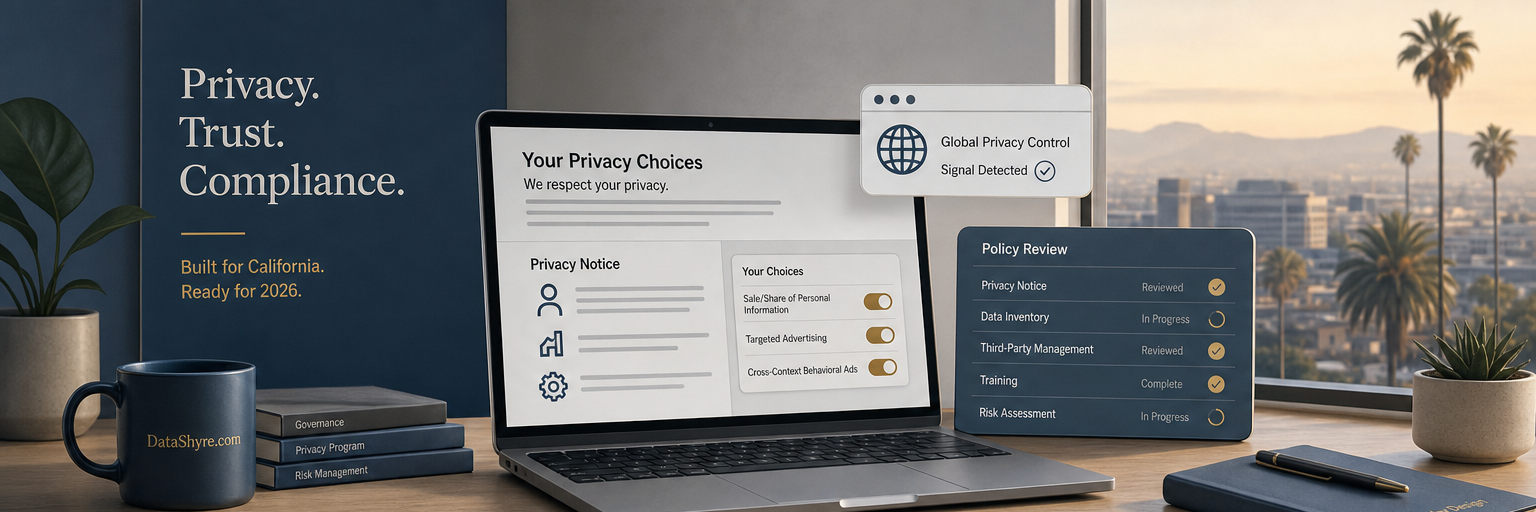
California privacy law requirements start with scope, not banners
Before you touch the website, confirm whether the CCPA applies. California’s current threshold guidance says a for-profit business is covered if it meets any one of three tests: annual gross revenue of at least $26.625 million, buying, selling, or sharing the personal information of 100,000 or more California residents or households, or deriving 50% or more of annual revenue from selling or sharing Californians’ personal information.
That matters because a lot of companies still treat California compliance as a cookie-banner project. It is broader than that. The state expects notices, rights workflows, vendor controls, and proof that what your site says matches what your systems do.
1. Confirm whether your business is in scope
This sounds basic, but it is where bad assumptions start. Finance, ad-tech, support, and data teams often have different answers about whether the business buys, sells, or shares personal information at the threshold level. If nobody has mapped that question recently, your compliance position is already softer than it looks.
For business readers, the practical move is simple: record the threshold you meet, who signed off on it, and which products or brands are in that scope memo. That gives the rest of your privacy work a defensible starting point.
2. Fix the notice at collection before the data arrives
One of the clearest california privacy law requirements is timing. The CPPA says notice at collection must appear at or before the point where personal information is collected. It also has to say which categories you collect, the purposes for using them, whether the information is sold or shared, how long you plan to retain each category, and where the consumer can find the privacy policy.
That means the old habit of hiding detail in a long privacy policy is not enough. If the form, checkout flow, app screen, or ad-driven landing page collects information first and explains later, the order is wrong.
3. Treat the privacy policy like an operating document
California expects the privacy policy to do more than satisfy the footer. It should explain the categories collected, sources, disclosures, rights, and how consumers can exercise those rights. It also needs to stay current enough to match the way the business actually collects and uses data.
This is where california privacy law requirements usually get exposed. Marketing launches a new tool, product adds a new field, support starts recording a new category of personal data, and the policy quietly drifts out of sync. If you only review the policy during annual legal cleanup, you are probably behind.
4. Make opt-out work across the whole experience
California’s opt-out rules are not satisfied by a hard-to-find webform or a cookie toggle that only changes one narrow setting. The California DOJ says businesses that sell or share personal information must honor Global Privacy Control as a valid request. In September 2025, Attorney General Rob Bonta said Californians have the right to “take back control of their personal data.” That line matters because the state keeps enforcing the operational version of that promise.
The Disney settlement in February 2026 is a good example. California alleged Disney failed to fully effectuate opt-out requests across devices and services tied to the same account. The Sling TV settlement in October 2025 pushed the same idea from another angle: you cannot send people into a maze of extra steps and call that a rights mechanism.
If your business sells or shares data, test the opt-out as a user would. Then test it as an auditor would. Does it stop the sale or sharing everywhere it should, or only in the narrow place where the user clicked?
5. Build rights workflows that support the timelines
The rights list is familiar by now: know, delete, correct, opt out, limit certain sensitive-personal-information uses, and avoid discrimination for exercising rights. The harder part is timing and routing. California guidance says businesses generally must confirm requests within 10 business days and respond within 45 calendar days, with one extra extension when the law allows it.
That is why inbox-driven privacy programs break down. A rights workflow has to identify the request type, verify the consumer or agent, route the task to the right system owners, and log what happened. Tom Kemp’s recent enforcement messaging about making rights exercise “as easy as possible” is a useful gut check. If the process only works when a specialist intervenes, it is not really operational yet.
6. Clean up dark patterns and vendor gaps
The CPPA’s 2024 advisory on dark patterns should be required reading for product and growth teams. Michael Macko, the agency’s deputy enforcement director, said it plainly: “Dark patterns aren’t about intent, they’re about effect.” That is a sharper standard than many teams still use internally.
In practice, this means reviewing more than the banner. Look at request forms, settings pages, account deletions, opt-out confirmations, and any consent or preference UI that nudges users toward the business’s preferred answer. Then look downstream. California settlements have repeatedly shown that disclosures mean little if a vendor, SDK, or ad stack keeps sending data without the required protections or ignores the user’s choice.
The Healthline settlement from July 2025 is the warning here. California alleged the publisher failed to allow users to opt out of targeted advertising and shared sensitive health-related data with third parties without the required privacy protections. That should make any publisher, retailer, or app operator re-check what their third-party tools are really doing.
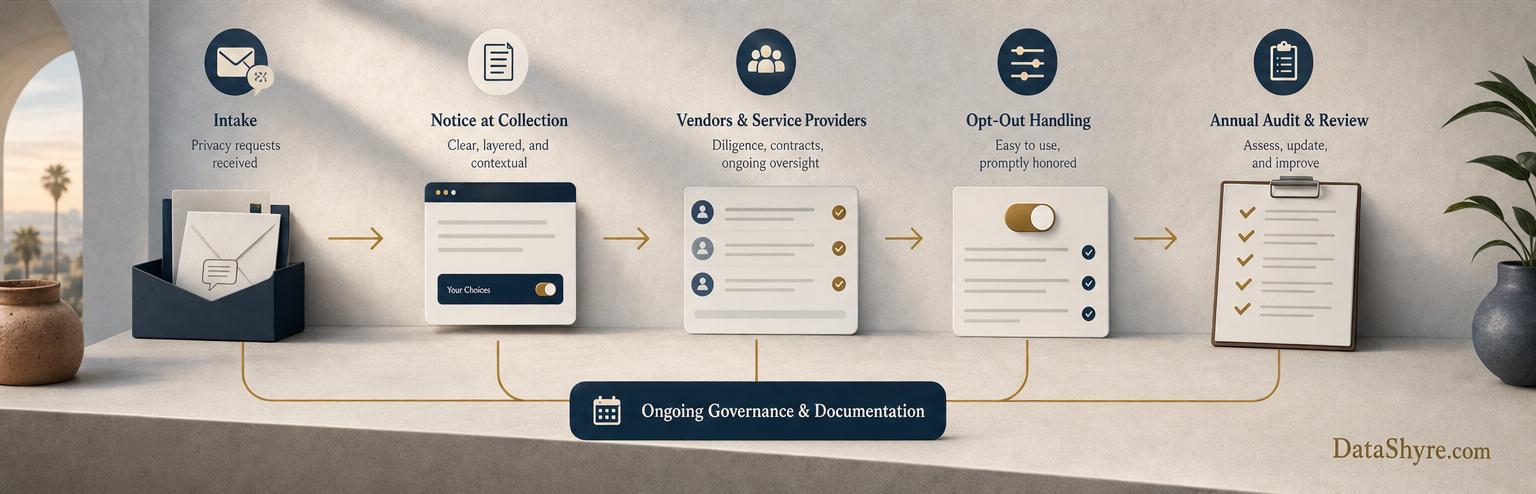
7. Check whether the newer 2026 rules apply to you
The newest part of the picture is easy to miss. The CPPA’s updated regulations covering CCPA updates, cybersecurity audits, risk assessments, and automated decisionmaking technology took effect on January 1, 2026. Not every business will have the same obligations here, but larger or higher-risk programs should not assume the old notice-and-choice playbook is enough.
If your business relies on higher-risk processing, profiling, or broad operational use of personal information, review whether the January 2026 regulations pull you into audit, risk-assessment, or ADMT obligations. This is where the conversation starts shifting from basic disclosure toward program design, governance, and evidence.
A practical final test
The fastest way to assess california privacy law requirements is to ask one uncomfortable question: if a regulator looked at your notice, your rights intake, your opt-out mechanics, your vendors, and one live enforcement log this week, would those pieces tell the same story?
If the answer is no, start with the gap that affects user choice first. California’s recent pattern is pretty consistent. The state is less interested in polished language than in whether consumers can actually understand what is happening and make a choice that sticks.
Sources
- California Privacy Protection Agency FAQ
- California Department of Justice CCPA page
- California Department of Justice Global Privacy Control page
- CPPA notice guidance on general notices
- CPPA enforcement advisory on dark patterns
- CPPA regulations page and 2026 updates page
- California Attorney General enforcement releases on Healthline, Sling TV, and Disney