

Website Privacy Checker: 9 Tests to Run Before Regulators or Buyers Do in 2026
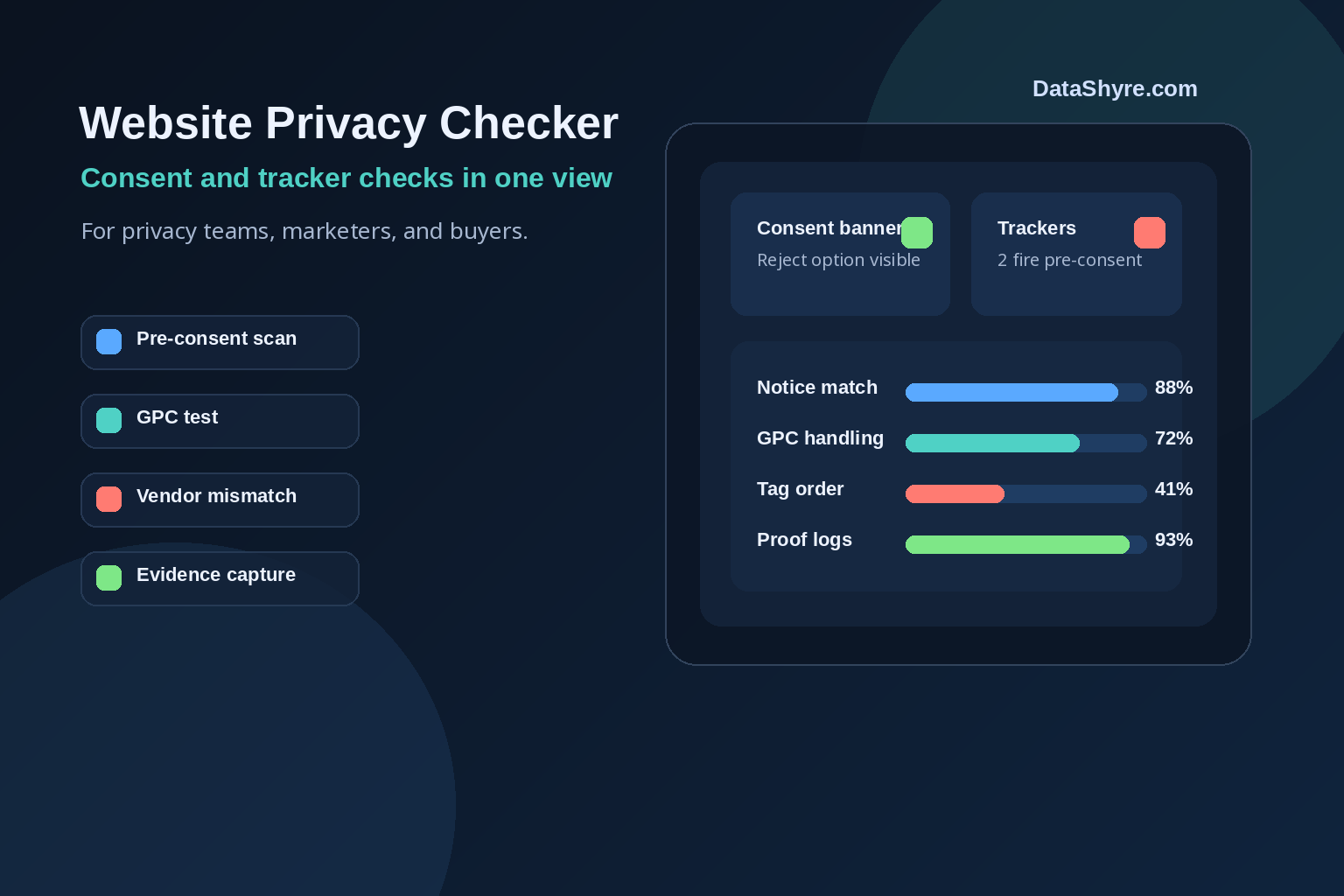
A website privacy checker is only useful if it catches the things that create real exposure: tags firing before consent, a banner that says “reject” but still leaks data, a privacy notice that does not match the scripts on the page, or an opt-out flow that breaks the minute a user switches devices.
That matters more in 2026 because the rulebook is clearer than it was a year ago. The European Commission’s consent guidance still sets the baseline for valid consent: it must be freely given, informed, specific, and easy to withdraw. The UK’s ICO then sharpened the technical side on April 29, 2026, when it finalized guidance covering not just cookies, but also tracking pixels, device fingerprinting, scripts, and tags. In France, the CNIL’s cookie rules still require prior consent for certain trackers, with narrow exceptions.
So if you are evaluating a scanner, building an internal audit, or preparing for diligence, here is what a modern privacy scan should actually test.
What a website privacy checker should verify first
Start with behavior, not policy text. Regulators care whether the site does what it says. Buyers and security reviewers do too.
If you need banner basics first, our cookie consent guide covers the operating model. If your privacy notice may be out of sync with reality, this GDPR compliant privacy notice checklist is the right companion.
1. Does anything non-essential fire before choice?
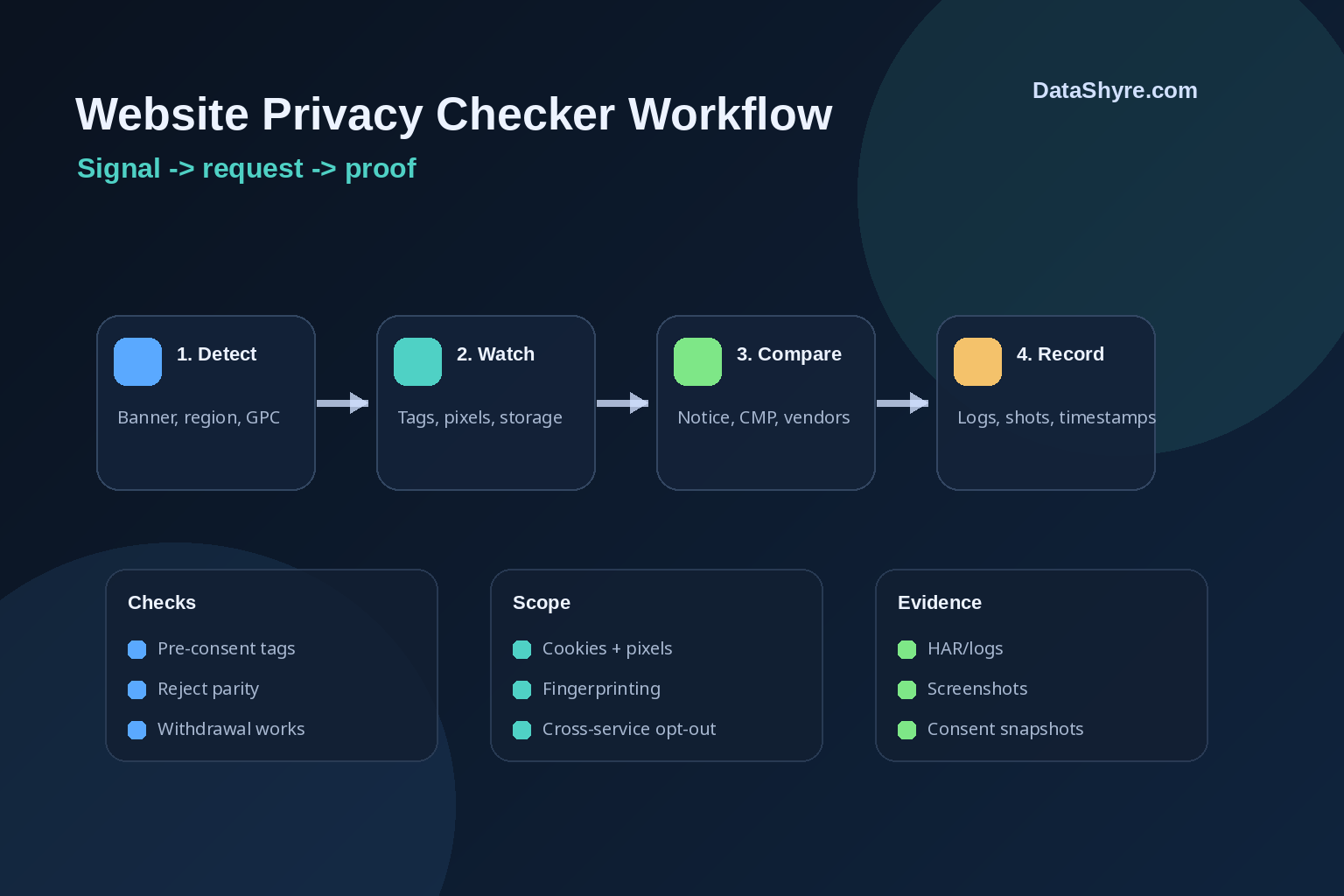
This is the first test because it is the fastest way to spot fake compliance. A good checker loads the page cold, watches the network, and tells you whether analytics, ad, personalization, or social tags fire before the user acts.
That test lines up with current official guidance. Google’s consent mode documentation says teams should set a default consent state before any measurement activity and update it after the user makes a choice. In Google’s current documentation, basic consent mode means no data is sent before consent. If your banner appears compliant but GA4, Ads, Meta, or another vendor starts calling home on page load, you have a problem.
2. Is reject as real and as easy as accept?
A banner can look polished and still fail this test. Your checker should confirm that the first layer gives users a practical way to refuse non-essential tracking and that the refusal changes what loads.
When the ICO published its final 2026 storage and access technologies guidance, Executive Director William Malcolm said people should have “meaningful control over how their data is used.” That is a better benchmark than whether the banner merely exists.
3. Does the scan cover more than cookies?
This is where many tools fall short. The ICO’s 2026 guidance explicitly reaches tracking pixels, fingerprinting, scripts, and tags, not just classic browser cookies. CNIL guidance takes the same broad view of “cookies and other trackers.”
In other words, website privacy checker should be read broadly. If a tool only inventories cookie names and ignores pixels, third-party JavaScript, local storage, or device-level identifiers, it is giving you a partial answer.
4. Does your privacy notice match the page?
Most privacy problems are not dramatic. They are mismatches. The banner says one thing, the notice lists another, and the page actually runs something else.
A solid checker should compare detected vendors and purposes against your CMP categories, privacy notice disclosures, and tag manager configuration. If Hotjar, LinkedIn Insight Tag, or a second analytics tool is present but not disclosed, you want to know before a regulator, enterprise prospect, or procurement team does.
5. Does it test Global Privacy Control and cross-service opt-outs?
For California-facing businesses, this is no longer optional. The California Attorney General’s GPC guidance says a user-enabled global privacy control is a valid request to stop the sale or sharing of personal information for covered businesses.
That means a checker should do more than click your footer link. It should test whether a GPC signal changes downstream behavior and whether the opt-out flows across the properties connected to the same account or identity graph. In California’s February 11, 2026 Disney settlement, Attorney General Rob Bonta said businesses cannot force people to “go device-by-device or service-by-service” to opt out. That is exactly the kind of failure a modern audit should catch.
If California is part of your scope, our California consumer privacy guide gives the broader operating view.
6. Can users change their minds later?
Valid consent is not a one-time pop-up event. The European Commission is clear that withdrawal must be possible and explained. Your checker should look for a persistent preferences entry point, test whether revocation actually updates tags, and confirm that the experience works after the first pageview.
A surprising number of sites pass the front-door test and fail here.
7. Does the site behave correctly by region?
Many companies run different privacy logic for the EU, UK, California, and the rest of the world. That can be reasonable. It can also break quietly.
A good audit checks region-based defaults, banner display logic, and whether the same page behaves differently for the right reasons. It should also flag when a region-specific rule accidentally suppresses controls where they are required.
8. Can you prove what happened?
A privacy review without evidence turns into a debate. A useful checker keeps artifacts: screenshots, request logs, tag traces, CMP states, and timestamps. That is what helps legal, engineering, and procurement teams work from the same facts.
This is also where scanner output becomes more valuable in diligence. A buyer rarely wants a promise that things are probably fine. They want proof.
9. Do you rerun the check after every meaningful change?
The quiet truth about privacy compliance is that it drifts. Marketing adds a new pixel. Product launches a new localization flow. A vendor template changes. Consent mode gets updated. Nobody intends to break anything, but pages change fast.
So the best website privacy checker is not a one-off spreadsheet exercise. It is part of release QA for pages, tags, CMP templates, and privacy-copy changes.
The practical standard in 2026
The floor is higher now. EU and UK guidance is more explicit on valid consent and pre-consent tracking. California is clearer on GPC and effective opt-out. Google is clearer on how consent state should be wired into tags.
That leaves very little room for privacy theater.
If you are choosing a tool or building your own audit, prioritize one that checks real page behavior, captures evidence, and tests how consent and opt-out signals move through the stack. That is what turns a privacy review from a design exercise into an operational control.
Sources
- European Commission: When is consent valid?
- ICO: Final storage and access technologies guidance published
- ICO: What are storage and access technologies?
- CNIL: Les règles à suivre pour les cookies
- Google for Developers: Set up consent mode on websites
- California Attorney General: Global Privacy Control (GPC)
- California Attorney General: Disney CCPA settlement announcement