

Cookie Bar Generator in 2026: 7 Checks Before You Embed One
If you are searching for a cookie bar generator on November 18, 2026, the expensive mistake is assuming the tool only needs to produce a decent-looking banner.
It does not.
A serious cookie bar generator has to help you control what loads before consent, explain what each purpose means, make refusal just as easy as acceptance, and keep the site honest when tags, vendors, or purposes change later.
The official sources still point in the same direction. The ICO’s current guidance says you must obtain prior consent for non-exempt storage and access technologies, and that a consent mechanism must make it “as easy to refuse consent as it is to accept.” It also says silence or inactivity does not count because consent needs a positive action before non-essential technologies are set. The French regulator CNIL said again on December 12, 2024 that rejecting cookies should be “just as easy as accepting them” and called out misleading banner design. At the legal baseline, Article 5(3) of the ePrivacy Directive still requires “clear and comprehensive information” and a right to refuse, except where storage or access is strictly necessary for the service the user requested. And the Court of Justice of the European Union held in Planet49 that a “pre-checked checkbox” does not produce valid cookie consent.
If you want nearby context first, start with our guides to cookie banner, cookie policy generator, and cookie compliance solution. This page stays narrower. It is the cookie bar generator review I would use this week before embedding one on a production site.
If your team wants more than a widget and needs the controls to line up with tags, vendors, and proofs in production, DataShyre can help with consent management, data mapping, and implementation support across the real stack. The hard part is rarely drawing the bar. The hard part is making the runtime behave.
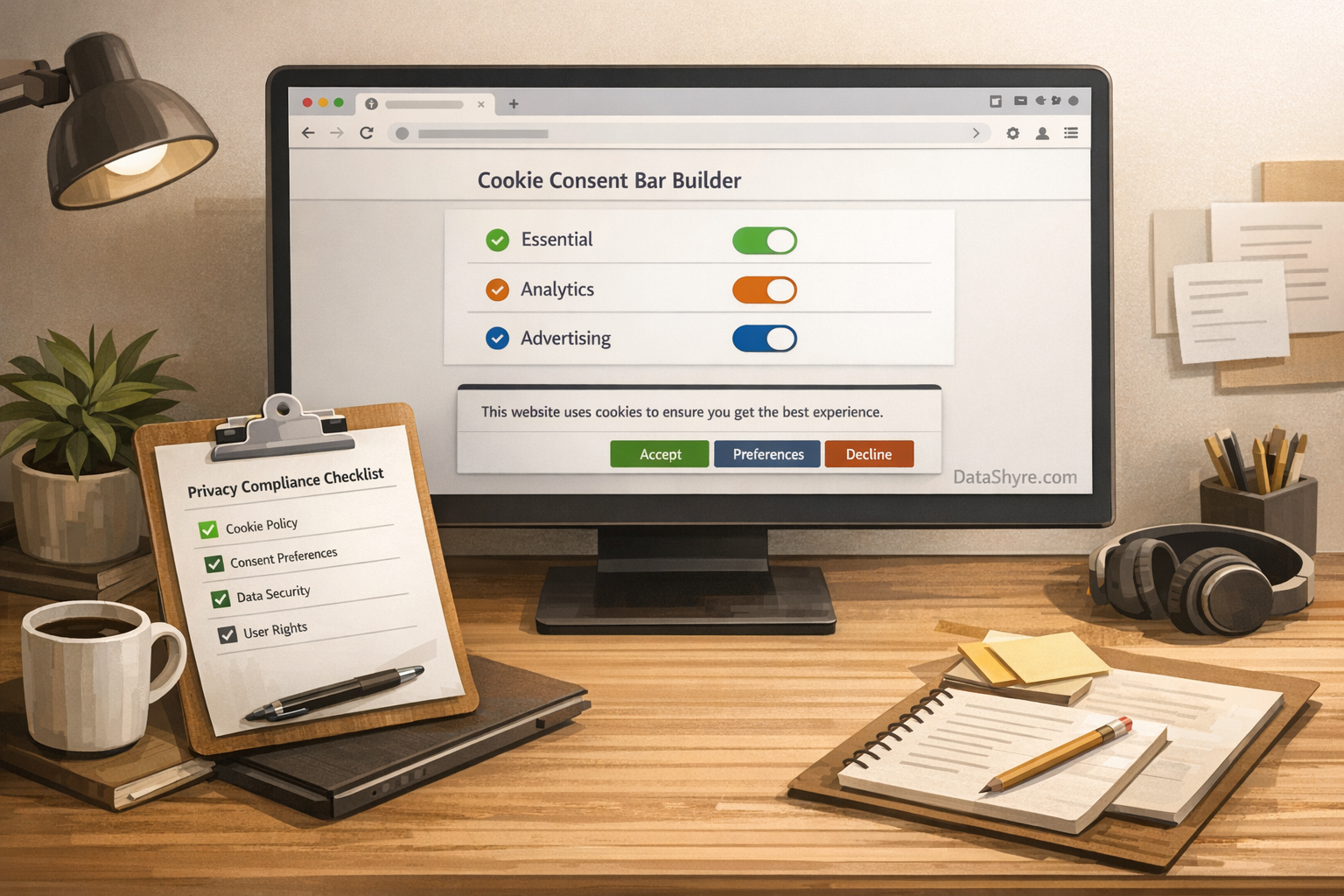
1. Start with purposes, not colors and copy
The first cookie bar generator mistake is shopping by layout before you know what the site is trying to do.
That gets the order backwards.
Before a tool can ask for valid consent, you need to know:
- which technologies are strictly necessary;
- which ones support analytics;
- which ones support advertising, personalization, or social features;
- which third parties receive information;
- which pages or templates fire each technology.
The ICO’s current guidance is helpful here because it frames the exceptions as purpose-specific. A preference cookie that remembers a language choice may fit the exception in one context. An analytics or advertising tag usually will not.
So the first real cookie bar generator check is not whether the bar looks polished. It is whether the purpose model behind it is accurate enough to govern what your site actually loads.
2. Confirm it blocks non-essential technologies before consent
This is the line between a real consent mechanism and decoration.
The ICO says you must obtain prior consent for non-exempt storage and access technologies, and its examples explicitly say you cannot treat silence, inactivity, or continued browsing as opt-in. A cookie bar generator that loads analytics, advertising, or embedded third-party technologies before a user acts is not fixing the problem. It is styling the problem.
That means you should test the real site, not only the admin panel:
- homepage;
- landing pages;
- blog templates;
- checkout or sign-up flows;
- pages with embedded video, maps, chat, or schedulers.
If optional tags still fire on first load, the cookie bar generator is not doing the one job that matters most.
3. Make reject as easy as accept on the first layer
This is where a lot of banners fail in practice.
The ICO says it must be as easy to refuse consent as to accept it. CNIL said the same thing again in its December 2024 dark-pattern notice and gave concrete examples of misleading designs, including banners that emphasized acceptance through font, color, placement, or repeated accept buttons.
A reliable cookie bar generator should make the first layer simple:
Accept all;Reject all;Customize.
Those choices should be equally visible on desktop and mobile. If the reject path is hidden as a small text link, buried in long copy, or pushed to a second screen while accept sits in a bright button, you are increasing friction exactly where regulators are already looking.
4. Check for granular purpose controls and honest labels
The next cookie bar generator test is whether the tool can express different purposes clearly instead of collapsing everything into one vague choice.
The ICO’s current consent guidance says users need control over all non-exempt technologies and that consent requests should stay specific to the purpose. Its practical examples show category-level controls such as analytics, social media tracking, and advertising.
So inspect whether the generator can support:
- plain-language category names;
- short explanations of what each category does;
- default-off controls for non-essential purposes;
- per-purpose saving without forcing all-or-nothing consent;
- category text that matches the vendors actually in use.
If the interface says personalization but that really covers advertising, retargeting, and third-party enrichment, the issue is no longer only UI quality. It becomes a disclosure problem too.
5. Make the banner and the disclosures tell the same story
Article 5(3) of the ePrivacy Directive still requires clear and comprehensive information about the purposes of the processing, and the ICO says people should understand what they are agreeing to and what choices they have.
That means the cookie bar generator cannot be evaluated in isolation from the policy and vendor layer.
Check whether the live setup tells a consistent story about:
- the purposes in the banner;
- the named or grouped third parties involved;
- whether embedded features set or access information on the device;
- where users can read fuller detail;
- what actually happens when a category is rejected.
If your banner says analytics only but a tag manager also triggers ad pixels or social plugins, the mismatch is what users and regulators will care about.
6. Make withdrawal easy and available from every page
A cookie bar generator is not finished once the first choice is stored.
The ICO says users must be able to withdraw consent with the same ease that they gave it. CNIL’s FAQ recommends a clearly visible way to manage or withdraw consent at any time, such as a persistent link like manage my cookies or a cookie settings icon available across the site.
That is the practical test:
- can a visitor reopen the choices without hunting for the footer;
- can they reject later in one short path;
- does the site stop optional technologies after withdrawal;
- does the preference center still work on mobile;
- is the mechanism obvious on all major templates.
If changing a choice is materially harder than giving it, the mechanism is weaker than it looks.
7. Re-check when purposes, vendors, or tags change
The safest-looking cookie bar generator can still drift out of compliance after the next release.
The ICO’s live guidance says you must obtain fresh consent if you introduce new technologies for a different purpose or add new third parties that the original consent did not cover. That matters because most sites change faster than the consent layer does.
The common failure path is familiar:
- marketing adds a new pixel or social plugin;
- a new embed starts setting third-party technologies;
- a tag manager container changes;
- a vendor changes categories or behavior;
- the banner text stays frozen while the runtime changes.
This is why a cookie bar generator should be part of a release-review habit, not a one-time project.
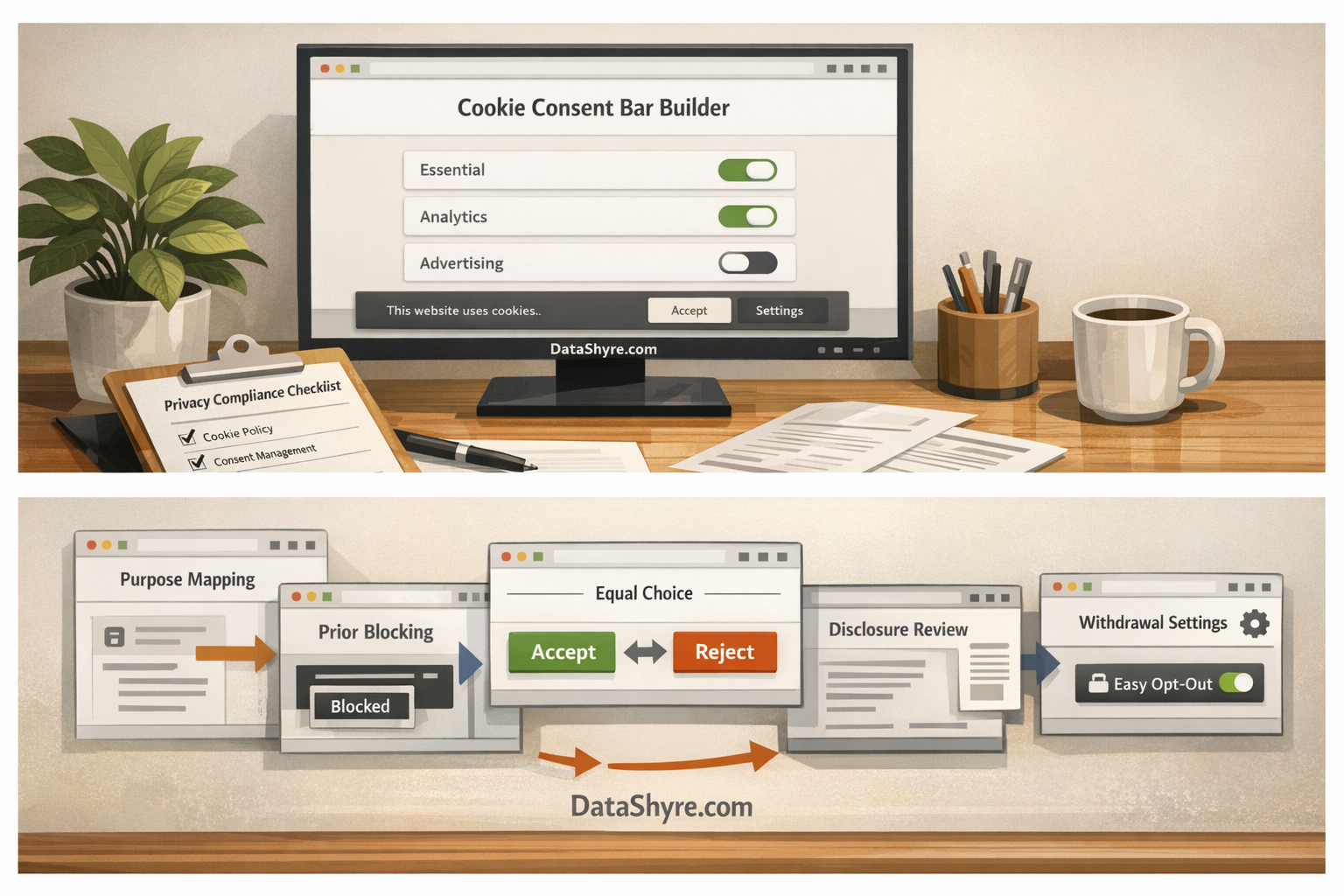
A practical cookie bar generator shortlist for this week
If I were reviewing a cookie bar generator today, I would use this order:
- verify the purpose model and the strictly necessary boundary;
- test whether non-essential technologies are blocked before consent;
- compare
accept,reject, andcustomizeprominence on mobile and desktop; - inspect category labels and default states;
- compare banner text against the real vendor and tag stack;
- test reopening and withdrawal from any page;
- re-run the checks after new tags, embeds, or vendors are introduced.
That process tells you much more than a feature page ever will.
FAQ
Is a cookie bar generator the same as a full CMP?
Not always. Some tools mainly generate the interface. Others also handle categorization, prior blocking, proof, and integrations. The live behavior matters more than the label.
Can I rely on a banner that uses pre-checked options?
No. The Planet49 ruling made clear that a pre-checked checkbox does not create valid consent for cookies.
Do I need a visible way to change cookie choices later?
Yes. Current regulator guidance expects people to be able to withdraw consent easily, not only to give it once.
Bottom line
The best cookie bar generator in 2026 is not the one with the nicest preview.
It is the one that helps your site collect valid consent before optional technologies load, makes refusal as easy as acceptance, explains each purpose honestly, and stays aligned when the stack changes.
If the banner looks clean but the runtime still leaks optional tags, the generator did not solve your problem.
It just made the problem prettier.
Sources
- ICO, Cookies and similar technologies: https://ico.org.uk/for-organisations/direct-marketing-and-privacy-and-electronic-communications/guide-to-pecr/cookies-and-similar-technologies/
- ICO, How do we manage consent in practice?: https://ico.org.uk/for-organisations/direct-marketing-and-privacy-and-electronic-communications/guidance-on-the-use-of-storage-and-access-technologies/how-do-we-manage-consent-in-practice/
- CNIL, Dark Patterns in Cookie Banners: CNIL issues formal notice to website publishers, December 12, 2024: https://www.cnil.fr/en/dark-patterns-cookie-banners-cnil-issues-formal-notice-website-publishers
- CNIL, Questions-réponses sur les lignes directrices modificatives et la recommandation « cookies et autres traceurs »: https://www.cnil.fr/fr/cookies-et-autres-traceurs/regles/cookies/FAQ
- EUR-Lex, Directive 2002/58/EC Article 5(3): https://eur-lex.europa.eu/eli/dir/2002/58/art_5/par_3/oj/eng
- EUR-Lex, Planet49 (C-673/17) summary: https://eur-lex.europa.eu/legal-content/en/SUM/?uri=CELEX:62017CJ0673